
Every week, a legal team spends hours on research: finding the right case law, checking whether a statute has changed, comparing rules across jurisdictions, and making sure every citation in a memo still holds up. More and more lawyers, however, are discovering that artificial intelligence can take a big part of that work off their hands.
Not all tools are the same, though. That’s why, over the last few months, I put more than 30 artificial intelligence tools to the test on the same research questions that a legal department or a firm deals with every week.
In this guide, you’ll find the 8 that earned a spot in the ranking, ordered from the best AI for legal research for most teams down to the more specialized tools, the ones you only need for one specific job. For each one, I tell you what it does well, where it stumbles, and who would be better off skipping it.
TL;DR: If your team already pays for Westlaw or LexisNexis, start with CoCounsel Legal or Lexis+ with Protégé, since they ground every answer in databases you already trust. If you want research inside a single all-in-one platform, my pick is Harvey. In any case, it’s a good idea to run finished documents through an AI fact checker like the one by GetSolved before they leave the firm.
How I Chose and Tested the Tools
To find the best AI legal research tools, I relied mainly on these criteria:
- Source coverage: which courts, statutes, regulations and secondary sources can the tool actually search?
- Citation checks: does it verify that the authorities it cites exist, say what it claims and are still good law?
- Traceability: can I open the full source behind every answer and find the exact passage?
- Security: certifications like SOC 2, data retention rules, and use (or not) of your files to train the models.
However, looking at the list, it’s clear that not all tools play the same role. Some are full research platforms built on huge legal databases, while others are less closely tied to the legal world but integrate useful tools like a source finder on their platform, which makes it even easier to check where a claim comes from. For this reason, the final score reflects more generally the usefulness these tools can have for a legal team’s research work.
The 8 Best AI Tools for Legal Research Compared
Before talking specifically about each tool, you can already compare them to one another in this table and then skip to the ones that interest you most.
| # | Tool | Best for | Standout research feature | My rating |
|---|---|---|---|---|
| 1 | CoCounsel Legal | Teams on Westlaw | Deep Research with verified citations | 4.8/5 |
| 2 | Lexis+ with Protégé | Teams on LexisNexis | Citation checks with Shepard’s Citation Agent | 4.7/5 |
| 3 | GetSolved AI Fact Checker | Final check before memos go out | Flags unsupported and outdated claims | 4.7/5 |
| 4 | Harvey | Large firms and enterprise legal teams | Knowledge for legal, regulatory and tax research | 4.6/5 |
| 5 | Bloomberg Law | Research alongside dockets and news | Deep Thinking for multi-step, cited research | 4.5/5 |
| 6 | Vincent by Clio | Research across states and countries | 50-state surveys and jurisdiction comparisons | 4.4/5 |
| 7 | Legora | Cross-border research tied to your documents | Answers linked to the source passages | 4.3/5 |
| 8 | Paxton | Solo lawyers and small firms | Published pricing and an AI Citator | 3.9/5 |
As you can already see, each has its strengths, making it suitable for a specific category.
1. CoCounsel Legal: The Best AI for Legal Research Overall
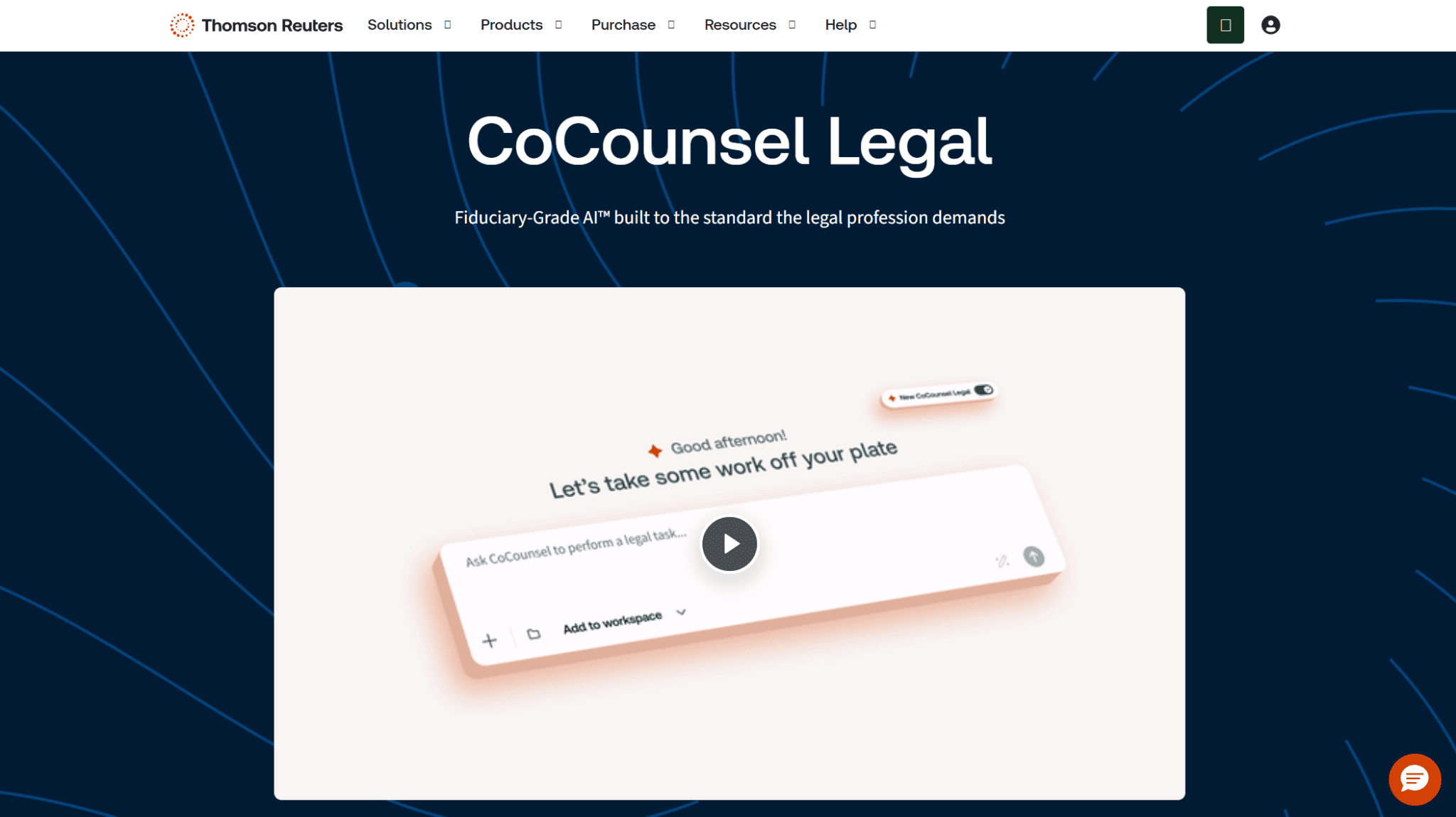
Let’s start with CoCounsel Legal, Thomson Reuters’ AI assistant and, in my opinion, the best AI for legal research if your team already lives inside Westlaw. Its biggest advantage is that it grounds every answer in Westlaw and Practical Law, so you aren’t relying on whatever a general chatbot happens to remember.
The adoption numbers speak for themselves: in February 2026, Thomson Reuters announced that CoCounsel had reached 1 million users in 107 countries and territories.
Among its main features are the following:
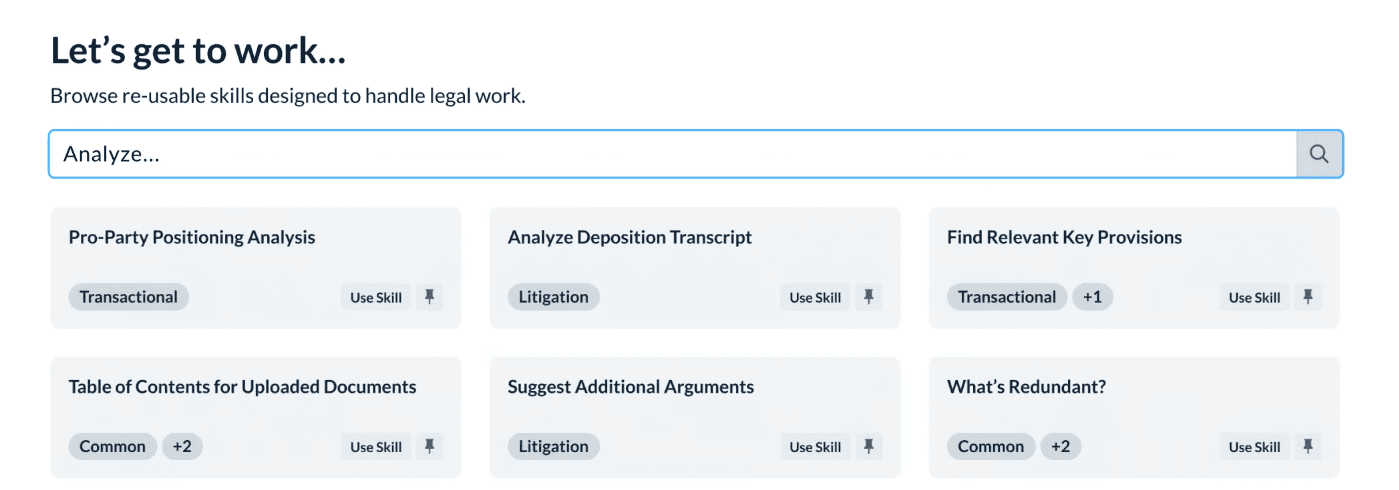
- Deep Research: it builds a research plan, pulls sources, delivers a structured work product in one pass, and also serves as a citation checker, verifying the authorities it cites.
- KeyCite: Westlaw’s citator, which shows you whether a case has been overturned or questioned before you rely on it.
- Bulk review: it answers up to 100 questions across as many as 10,000 documents at once, useful when your research starts from a large set of files.
- Practical Law: practical guidance and templates you can connect directly to your research.
The catch is simple: Thomson Reuters sells it in several packages, and if you don’t have a Westlaw subscription, you’ll be paying for half a product.
Rating: 4.8/5.
2. Lexis+ with Protégé: The Best Choice If You Already Use LexisNexis
Lexis+ with Protégé is LexisNexis’s counterpart to CoCounsel, and for teams on Lexis it’s just as strong. What I appreciate most is the Shepard’s Citation Agent, which checks that every legal reference in an answer matches a verifiable source in LexisNexis content before a wrong citation ends up in your draft. On top of that, Shepard’s Citation Service shows you how later courts have treated each authority.
Another interesting detail is its Best Fit mode, which picks the most effective model for each task from among models by OpenAI, Anthropic and Google. For you, in practice, this means you don’t need to know which model is behind an answer to get a good one. You can also upload your own documents and research directly against them.
Still, like with any work done with AI, it’s good to pass the final text through a hallucination detector before delivering it.
Rating: 4.7/5.
3. GetSolved AI Fact Checker: The Best for Checking Your Research Before Sending
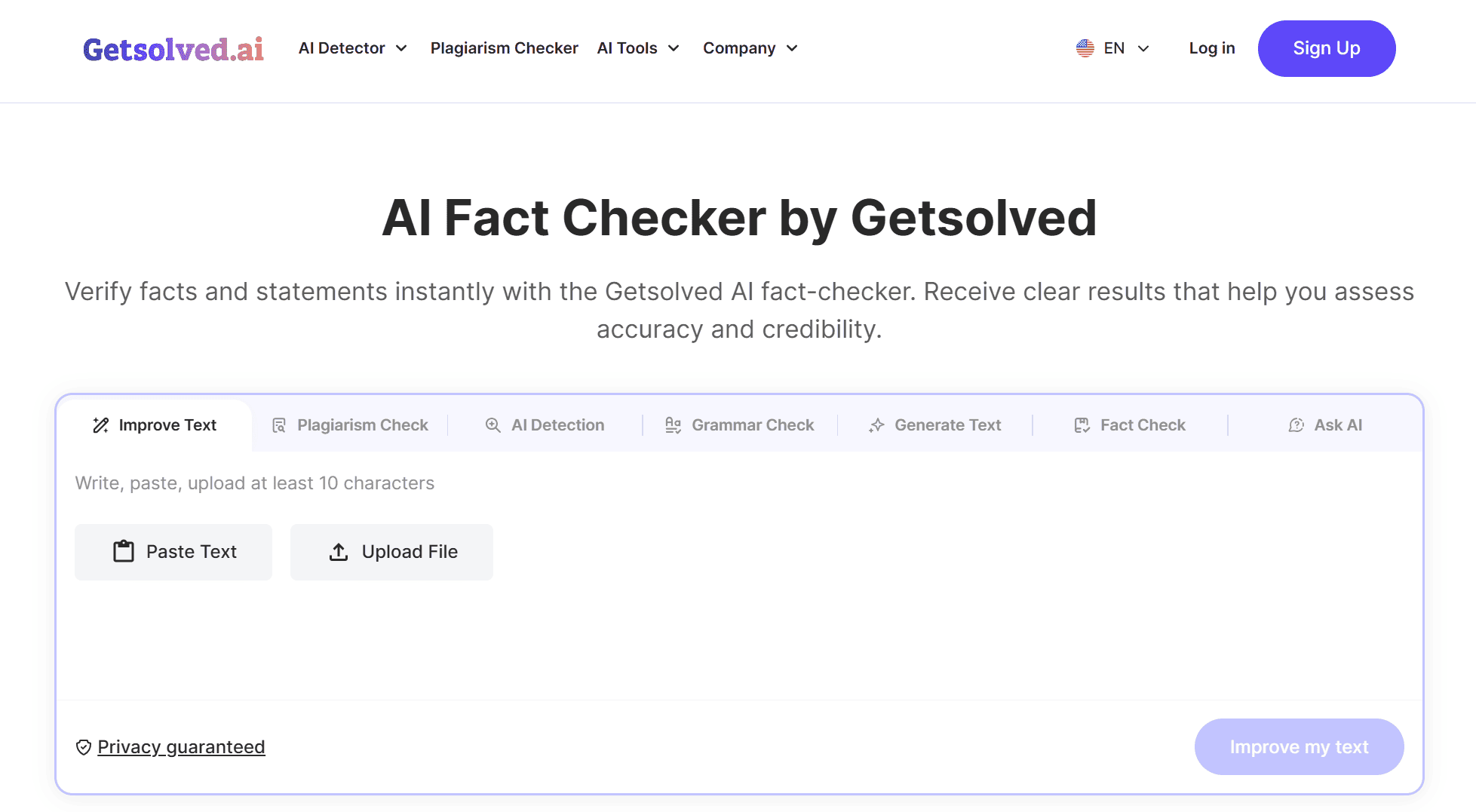
GetSolved’s AI Fact Checker isn’t a legal research platform, and I won’t pretend it is. I included it because it fills a gap that none of the other tools address well: a quick final check on the factual claims in a finished memo, brief, or client alert. You upload the document, and it flags the claims that don’t hold up.
This is needed because more and more research passes through AI at some point, and any of these tools can invent a figure, cite an outdated statistic, or present an unsourced claim as certain. GetSolved compares each claim across multiple online sources, shows you where they agree and where you need to dig deeper, and suggests corrections you can apply with one click.
It’s worth noting that GetSolved isn’t just a simple tool but a platform with numerous features, many of which are useful in the legal world. For example, the document summarizer is great when you’re dealing with long reports or rulings from which you only need to extract the key points.
Rating: 4.7/5.
Learn more about GetSolved here
4. Harvey: The Best All-in-One Platform With Research Built In
Harvey isn’t a research database in the traditional sense, but it’s the most complete AI platform on this list, and research is one of the things it does very well. It’s the one I’d recommend to a large team that wants research, drafting and document analysis in the same place. Harvey is used by more than 80 AmLaw 100 firms (the ranking of the hundred largest US law firms) and has over 3,500 clients in more than 85 countries.
Among its main features are the following:
- Knowledge: research on complex legal, regulatory and tax questions.
- Ask LexisNexis: thanks to a partnership with LexisNexis (the company behind Lexis+ with Protégé), you can get answers grounded in US primary law with Shepard’s citations directly inside Harvey. It’s sold separately from the base service.
- Vault: a secure archive where you organize the documents of a matter and research across them in bulk.
- Agents and Workflow Builder: agents built for specific tasks and custom workflows for research jobs that repeat.
Rating: 4.6/5.
5. Bloomberg Law: The Best for Research Alongside Dockets and News
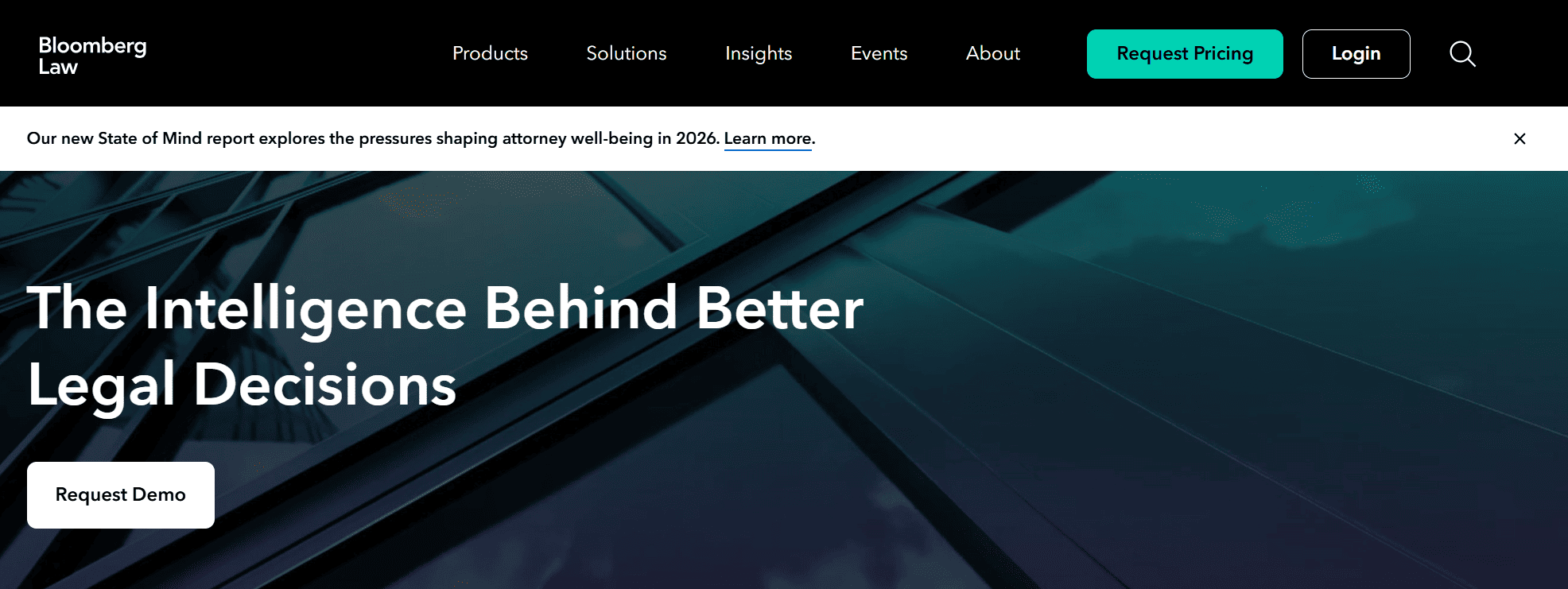
Bloomberg Law combines primary and secondary legal sources with news, dockets and practical guides. This way you can follow a regulation or a case as it evolves, and not just read what the rule says today.
In 2026, Bloomberg Law also added several new features:
- AI Assistant: answers legal questions based on Bloomberg Law content.
- Deep Thinking: plans and carries out multi-step research, then returns answers with full citations and transparent reasoning.
- Intelligent Workspaces: lets you analyze your contracts and policies alongside Bloomberg Law content.
In general, it’s ideal for in-house legal departments that follow litigation and regulatory changes..
Rating: 4.5/5.
6. Vincent by Clio: The Best for Research on More than One Jurisdiction

Vincent, which was once known as “Vincent by vLex” but is now part of Clio, is a great choice for those who need to compare the law in different states and countries. Traditionally, this is in fact exactly where many AIs fail.
Among Vincent’s strengths is the ability to ask complex questions in plain language and to check how the same rule changes from one US state to another, but also in other countries. All of this thanks to a huge archive with over a billion legal sources.
Be careful, though: before activating a subscription, it’s a good idea to check which countries and which sources are covered.
Rating: 4.3/5.
7. Legora: The Best for Cross-Border Research Tied to Your Documents

Legora is best known for document review, but it also has some great research features. It researches across jurisdictions, covering US federal and state law and using international content partnerships, and it shows you the source passages linked to each answer.
What I like most is that research and documents live in the same place: you can start from a question, move to the contracts that raise it, and back again without switching tools. It’s a solid option for enterprise legal departments and firms that work across several countries.
Rating: 4.3/5.
8. Paxton: The Best for Solo Lawyers and Small Firms
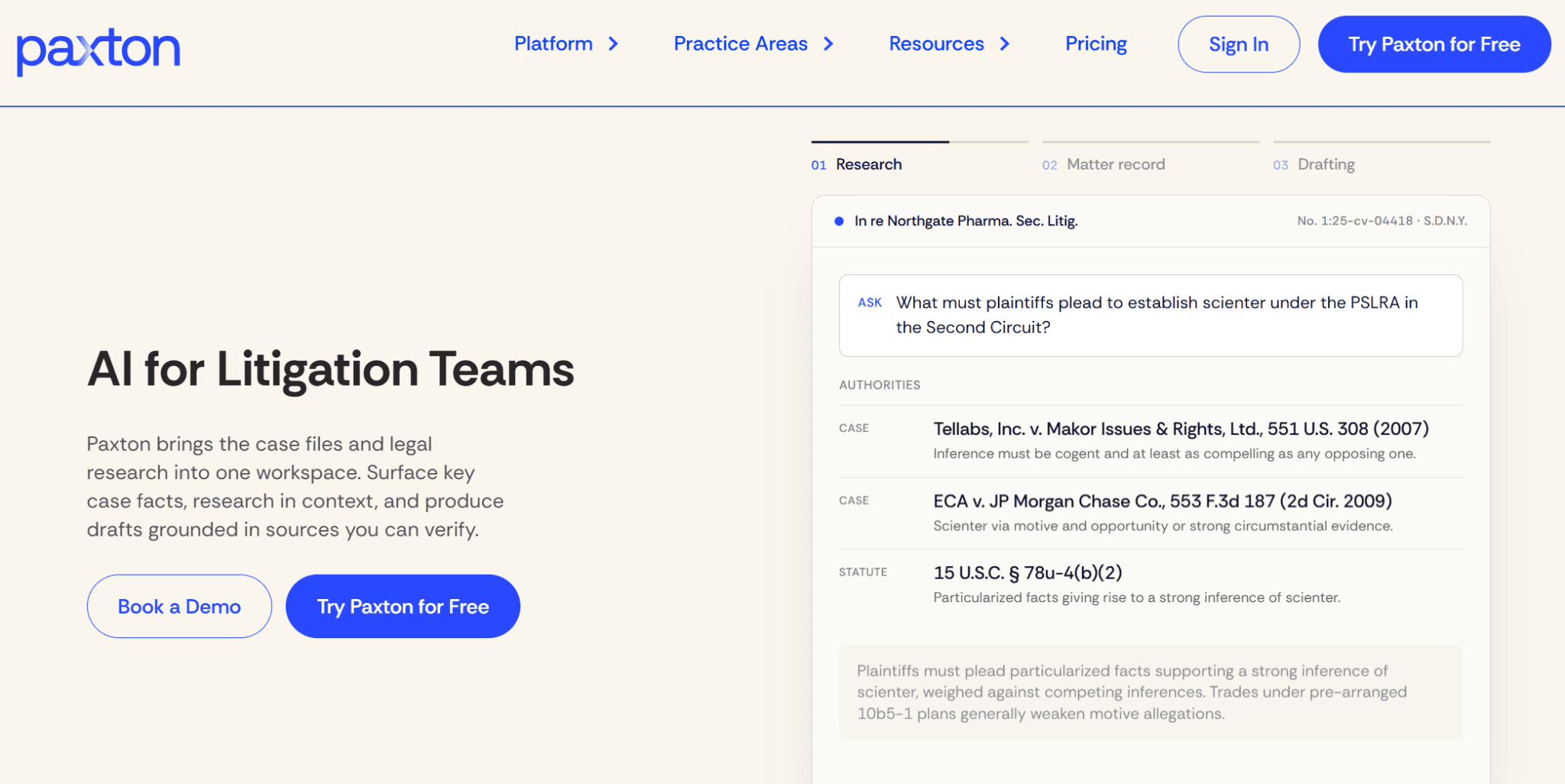
Paxton’s knowledge base covers federal regulations, state laws and case law across all 50 states, and its AI Citator adds notes on whether a case is still valid and relevant. It also handles drafting and document analysis, and you can test it with a 7-day free trial.
I put it in last place only because its coverage is narrower than the big databases: before buying, check that the specific courts and date ranges you need are included.
Rating: 3.9/5.
The Final Verdict: Which Tool Is Right for You?
There’s no perfect tool for everyone, but there is a good starting point depending on your team:
- On Westlaw or LexisNexis: stick with your ecosystem. CoCounsel Legal is the best AI for legal research on Westlaw, and Lexis+ with Protégé does the same on LexisNexis.
- Large firms and enterprise legal departments: Harvey, for research, drafting and document analysis in one platform.
- Working across states or countries: Vincent by Clio, or Legora if your research is tied to large sets of contracts.
- In-house teams tracking litigation and regulation: Bloomberg Law.
- Solo lawyers and small firms: Paxton, with published prices and a free trial.
Whatever your choice, test it on a research question you already know the answer to and check every citation it gives you. Then see how easily it lets you compare document versions when your research changes a draft, and run your finished documents through GetSolved’s AI Fact Checker before sending them.