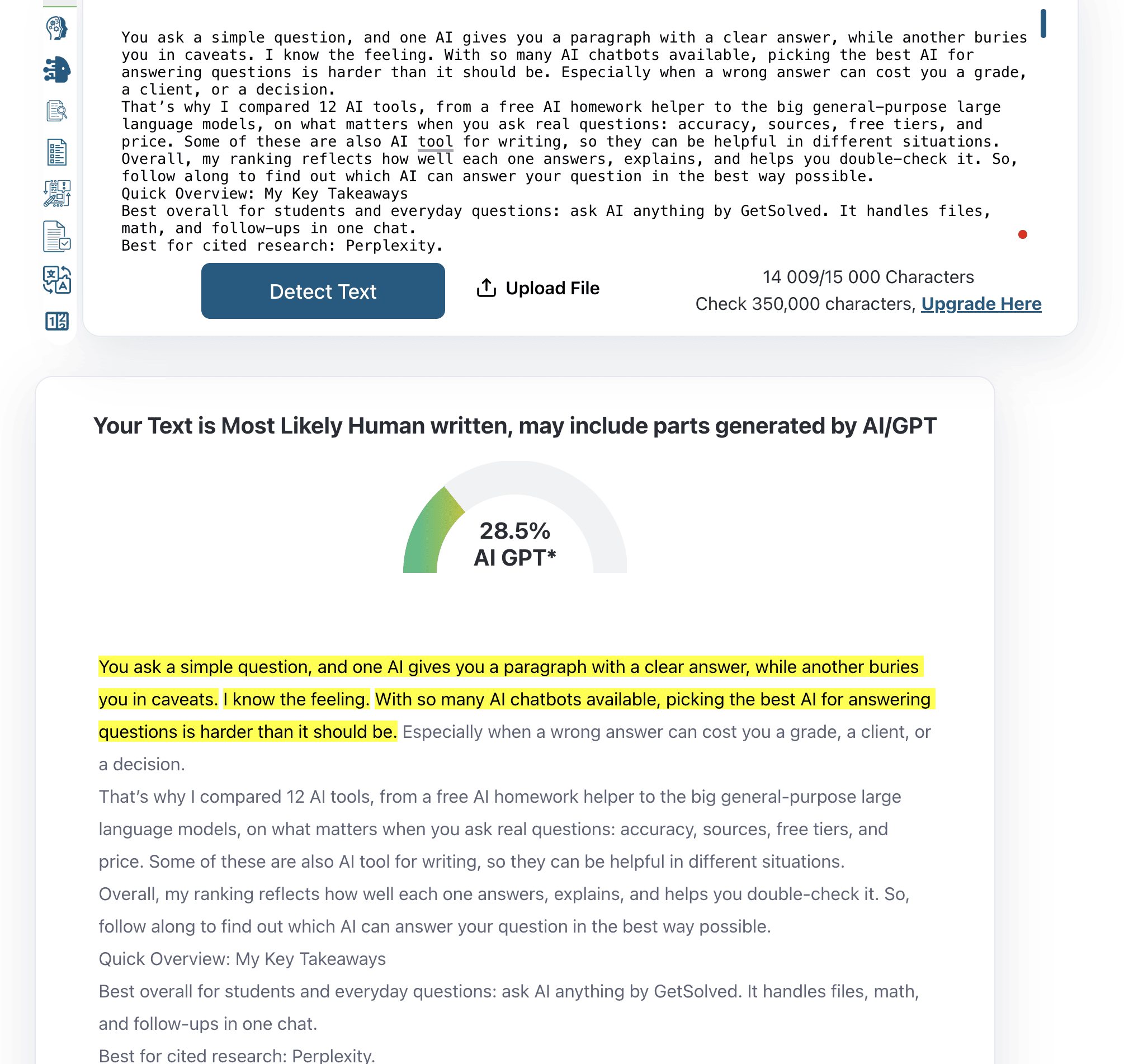
You ask a simple question, and one AI gives you a paragraph with a clear answer, while another buries you in caveats. I know the feeling. With so many AI chatbots available, picking the best AI for answering questions is harder than it should be. Especially when a wrong answer can cost you a grade, a client, or a decision.
That’s why I compared 12 AI tools, from a free AI homework helper to the big general-purpose large language models, on what matters when you ask real questions: accuracy, sources, free tiers, and price. Some of these are also AI tool for writing, so they can be helpful in different situations.
Overall, my ranking reflects how well each one answers, explains, and helps you double-check it. So, follow along to find out which AI can answer your question in the best way possible.
Quick Overview: My Key Takeaways
- Best overall for students and everyday questions: ask AI anything by GetSolved. It handles files, math, and follow-ups in one chat.
- Best for cited research: Perplexity.
- Best general-purpose AI assistant: ChatGPT.
- Best for long documents: Claude.
- Best free option for Google users: Gemini.
⚠️ Disclaimer: AI can make mistakes. Verify anything important before relying on it.
What Is an AI Question-Answering Tool?
An AI question-answering tool uses natural language processing and machine learning to read your query and generate a response in plain language. Most modern AI runs on large language models (LLMs) trained on huge text datasets. These tools give answers either through real-time web search or from the model’s base alone.
How I Chose the Best AI
My test was pretty easy. I asked each tool one question: “What were the reasons that led to WWII?”
I chose this question personally because it covers a well-known topic, and the facts about it can be easily verified to check whether AI answers correctly. Then, I compared five things:
- Answer quality on specific questions and follow-ups.
- Whether it shows sources or helps you check the answer.
- What the free plan really includes.
- Price of paid plans.
- Fit for a role-specific job, like studying, research, or writing.
Models change fast, so I confirmed pricing against recent 2026 reviews. Even then, I’d always double-check the vendor’s page. For claims that matter, use an AI fact-checking tool before you rely on the output.
Comparison Table: 12 AI Tools at a Glance
| Tool | Best for | Cost |
|---|---|---|
| Getsolved Ask AI | Homework, files, math, follow-ups | Free to start |
| ChatGPT | All-round questions | Free (limited); Plus $20/mo |
| Perplexity | Cited research | Free; Pro $17/mo |
| Claude | Long documents | Free (limited); Pro $20/mo |
| Gemini | Google Workspace users | Free; Gemini Pro: from $2 to $22/mo |
| Microsoft Copilot | Microsoft 365 users | Free; $31.12/mo |
| Grok | Live X discussion | Free; Plus $8/mo; Premium $30/mo |
| DeepSeek | Budget-conscious users | Free app; Paid API (paying for 1M tokens) |
| Meta AI | Social apps | Free in Meta apps |
| Duck.ai | Privacy-focused chat | Free to use |
| Poe | Trying many models | Free tier; Subscription plans (for points) starting at $6.44/mo |
| Gemini Notebook | Answers from your sources | Free to start, pricing starts at $3.81/mo (includes different Google features) |
The 12 Best AI Tools for Answering Questions
1. GetSolved Ask AI: Best for Students and Everyday Questions
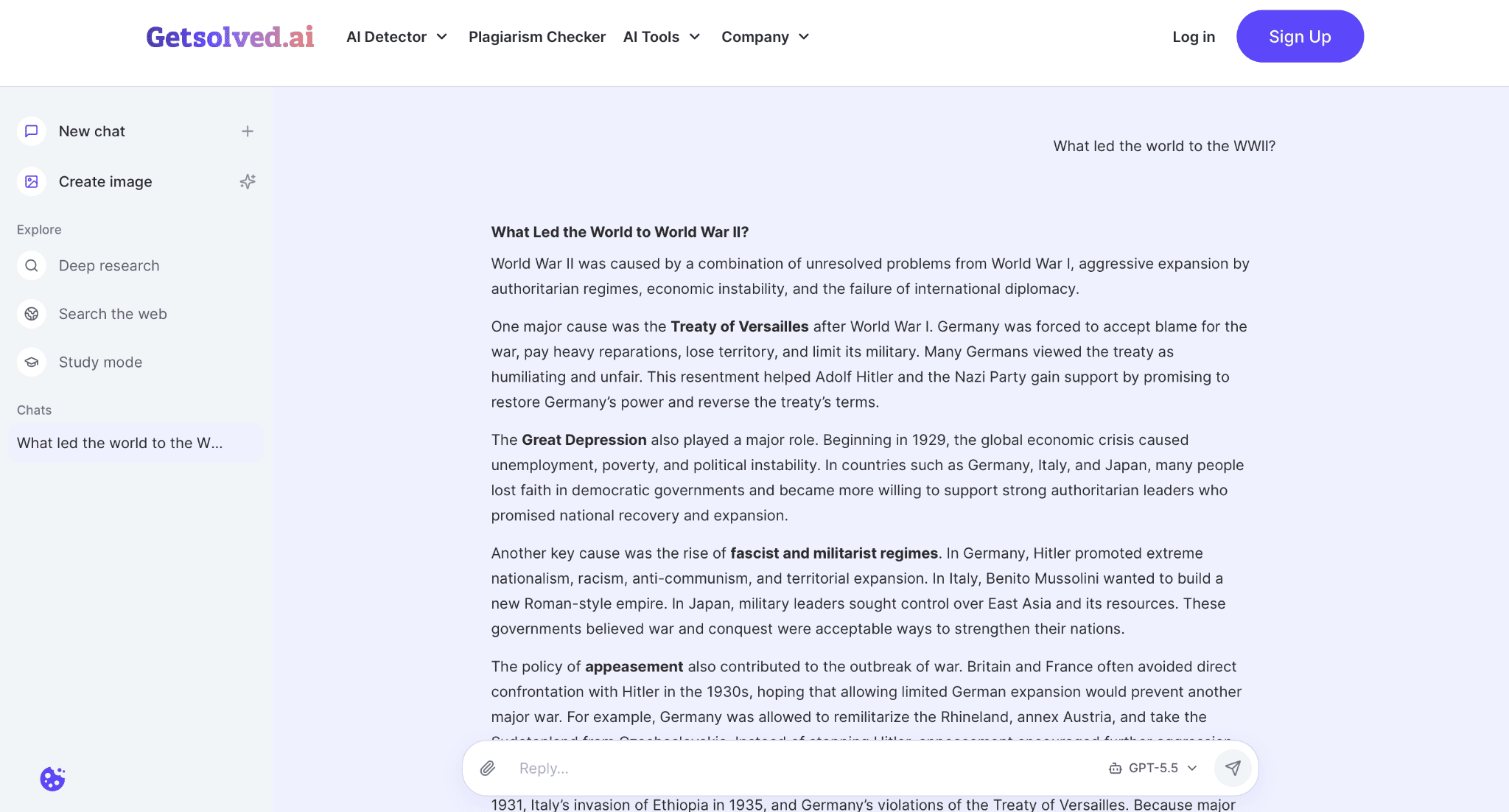
If I had to choose a place to start, it would be GetSolved. AI Ask is an AI homework helper and general AI assistant, in a single chat. Not only does it not depend on a single AI model, it also runs your question through several AI models to reduce the chances that a single model will confidently make a mistake.
What I like the most is that it teaches you the reasoning, not only the result. The page promises help with maths step by step, formulas and technical questions explained in a language you can follow. This is useful if you want to understand the thinking behind an answer and not just copy it.
⭐ Key features:
- Upload DOC, DOCX, TXT, PDF, ODT, RTF, or HTML files and ask about what’s inside.
- Step-by-step math and technical help.
- Follow-up questions without starting over.
- Private chats with delectable history.
- Brainstorming and drafting in the same window.
👍 Pros: Free to start, beginner-friendly, built-in route to checking answers.
👎 Cons: No live agentic features, and you should still verify critical facts.
The best part is how it handles its own limits. Every chatbot occasionally produces something that sounds right but isn’t, and GetSolved says so openly. When an answer feels off, you can run it through the detect AI hallucinations tool before you act on it.
💰 Pricing: Free to get started; $19.99/mo including the full GetSolved writing kit.
2. ChatGPT: Best General-Purpose AI Assistant
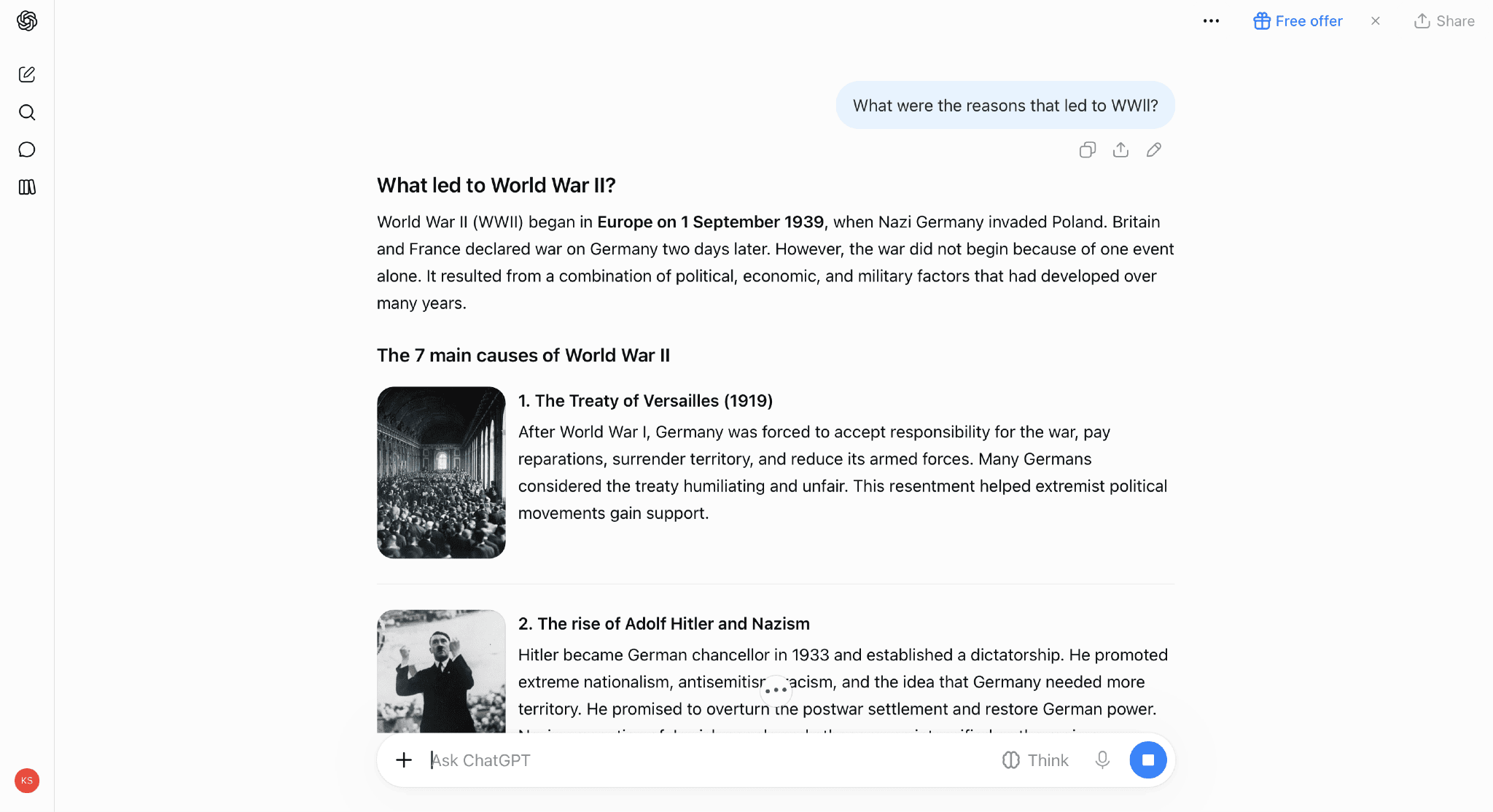
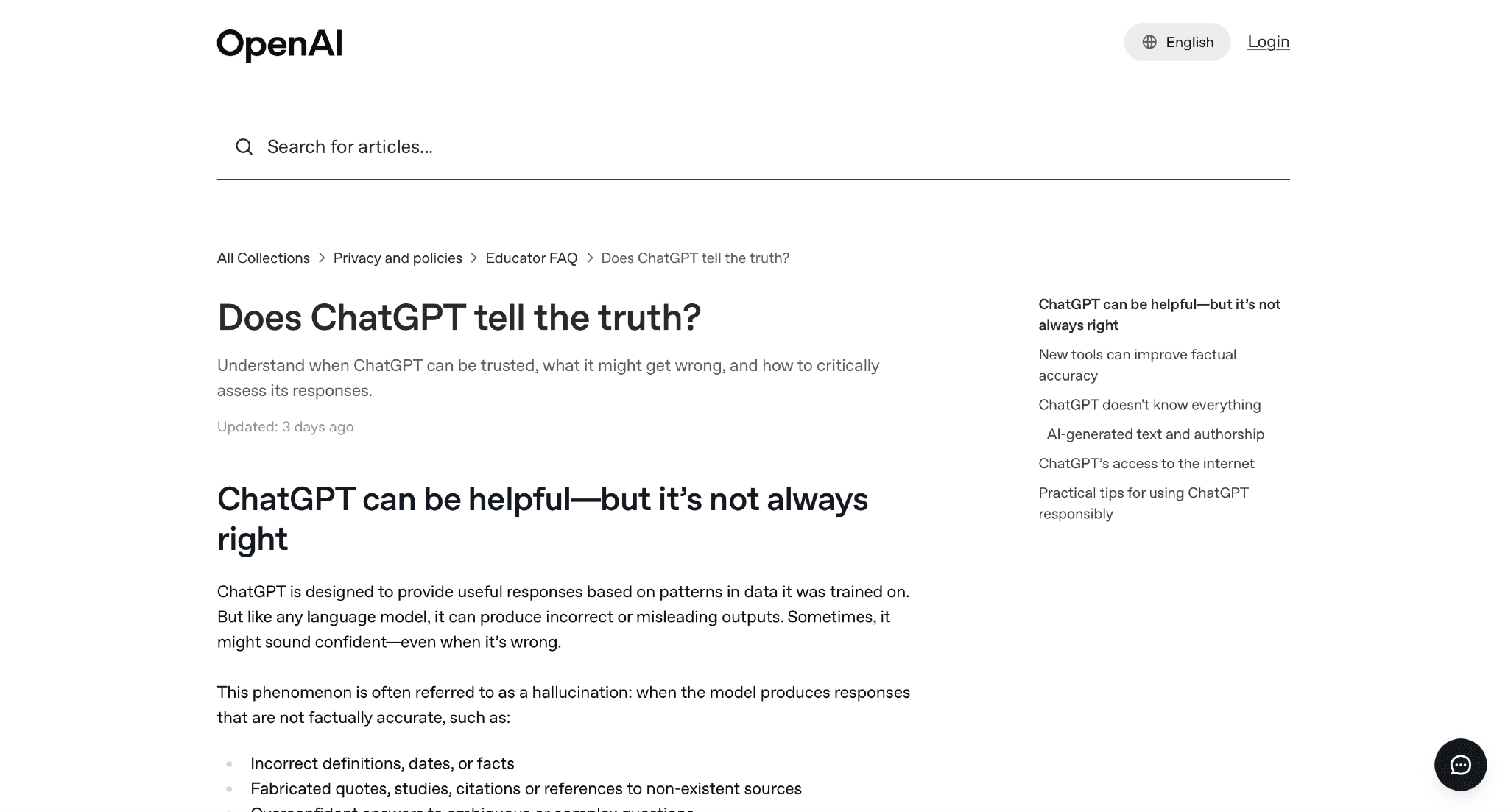
OpenAI’s ChatGPT is the default for good reason. Firstly, because it is one of the first ones on the market and is considered the most popular AI bot. Secondly, free users get unlimited everyday text chats, though uploads, images, and voice carry separate limits. The Premium plan costs $25 a month, and the lineup has expanded to include a lower-priced Go tier and higher-priced Pro tiers. Custom GPTs and persistent memory across chats make it flexible for repeat workflows. ChatGPT is a safe option if you are not willing to try other chatbots. However, its answers must always be checked, as users frequently report mistakes or fraud.
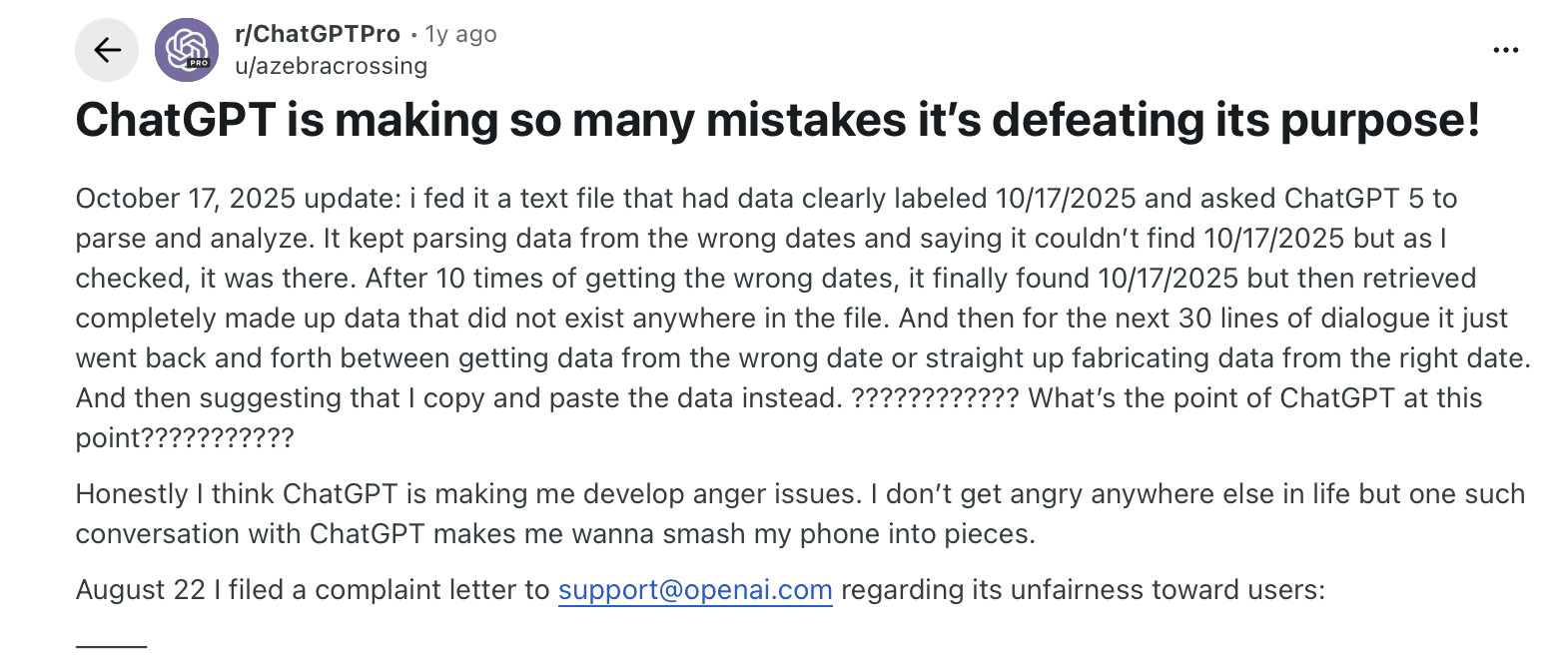
OpenAI’s own website also states that AI-generated answers must be checked.
⭐ Key features: Broad knowledge, voice, image tools, GPTs, agentic tool-calling.
👍 Pros: Polished, fast, huge ecosystem.
👎 Cons: Free-tier extras are limited, and it can sound confident when wrong.
💰 Pricing: Free; premium: $25 a month.
3. Perplexity: Best for Cited Answers
Perplexity AI works differently from a standard chatbot because it searches the live web and cites sources in its answers. That makes it my pick when I need to verify claims fast and then find supporting sources to back them up. A free plan is available, but the tool will only provide answers after you sign up.
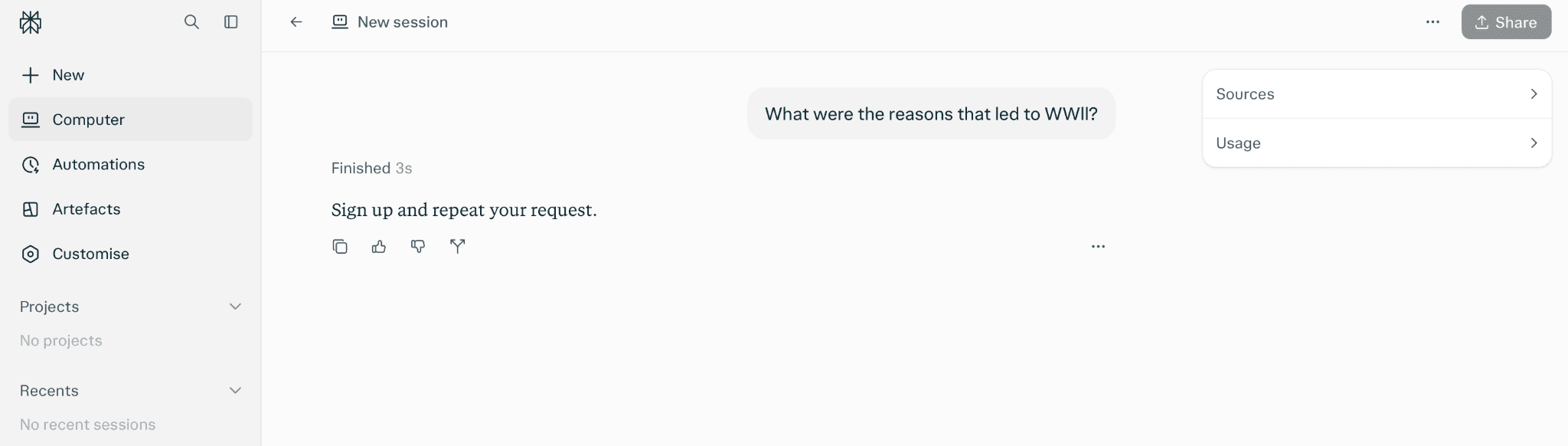
Pro is $17 a month, with a $10 student plan, and it lets you switch between several frontier models.
⭐ Key features: Inline citations, real-time web, deep research mode.
👍 Pros: Great for fact-finding.
👎 Cons: The free plan limits advanced searches and is weaker for creative writing.
💰 Pricing: Free; Pro $20/mo.
4. Claude: Best for Long Documents
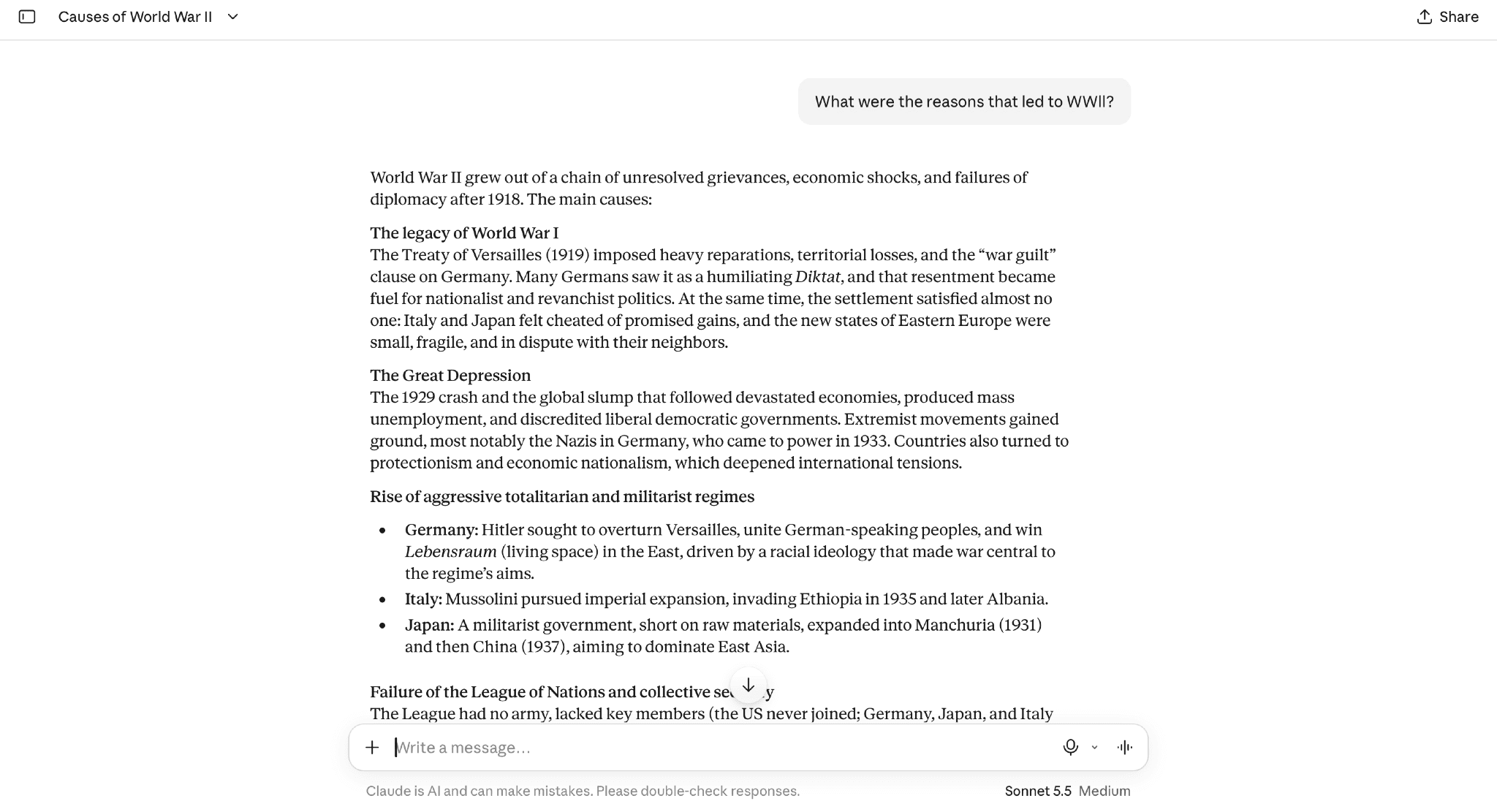
Anthropic’s Claude shines when you hand it a long document and ask for analysis. One review notes the free tier is notable for document handling, though it’s also tightly rationed at roughly 15 to 40 messages per five-hour window. On the free plan, you get Claude Sonnet, while Claude Opus requires a subscription. It doesn’t generate images.
⭐ Key features: Large context window, careful writing, strong coding.
👍 Pros: Nuanced, readable answers.
👎 Cons: Tight free limits, no image generation.
💰 Pricing: Free; Pro $20/mo; Max from $100.
5. Google Gemini: Best for Google Users
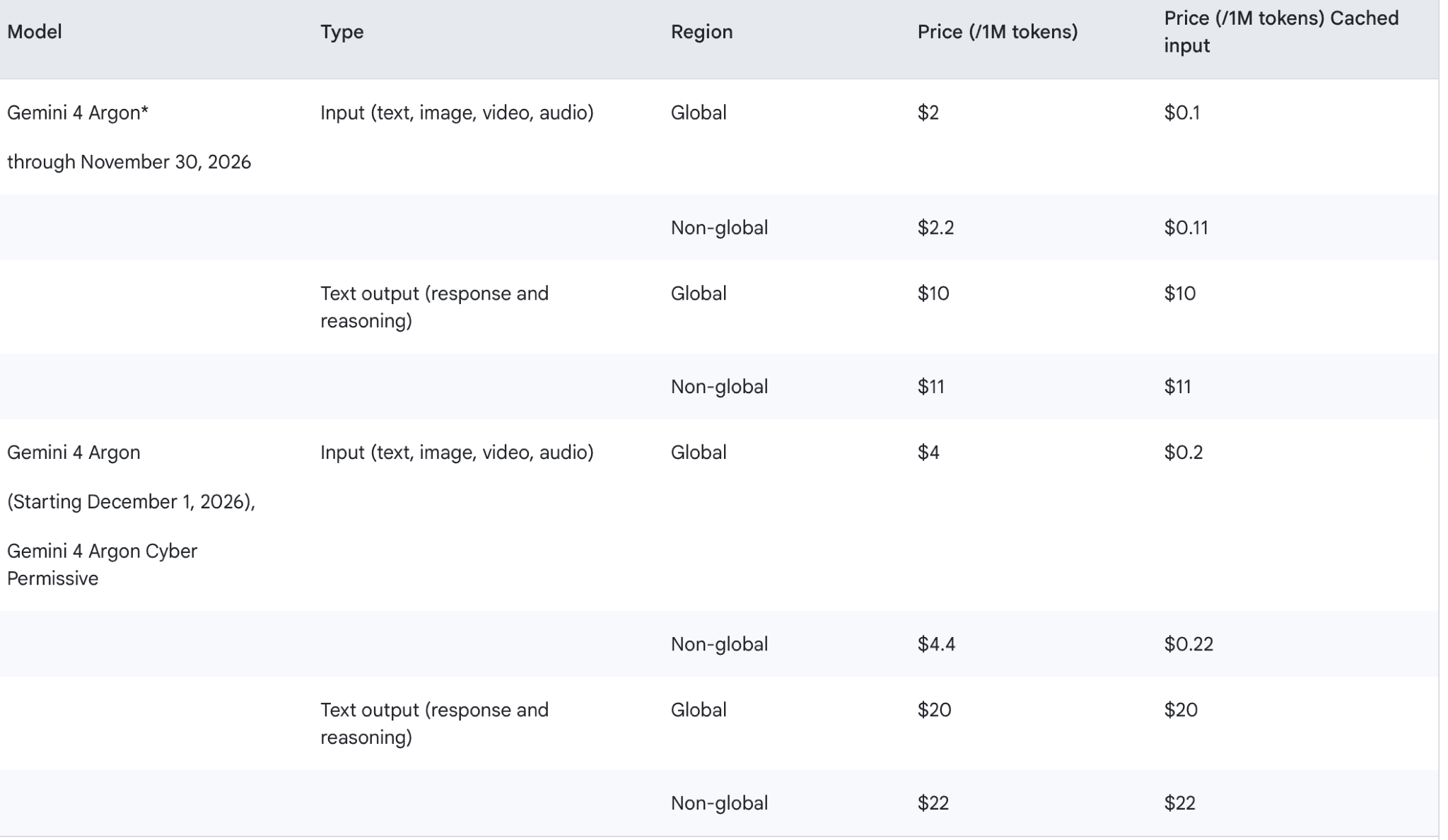
Gemini fits naturally if you live in Google Workspace. The free plan includes Gemini 3 Pro at standard limits, and Google cut its entry AI Plus (Gemini 4 Argon) tier to $2 a month. Gemini 4 Argon Cyber is $22. Voice quality and multimodal input are strong points.
⭐ Key features: Workspace integration, large context, multimodal.
👍 Pros: Generous free plan, cheap entry tier, unlimited.
👎 Cons: Less personality, occasional factual slips.
💰 Pricing: Free; paid plans vary in price.
6. Microsoft Copilot: Best for Microsoft 365
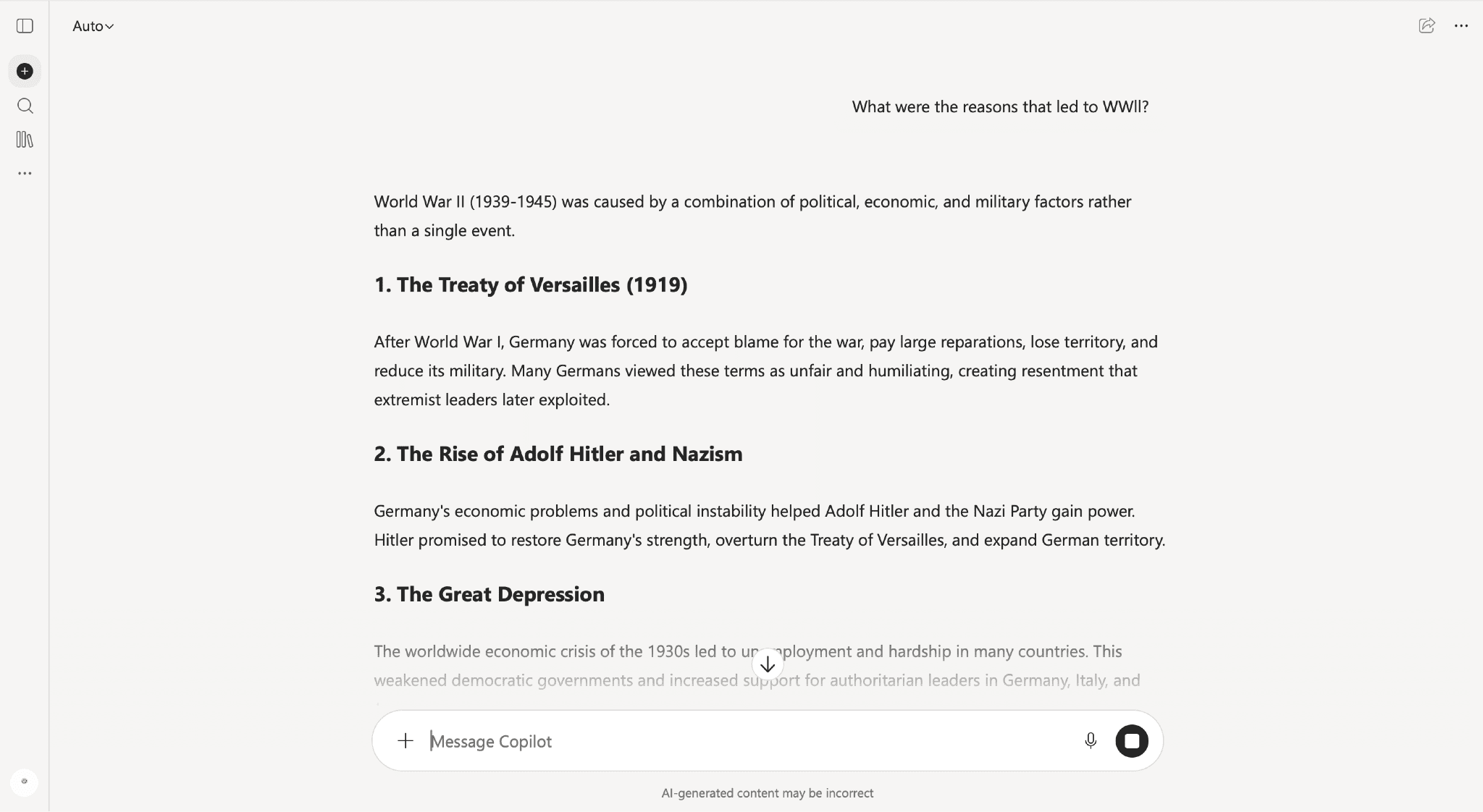
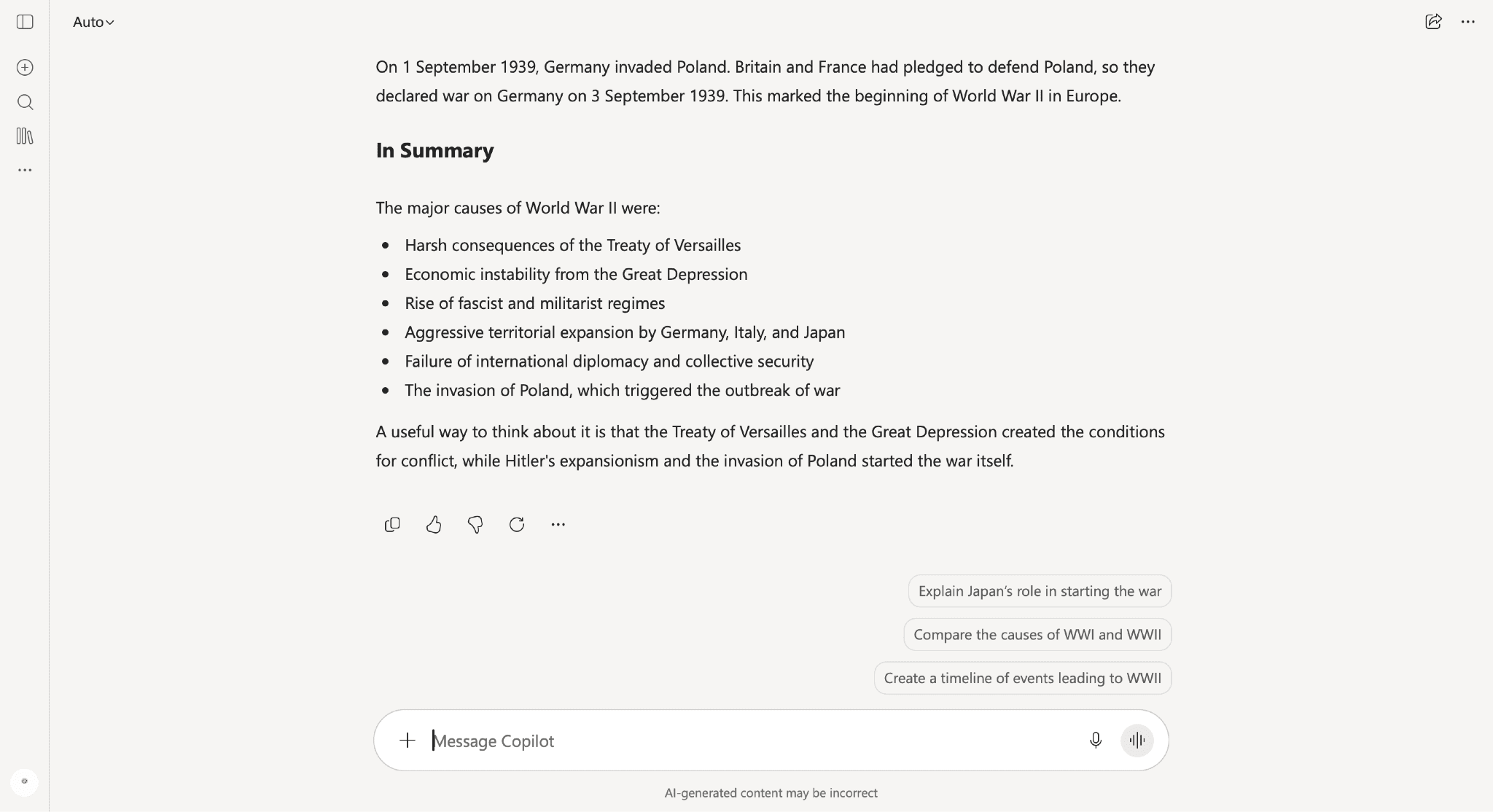
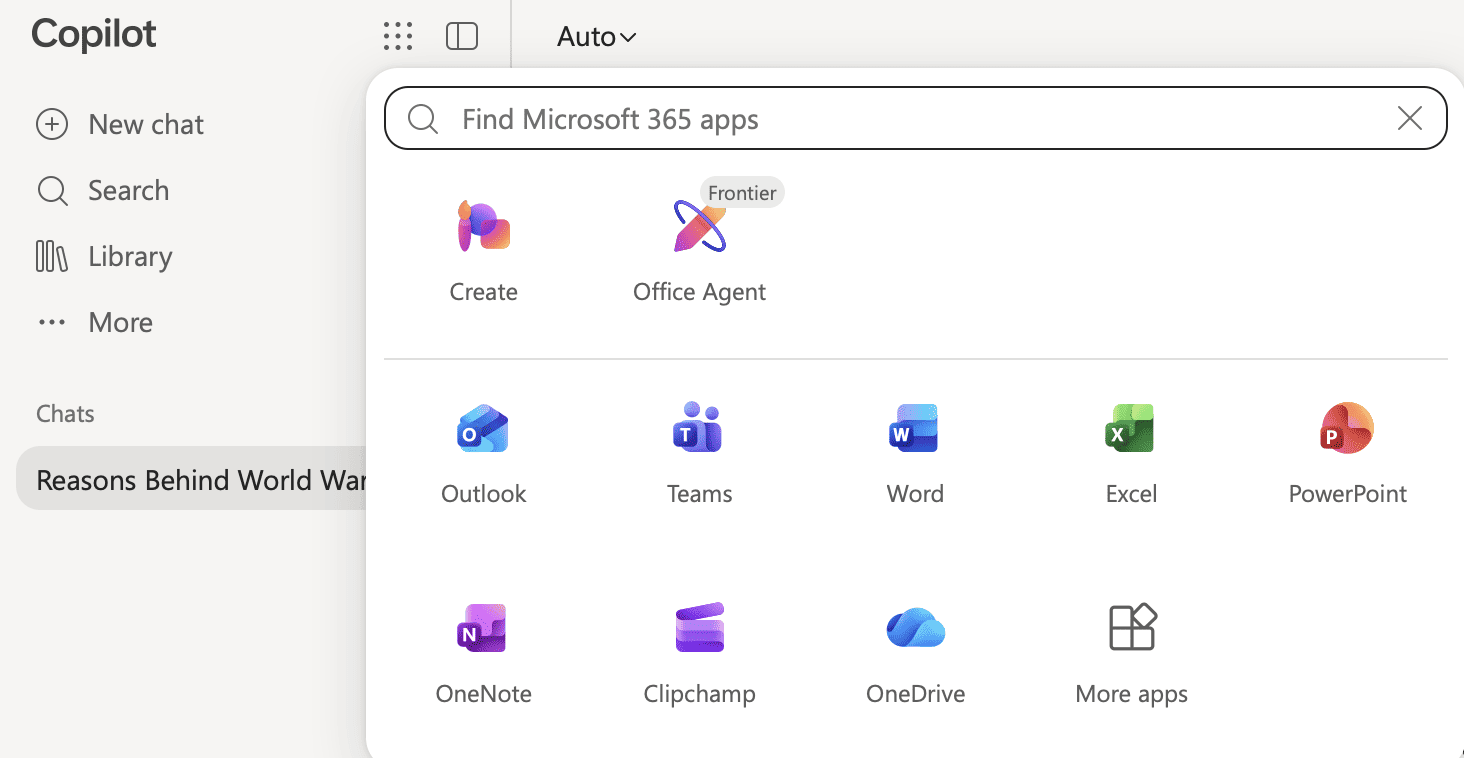
Copilot is built to assist inside Word, Excel, Outlook, and Teams. Its paid tier, Microsoft 365 Premium, costs $31.12/mo. Outside that suite, one reviewer finds it competes poorly with ChatGPT Plus. I also noticed that the answers were pretty short compared to other models. The model suggests the big advantages right away and the connected topics to explore next.
👍 Pros: Deep Office integration.
👎 Cons: Limited value if you don’t use Microsoft apps.
💰 Pricing: Free basic; $31.12/mo premium plan.
7. Grok: Best for Live Conversation on X
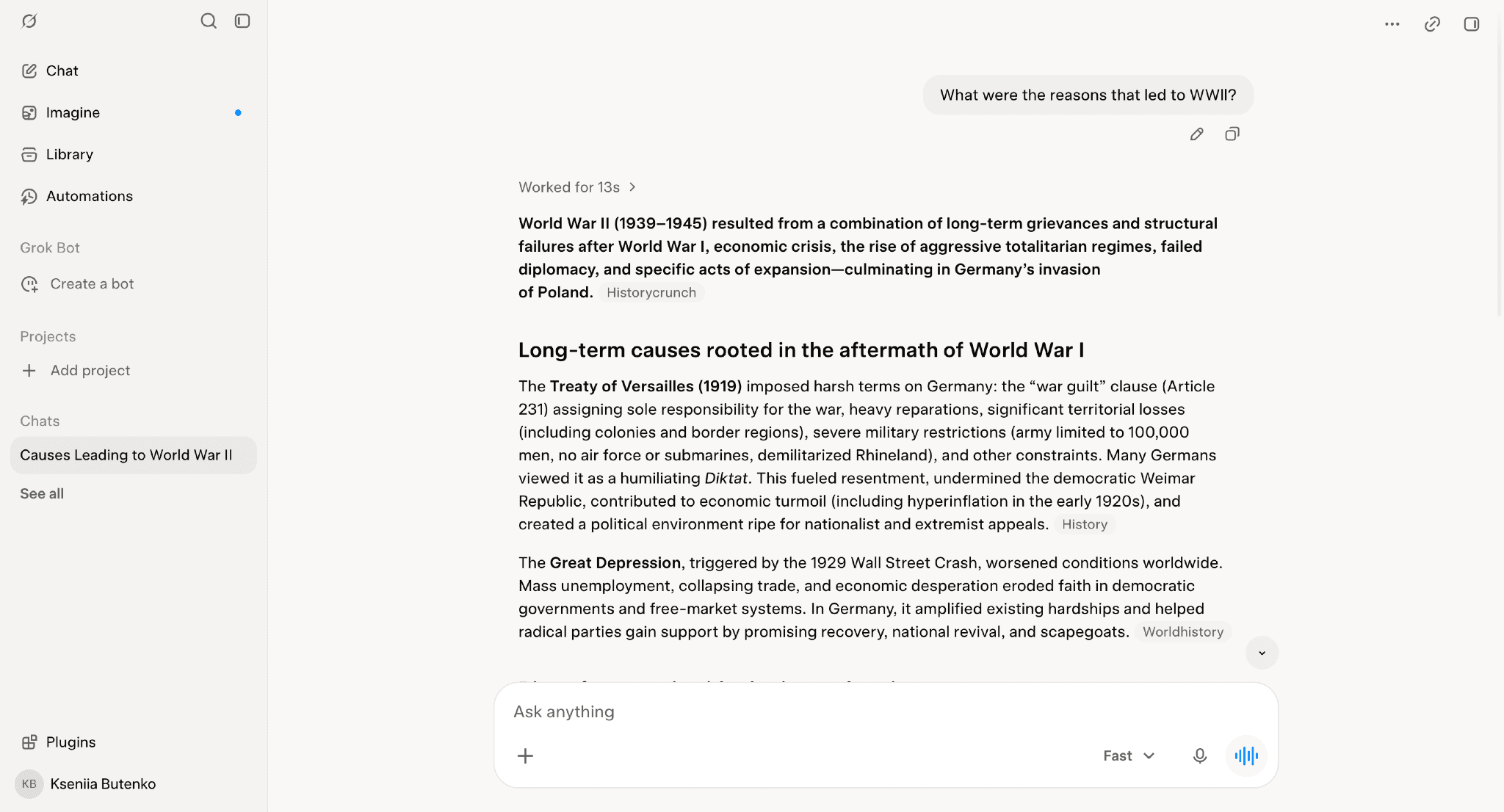
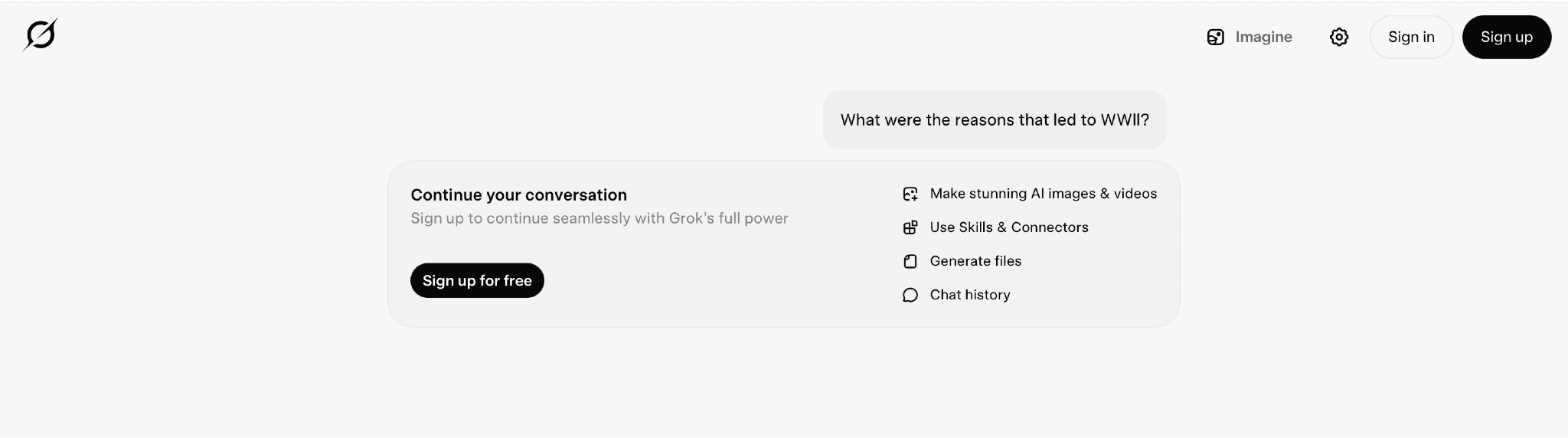
Grok, from xAI, is free with limits, and SuperGrok costs $30 a month. There is also a Standard plan at $8/mo. Regarding its features, I appreciated that Grok provides a list of references it used, so you can open the sources and check them yourself. In the example below, a short history answer was accompanied by a 30-source list and suggested follow-up questions. That makes Grok easier to verify and more reliable.

👍 Pros: Real-time social context.
👎 Cons: Pricey, narrower use, sign-up required.
💰 Pricing: Free; SuperGrok $30/mo.
📌 Expert tip: Before you trust any chatbot’s answer, run the key claims through an AI fact-checking tool. It takes seconds and catches the errors that sound most convincing.
8. DeepSeek: Best for Budget-Conscious Users
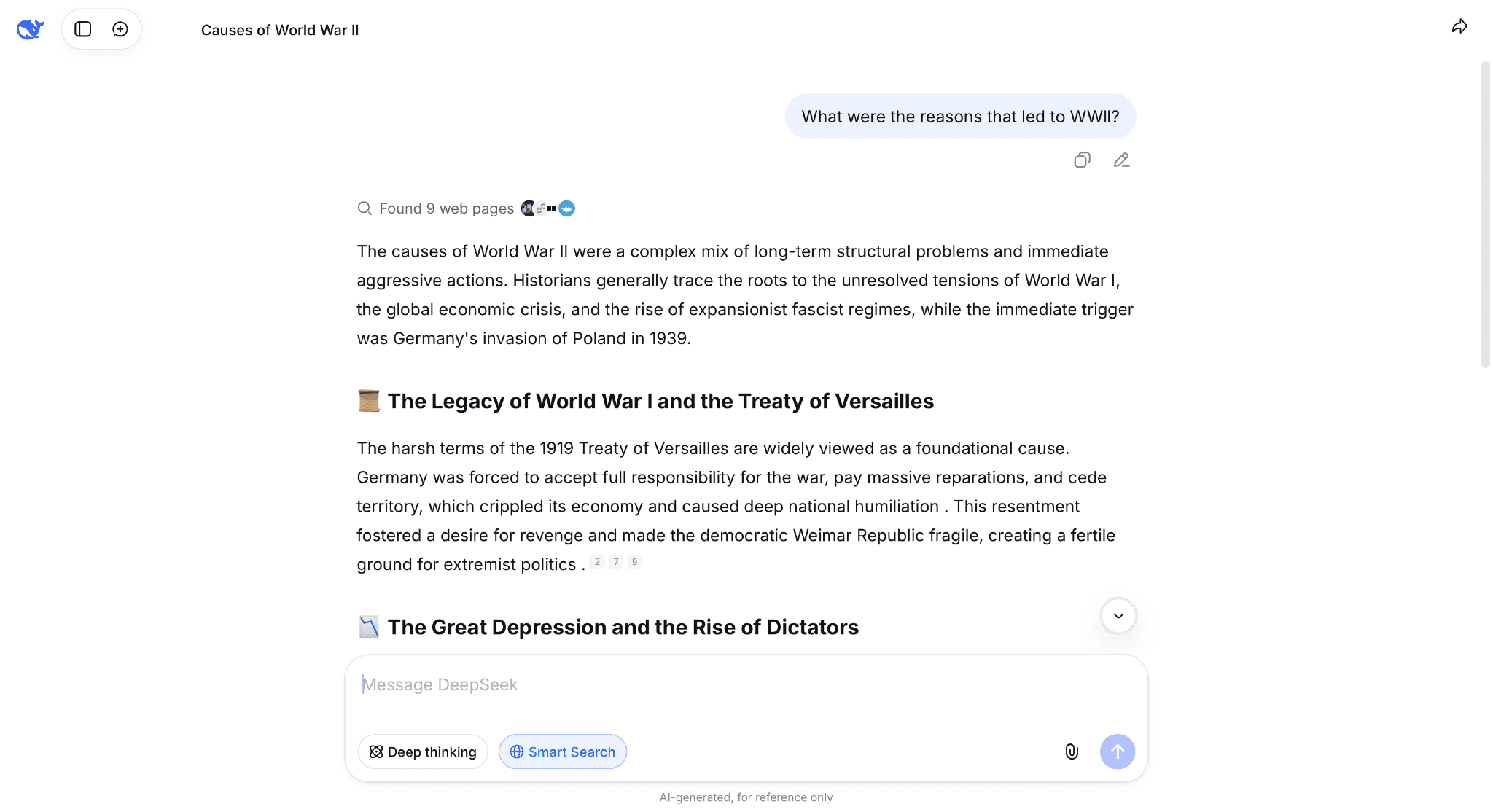
DeepSeek is one of the eight chatbots that TechInsider’s 2026 comparison puts head-to-head with ChatGPT and Claude. The app is free, and developers can use its API for a fee. It’s a good option if you want a capable AI model without a subscription. However, in comparison, it uses far fewer web pages to give an answer than previous AI tools reviewed. It gives a disclaimer that its responses are “AI-generated and for reference purposes only.”

👍 Pros: Low cost, strong reasoning.
👎 Cons: Privacy-conscious users should read the privacy policy first.
9. Meta AI: Best for Social Apps
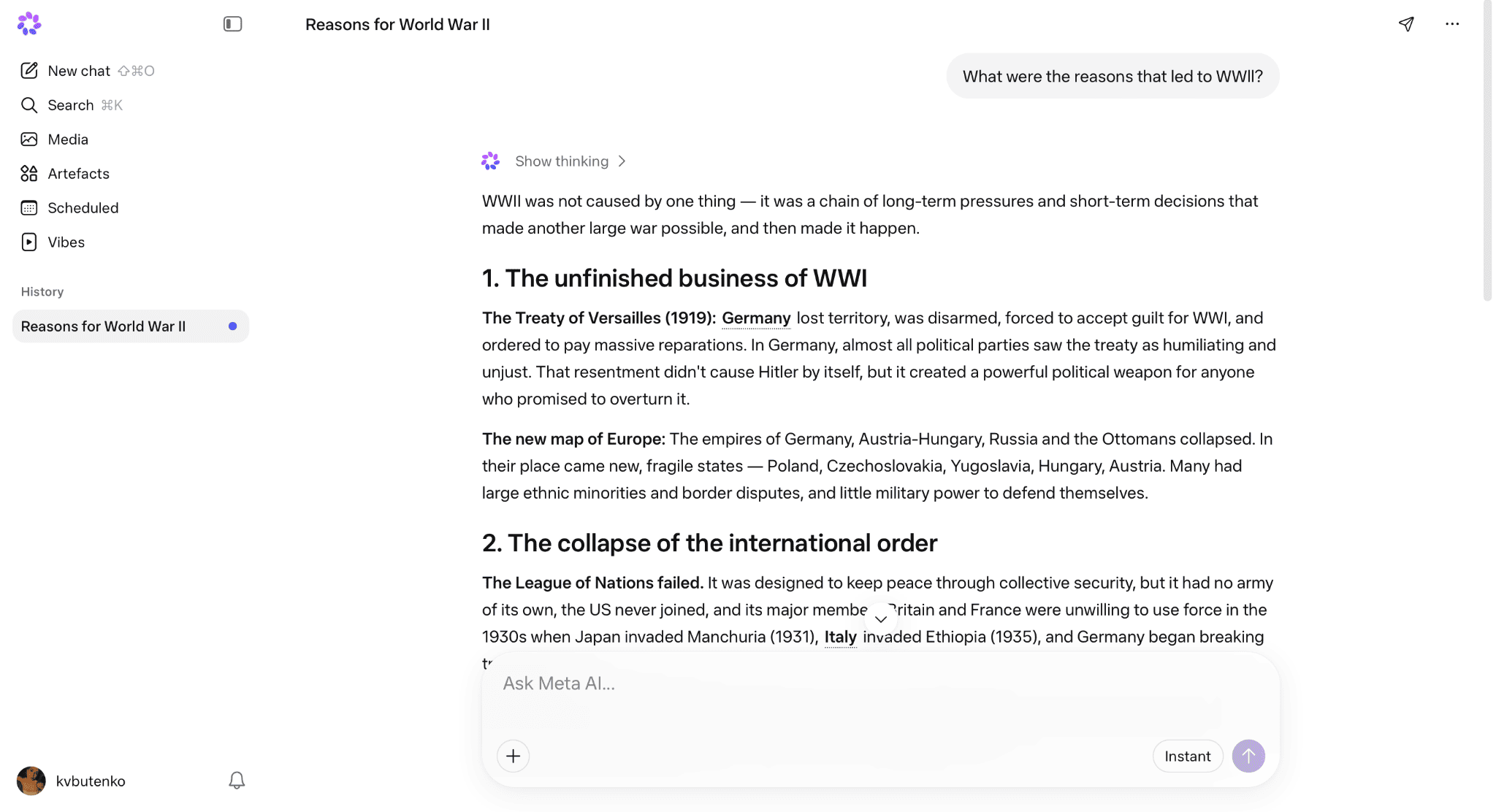
Meta AI is the assistant built into Meta’s apps, including Facebook and Instagram, and it runs on the company’s Llama models. It’s handy for quick questions because you don’t have to open a separate app.
The catch is that it’s designed for Meta’s social platforms. It works best for questions about those platforms, such as your account, app updates, or cookie settings. I wouldn’t use it for questions like “What were the reasons that led to WWII?” or for anything tied to academic work. For those, a tool built for research or homework, like GetSolved, ChatGPT, or DeepSeek, will give you a more reliable answer.
👍 Pros: Convenient, free.
👎 Cons: Less depth for research.
10. Duck.ai: Best Privacy-Focused Option
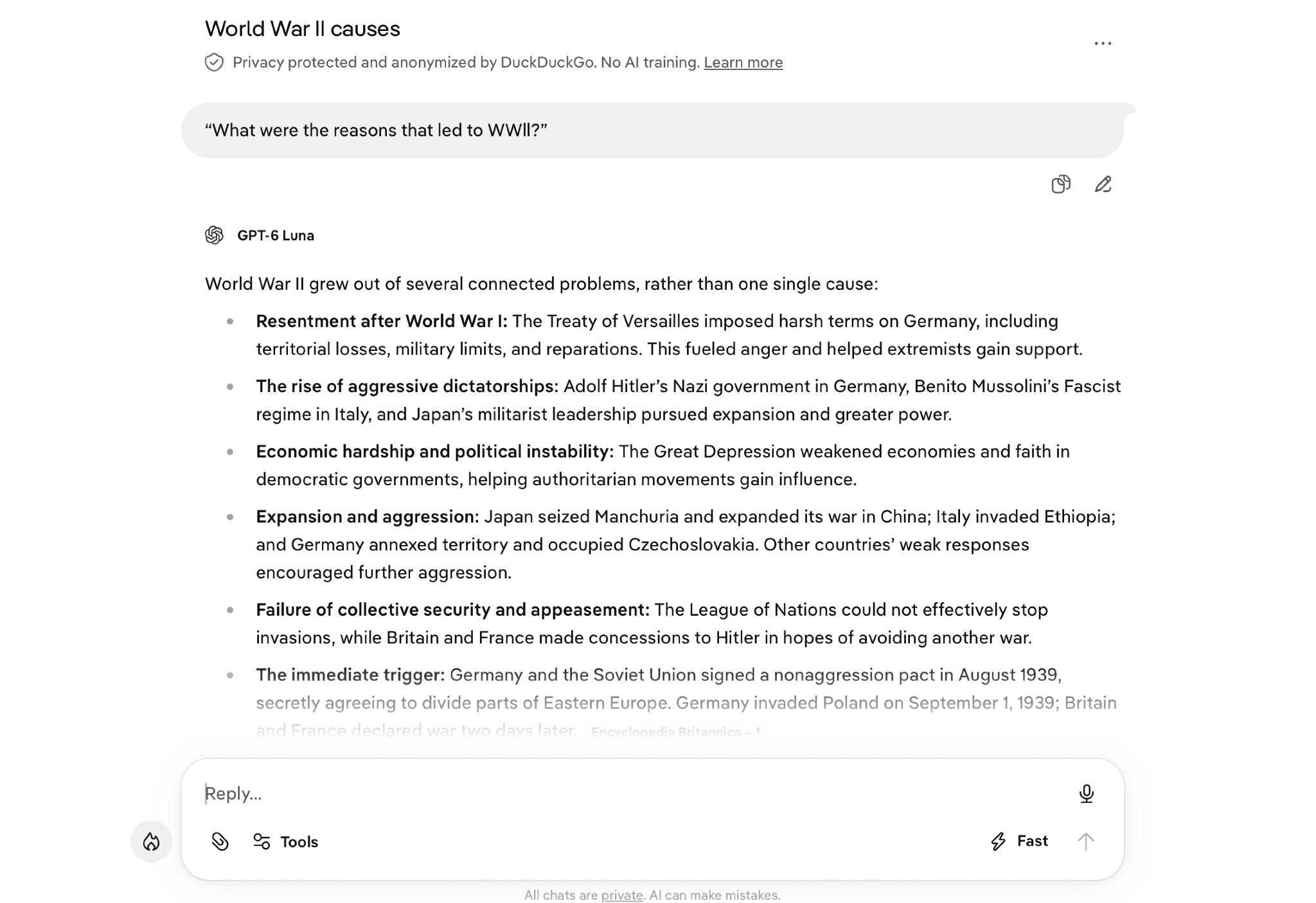
If privacy matters more than features, Duck.ai is the privacy-first AI chat option. It’s simple, lightweight, and well-suited to sensitive questions. No sign-up required.
It’s DuckDuckGo’s free front end to popular chatbots. DuckDuckGo says chats are anonymized via proxying and are never used to train AI models, and that your recent chats are saved only on your device, not on its servers. You can clear them with one click. That makes it a good place to ask something personal without building an account history.
👍 Pros: Privacy-focused, completely free.
👎 Cons: Fewer advanced features.
11. Poe: Best for Trying Many Models
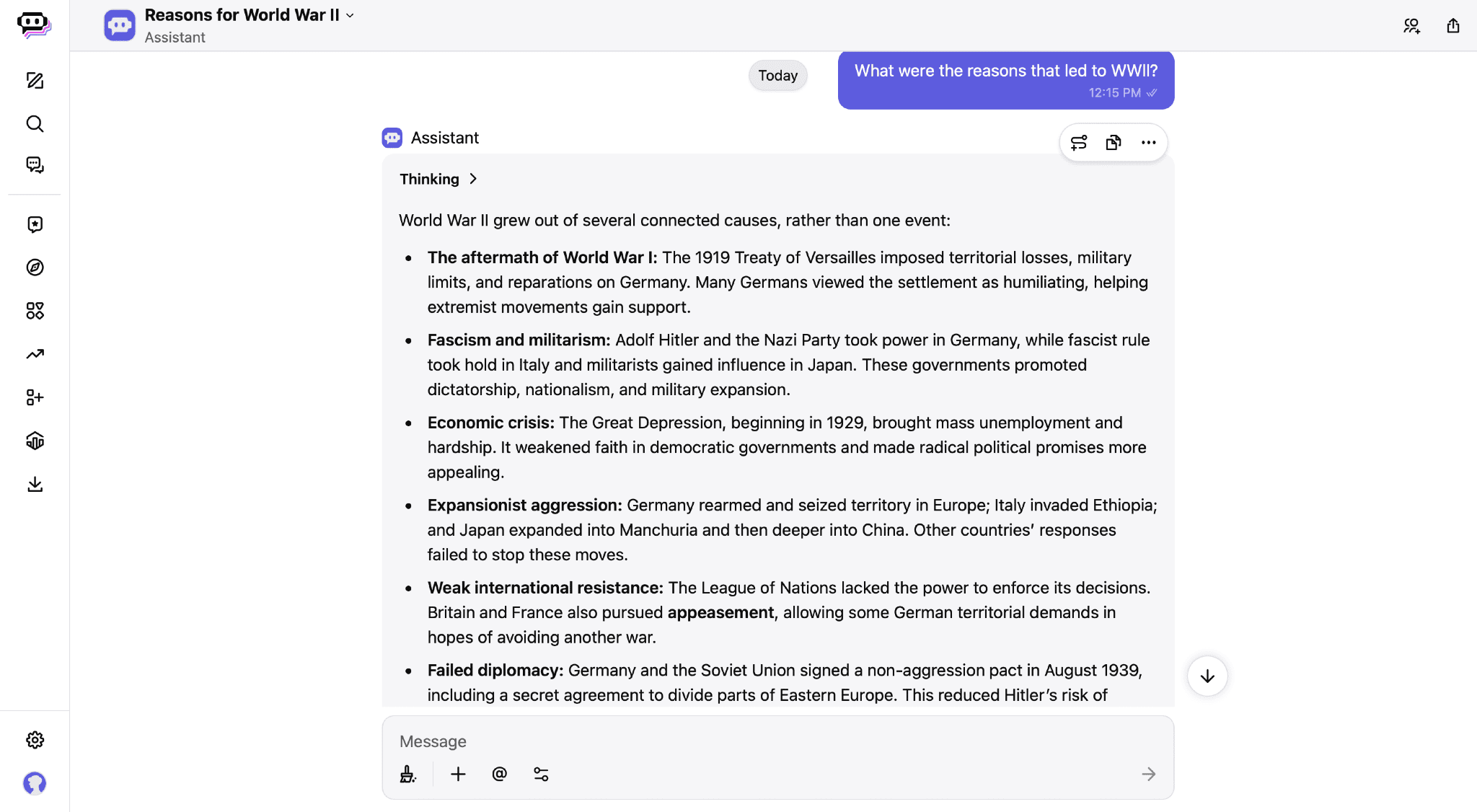
Poe is a chatbot aggregator that lets you test several top AI chatbots in one place. It’s useful when you want to compare how different models answer the same question. Better not to use it for deep research, as the answers are pretty tight.
👍 Pros: Variety, easy comparison.
👎 Cons: Limits vary by model.
12. Gemini Notebook: Best for Answers From Your Own Sources
Google’s NotebookLM takes a different approach: it is a document reviewer and summarizer. Simply, you add your own documents, and it answers them. If you want to do research with it without updated documents, it will ask whether you would like it to perform web research.
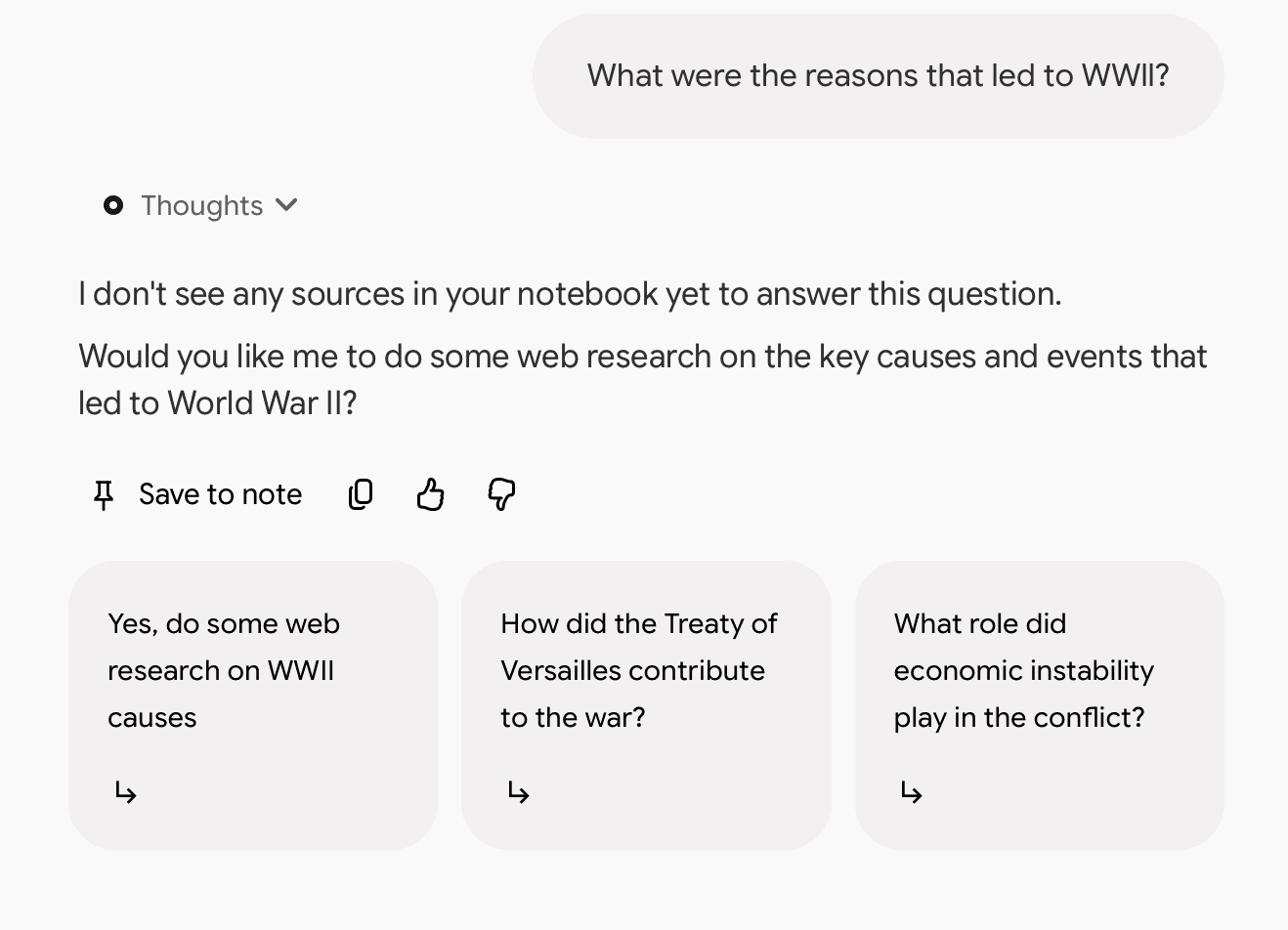
For my test, I asked the question “What were the reasons that led to WWII?” in an empty notebook. Instead of guessing, NotebookLM told me it had no sources to answer from and offered to do web research. That’s a useful safeguard because it won’t make up an answer without material to back it up.
I replied, “Yes, do some web research on WWII causes.” It gave me a short list of the main causes. It also attached a short research report and a card listing six outside sources, including Wikipedia and what appears to be the Council on Foreign Relations. I could import them into the notebook to keep chatting with the findings.
The catch is that you do the setup. It works best when you already have documents to upload, so I’d use it for studying with your own notes, not for quick one-off questions.
👍 Pros: Grounded answers, great for studying, notebooks are categorized by topic, easy to navigate and return to the workflow.
👎 Cons: Only as good as the sources you add.
Best AI for Answering Questions by Use Case
- Studying and homework: GetSolved Ask AI, with NotebookLM as a backup.
- Research with citations: Perplexity.
- Everyday questions: ChatGPT or Gemini.
- Long reports and contracts: Claude.
- Privacy: Duck.ai.
- Microsoft workflows: Copilot.
📌 Expert tip: Ask the same question to two tools. If the answers disagree, that’s your cue to verify.
Final Verdict: How to Choose the Right AI
There is no single winner for all tasks, but there is a best version for your situation. For most people asking real questions, I’d begin with GetSolved’s Ask AI: free to start, clear explanations, and a built-in way to check the result. When you need sources, use Perplexity or Grok, and when you need to do heavier lifting tasks, use Claude or ChatGPT.
Pick the right AI for the question you’re asking, and never skip the verification step!
Frequently Asked Questions
What is the best free AI for answering questions?
Gemini, ChatGPT, and GetSolved Ask AI all offer a usable free plan. ChatGPT’s free tier offers unlimited everyday text chats, according to OpenAI’s FAQ.
Which AI gives sources with its answers?
Perplexity attaches citations by default. You can also use a source finder to back up claims from any chatbot.
Can AI answers be wrong?
Yes. Every AI chatbot can produce a confident but incorrect answer, so verify anything important.
Is there a free trial for paid plans?
Some plans offer promotions, but they change often. Check each vendor’s pricing page.
Which AI is best for students?
GetSolved Ask AI is designed to help students understand the steps behind an answer, and Perplexity offers a discounted student plan.