These days, one of the main worries for a student submitting an essay to their professor is this: what will the AI checker say? Given the number of false positives some tools produce, it’s not a worry reserved only for those who actually use artificial intelligence to write their papers.
Some students, trying to make a bit more sense of it all, have moved on to the next question: which tool will my paper be tested with? That’s exactly what I set out to figure out myself. To do that, I read the faculty guidelines of more than twenty universities, public contracts, industry articles, and Reddit threads where professors and students share their experiences.
In this guide, you’ll find the 7 detectors that come up most often, what each one does, and how much weight a score really carries when it comes to academic integrity.
TL;DR: Most colleges that check for AI use do so through Turnitin, by turning on a paid add-on to the plagiarism checker they already use. GetSolved and GPTZero are used on their own by instructors whose school doesn’t use Turnitin, while Copyleaks and Pangram are also widely used alternatives.
How AI Detection Is Actually Used in Colleges
The first thing to know is that almost no college buys a standalone “AI detector.” Usually, they turn on detection inside a tool they’re already paying for, like the plagiarism screening tool connected to their learning platform, whether that’s Canvas, Brightspace, Moodle, or Blackboard.
With Turnitin, for example, AI detection is a paid add-on. That’s why two universities can both “use Turnitin,” but only at one of them does the professor also see an AI score.
In practice, usage falls into three tiers:
- University license: the AI score shows up next to the plagiarism report, without the instructor having to do anything.
- Individual instructor’s initiative: if the university doesn’t have a license, the professor uses a free or paid tool on their own.
- No detector: the university has turned the tool off or never adopted it.
Detection mostly applies to assignments from enrolled students, while it’s rare for admissions.
Do Educators Really Rely on AI Detectors?
Not long ago, professors trusted AI detectors a lot more. Now, though, their use seems to have declined. And not because students have stopped using AI: in fact, 73% of instructors say they’ve personally dealt with academic integrity cases involving AI.
There are two reasons for this. The first is that teachers are noticing more and more false positives. The second is the use of humanizers, tools that rewrite text so that detectors will consider it human-written.
That’s why several instructors are relying on other methods: they ask for drafts, ask questions in person, or change the way they design assignments. Plus, many of them can now recognize AI patterns on their own.
The Most Used AI Detectors in Colleges
Yet professors and universities still use AI checkers to some extent. Before I focus on the details of each tool, here’s a general table that shows who uses which platform and why.
| # | Tool | Who uses it | Key feature |
|---|---|---|---|
| 1 | GetSolved | Individual professors | Free check and no sign-up |
| 2 | Turnitin | Campus licenses | AI report next to the plagiarism report |
| 3 | Copyleaks | Campus licenses | Native in Canvas and Brightspace |
| 4 | GPTZero | Individual professors, some campus licenses | Google Docs writing replay and free tier |
| 5 | Pangram | A few campuses, many professors | Lowest false positives in a University of Chicago study |
| 6 | Originality.ai | Researchers, Moodle users | Official Moodle plugin |
| 7 | ZeroGPT | Individual professors | Free, no account, 15,000 characters per check |
Just a reminder: this isn’t a review of popular AI detection tools but rather a list of the ones most commonly used to check papers in colleges and universities all over the world.
1. GetSolved: The All-In-One Tool Teachers Use
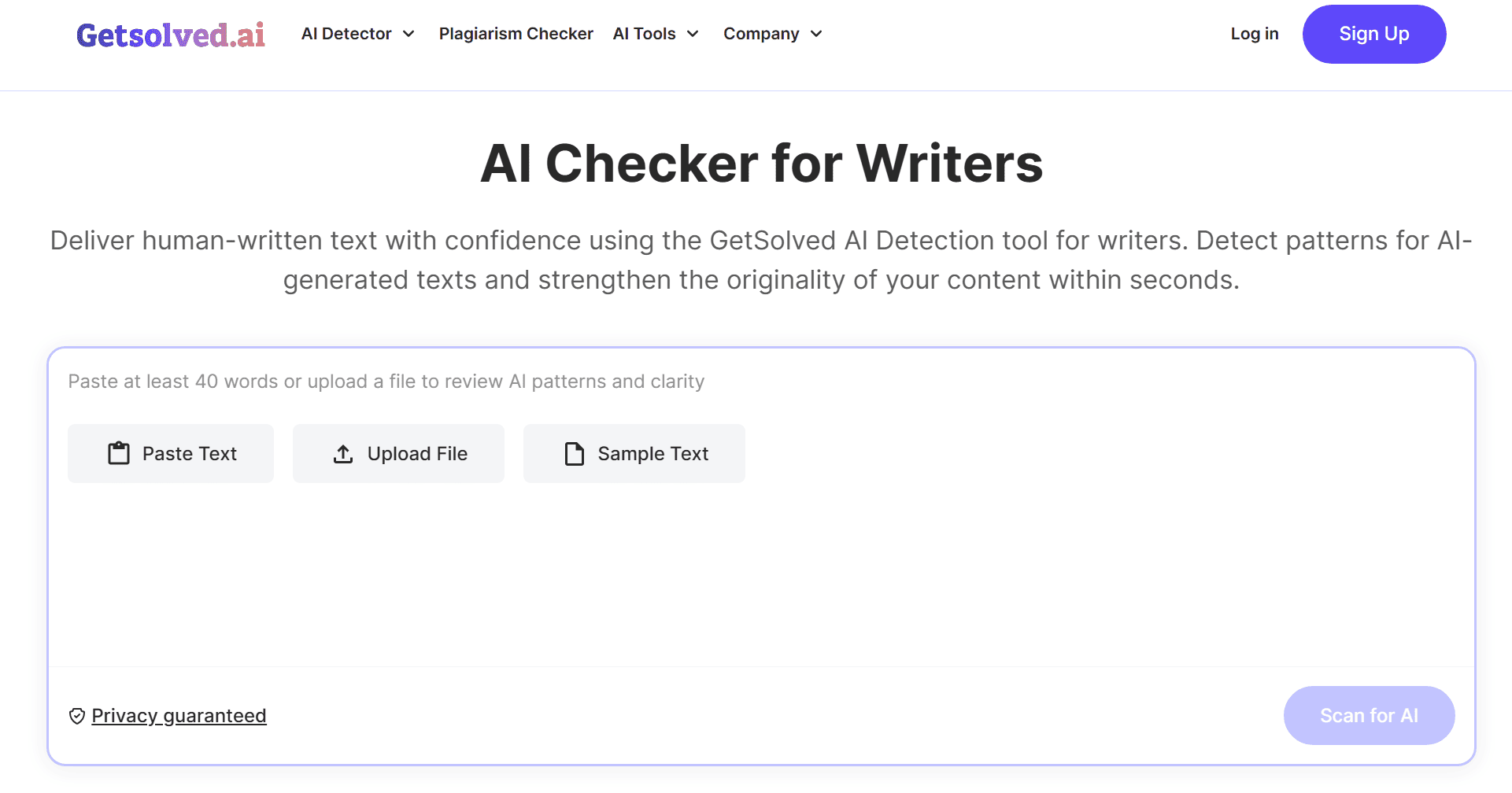
GetSolved is one of those platforms used by students and instructors alike. It lets you paste in your text or upload a file and get a result without even signing up.
Students especially appreciate the other built-in tools, including the possibility to compare text versions very quickly. At the same time, the fact that students and instructors use the same tool reduces the uncertainty that hit students before submitting their essay.
Another thing I liked is that the tool works in English, Italian, German, Spanish, and French. It’s a useful detail for international students, who are the most exposed to false positives. You can also download the report as a PDF and attach it to the paperwork if the case needs a closer look.
2. Turnitin: The Detector Most Colleges License
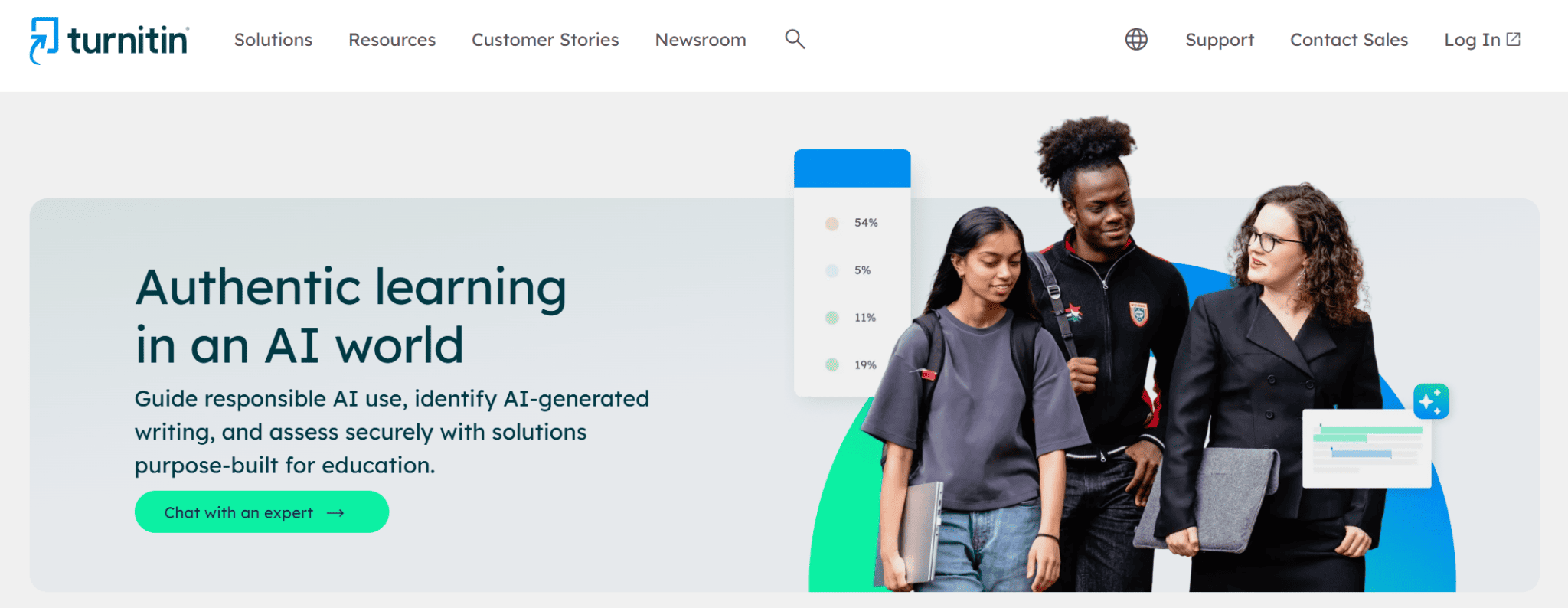
Turnitin is without a doubt the platform universities use most to check how much AI is in students’ papers. The reason is that it’s been used for standard plagiarism checks for over twenty years. Once Turnitin added AI detection, many universities were able to take advantage of the service by paying extra for the Turnitin Originality add-on.
Personally, I’ve never been able to test it, since it’s only available to institutions. It has always been considered fairly reliable, and one of its latest innovations is detecting text that’s been run through a humanizer, currently available only in English.
One problem is that a text can only be checked once: the second time, it will automatically show up as plagiarized. Also, like many other tools of this kind, it’s not immune to false positives. That’s exactly why a growing number of universities have turned it off, as I’ll show you later.
3. Copyleaks: The Main Turnitin Alternative
Copyleaks is often used by universities that don’t use Turnitin or are moving away from it. It combines plagiarism checking and AI detection in a single report and is integrated into Brightspace and Canvas.
I’ve tried it many times over the years. I’ve always liked that it tells you which sentences push up the AI score (only in the premium version, though) and that it works in more than 30 languages. That said, the results should often be taken with a grain of salt: I’ve occasionally changed a single sentence and watched a text jump from 0% to 100%. And I had written that sentence entirely myself.
It’s used by universities such as Utah State, Utah Tech, and the University of Illinois Springfield, but the AI result should be treated as a starting point for a conversation rather than actual proof.
4. GPTZero: The Most Common Second Opinion
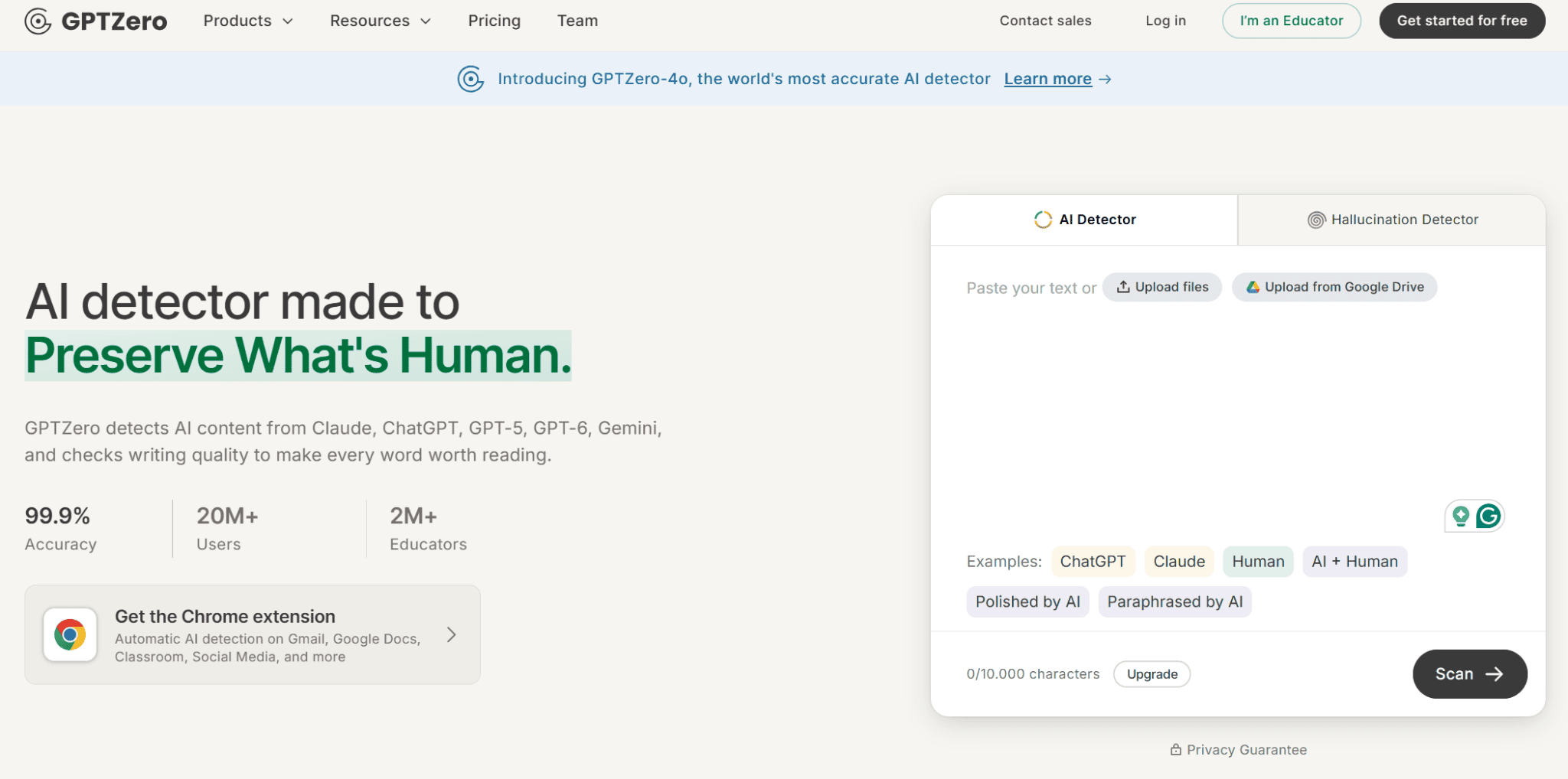
I already discussed GPTZero in a GPTZero detection tool review. It was created by a Princeton student, Edward Tian, just a few weeks after ChatGPT came out. In short, it was an almost pioneering tool that quickly became a favorite among many teachers, especially those whose schools hadn’t integrated Turnitin. Over the years, though, it has shifted from individual to institutional use, as it’s currently sold to schools through K16 Solutions’ Scaffold platform.
Its strengths include a three-tier score (human, mixed, AI) and the Origin extension, which can replay how a Google Doc was written. Besides, its free tier of 10,000 words per month allows students to use it before submitting and already get a preview of what the teacher will see.
5. Pangram: The Newcomer Professors Trust
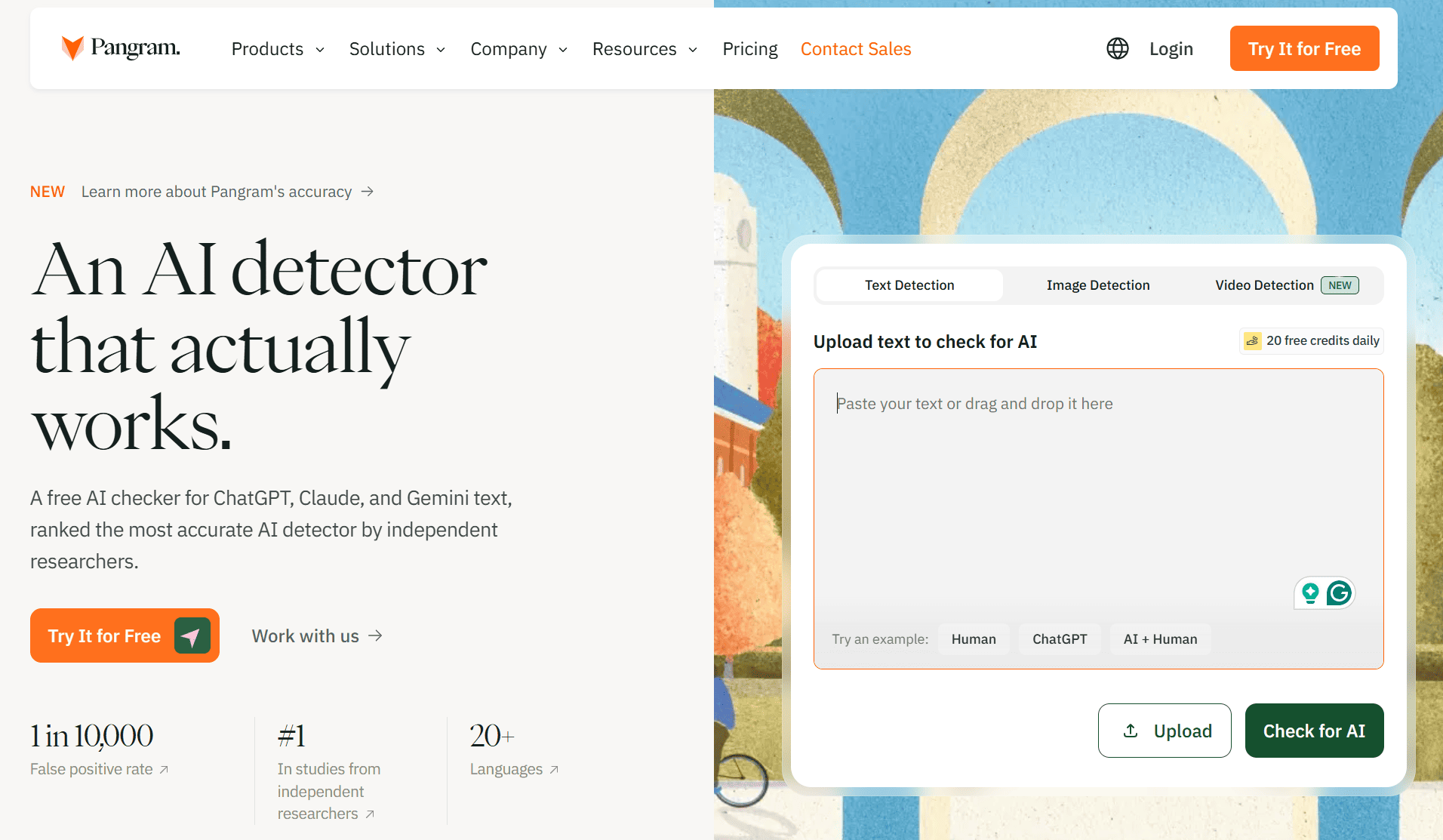
Pangram got a fair amount of media attention when it was adopted by the University of Chicago, which makes it available to all faculty. The reason for this adoption is that, in their tests, it was the only tool that could detect AI-generated content with a virtually non-existent false positive rate. It can also recognize text that’s been run through humanizers.
I checked student reviews on Trustpilot, though, and they are more negative, with lots of 1-star reviews and an average of 3.5. Some say the score changes when the same text is analyzed multiple times, or that removing a single sentence is enough to drop the score from 100% to 20%. Since you can analyze up to 2,000 words a day, students can also check their work (or at least part of it) before submitting it to their professors.
6. Originality.ai: Used by Teachers, Rarely Approved for Grading
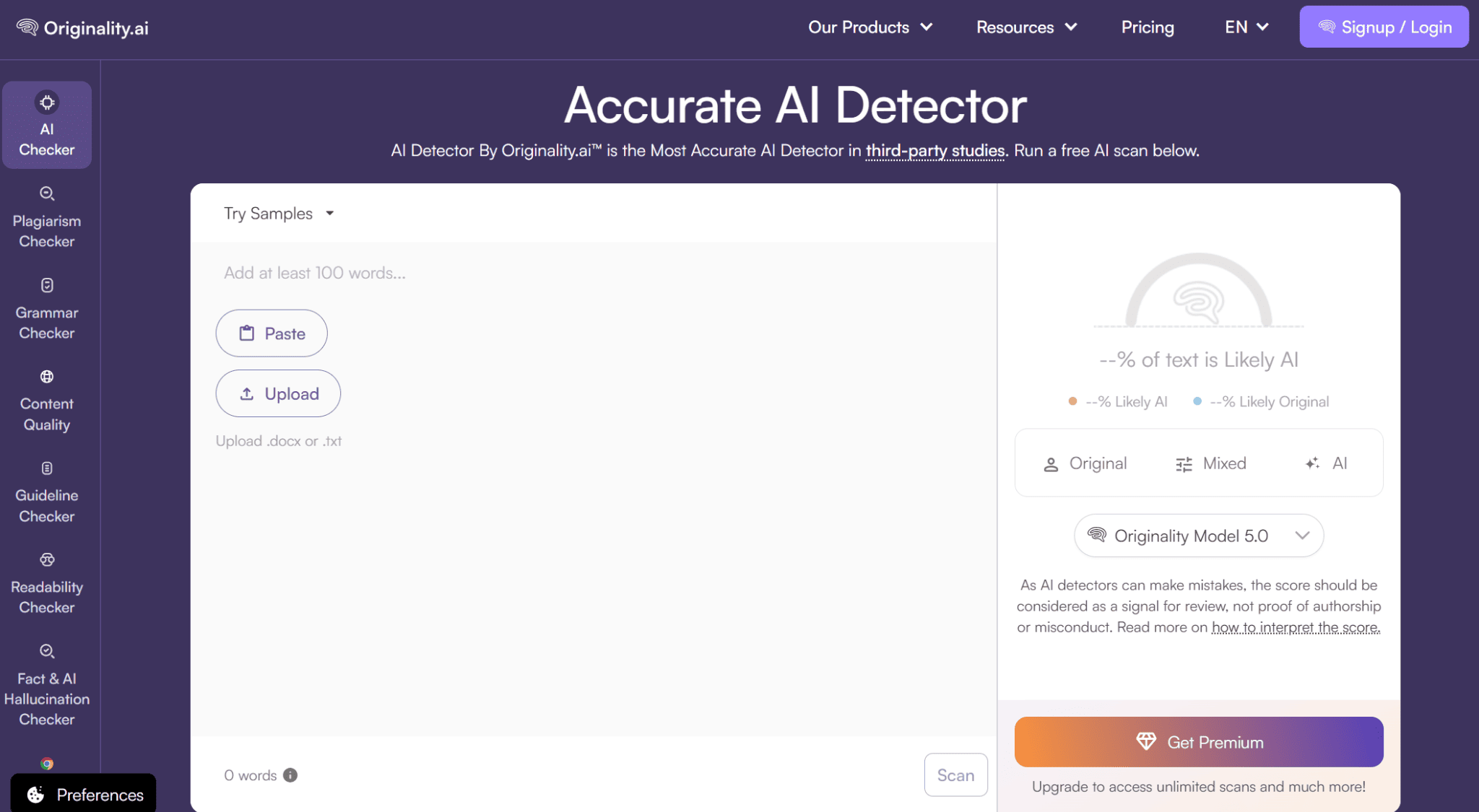
Originality.ai was built primarily for publishers, agencies, and SEO teams rather than universities. It still isn’t usually approved for grading, but some teachers use it anyway. Part of the reason is that it has a Moodle plugin and offers an Academic model built mainly for STEM assignments.
It’s a multi-purpose platform that also includes plagiarism detection and several other tools, such as a Fact & AI Hallucination Checker and a Grammar Checker.
Check your text with Originality.ai
7. ZeroGPT: The Free Tool Individual Professors Use on Their Own
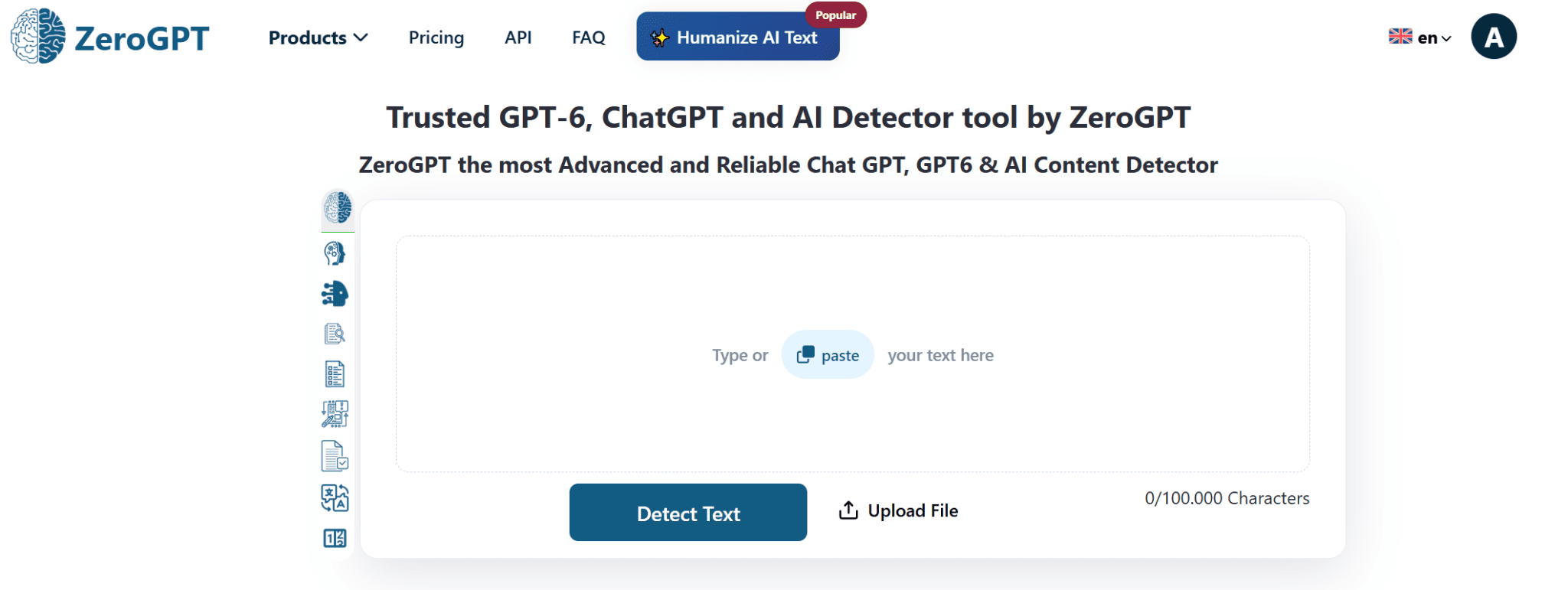
ZeroGPT is the go-to choice for anyone without a university license or a budget. Used by students and professors alike, it lets you run free checks of up to 15,000 characters at a time without even creating an account. When you paste in a text, you get an overall AI probability percentage, and the sentences that might be AI-generated are highlighted.
That said, the whole thing stays fairly vague and opaque, and even though you can submit text in any language, the results vary a lot. In some of my tests, for example, texts in Hebrew and Arabic were flagged even when they were passages from the Torah or the Quran. In English, the result is a good starting point but can never count as proof, and because of its many false positives, it’s rarely approved by academic integrity offices.
The Schools That Use No AI Detector at All
Overall, trends are shifting. Worried about how accurate AI detectors are in practice, many universities are starting to drop them. On one side are the schools that have turned off Turnitin’s AI detection, sometimes after using it for years. These include:
- Vanderbilt
- University of Waterloo
- Curtin University
- Washington State University
On the other side are universities that never turned it on in the first place: UBC in Canada, UCLA, which opted out as early as the preview stage, and, in the UK, the University of Greenwich. Then there are those that have given up on detectors altogether: UNC Charlotte lists all AI detection software as “Do Not Use,” and Indiana University’s Kelley School of Business doesn’t approve any of them for faculty.
Yet, a university without a detector isn’t a university without checks. Professors rely on assignments that are harder to hand off to generative AI, in-class writing, and short oral exams. That’s why, wherever you study, it’s always a good idea to keep all your drafts: if your work is ever questioned, they’re the strongest evidence you can show.
Final Verdict
If your college uses one of these AI tools, it’s probably Turnitin. Others use Copyleaks or, individually, GetSolved and GPTZero. However, the bigger takeaway is that things are changing in the academic world: more and more teachers and institutions are realizing that the score should be only a starting point that leads to a conversation, not just proof.
That said, I believe these tools still prove to be pretty useful for students. Especially when they offer other services as well, like grammar checkers, readability checkers, or the possibility to check citations and sources in a few minutes. Used wisely, they can save a lot of time for students while at the same time allowing them to learn for real.
FAQ
How can I find out which AI detector my college uses?
Check your course syllabus and your school’s academic integrity or IT pages. They often list approved tools. If nothing is published, you can and should ask your professor directly. It’s a normal question, especially now that many schools have switched detection off.
Do colleges check admissions essays for AI?
Rarely with software. Only a few schools say they do, such as BYU and some University of Maryland graduate departments.
Can I check my essay with Turnitin before I submit it?
Not directly. Turnitin is sold only to institutions, so students can’t run their own AI check. You can use a free detector like GetSolved or GPTZero to see which passages might be flagged, but be aware that scores won’t match exactly.
Can using Grammarly get my essay flagged as AI?
Sometimes it can. Basic spelling fixes are not a problem, of course. Yet, accepting every rewrite suggestion can certainly flatten your writing to the point where it sounds machine-made.