
When my mother was still a high school teacher, before she retired, I remember very well the afternoons and evenings she spent preparing lessons for the next day. This led me to wonder: what would have changed if she were teaching now? What tools would she have available?
The answer is simple: lots and lots of online tools based on artificial intelligence. So I set out to find what’s the best AI tool for creating lesson plans in 2026. First, I checked several reviews and discussions from teachers around the world on Reddit. Then I made a shortlist of 20 tools and tested them to figure out which 8 were most useful and interesting.
Some are designed specifically for teachers; others are general-purpose assistants that still work very well for creating lessons. Used the right way, these tools can save a teacher time, which they can then use to keep up with current events, specialize in new fields, or simply spend with their loved ones.
My Methodology: How I Chose and Tested the Tools
I gave every tool the same type of request: a lesson with a clear objective, a grade level, and a time limit, and then judged the result as if I had to teach it the next morning. These were my criteria:
- Plan quality: is it realistic, well-structured, and ready to use?
- Materials: can it also create worksheets, quizzes, or slides?
- Curriculum alignment: can you align it to standards or to your curriculum?
- Price and privacy: is there a free plan, and is it safe to use at school?
The 8 Best AI Tools for Lesson Plans Compared
To start, here’s a quick overview of all the tools analyzed in this guide. I’ve included what each one is best for, its standout feature, and my rating.
| # | Tool | Best for | Standout feature | My rating |
|---|---|---|---|---|
| 1 | MagicSchool | All-round lesson planning | 80+ teacher tools on the free plan | 4.9/5 |
| 2 | Brisk Teaching | Working inside Google Docs and Slides | Turns articles, videos and web pages into materials | 4.7/5 |
| 3 | GetSolved | Drafting and checking lesson materials | Writing assistant with grammar checker and fact checker | 4.5/5 |
| 4 | ChatGPT | Flexible planning with custom prompts | Custom GPTs loaded with your own curriculum | 4.6/5 |
| 5 | Diffit | Differentiating by reading level | Adapted resources for ELL, SPED and intervention | 4.4/5 |
| 6 | Kuraplan | Lesson and unit plans aligned to standards | Weekly planner built from a timetable photo | 4.3/5 |
| 7 | Gemini | Teachers who work in Google Workspace | Creates Docs and Sheets directly | 4.2/5 |
| 8 | Microsoft Copilot | Schools on Microsoft 365 | Teach module with standards from 35+ countries | 4.1/5 |
Most of these tools can be used for free initially, but the most useful features are often only available with a premium subscription.
1. MagicSchool: The Best AI for Lesson Plans Overall
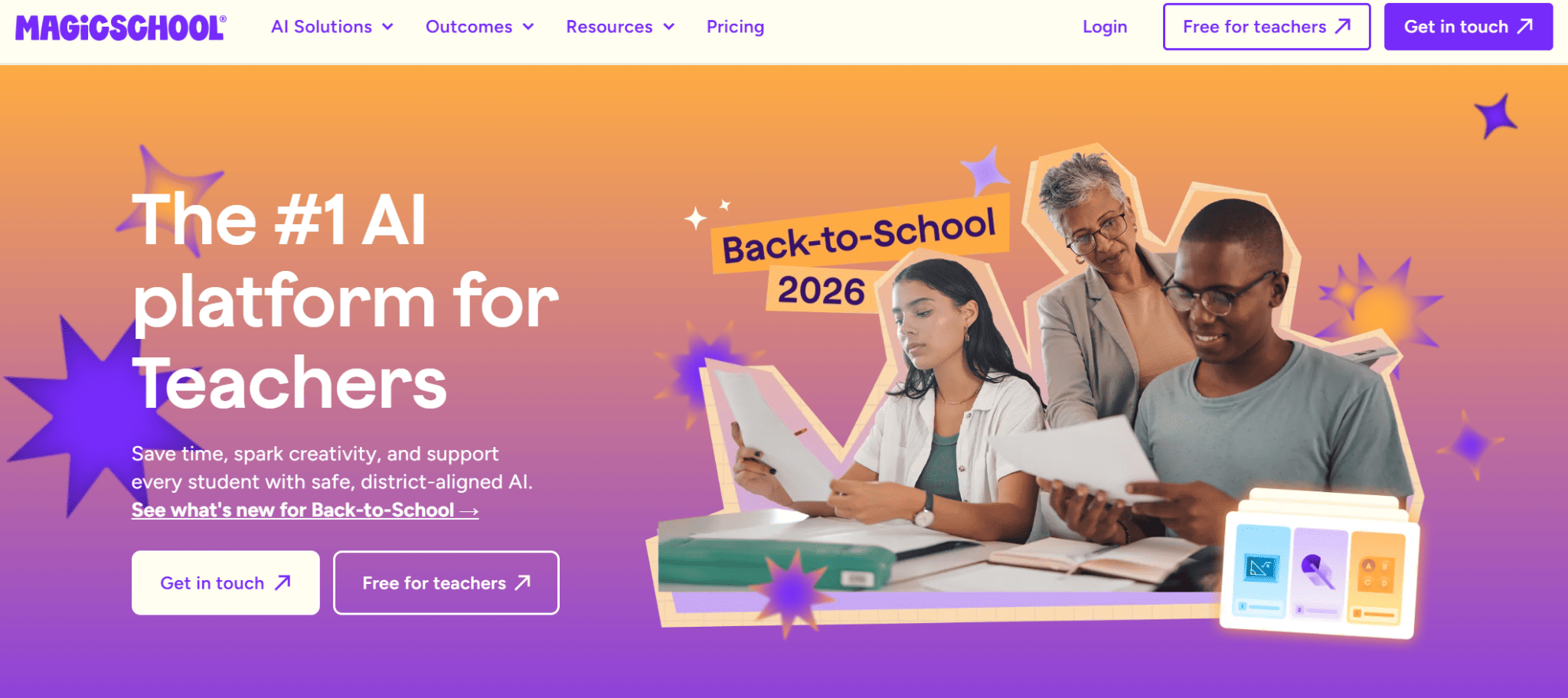
MagicSchool is the most complete platform there is for teachers. It’s not just a chat to ask questions and get help from, but a well-stocked library of tools designed for specific teaching tasks, able to cover almost every need:
- Planning: lesson plan and unit plan generators, projects, presentations and activity ideas.
- Assessments: multiple-choice quizzes, worksheets, grading rubrics and questions based on a YouTube video.
- Differentiation: tools to adapt a text to different reading levels or to explain a complex concept in multiple ways.
- Feedback and communication: comments on student work, report card comments, emails to families and class newsletters.
On top of these there’s Raina, a chatbot for quick questions, so you can build the lesson and the materials that go with it without switching tools.
Pros:
- More than 80 teacher tools, even on the free plan.
- Free feedback on a whole class’s writing at once.
- The Plus plan adds more than 50 tools that students can use directly.
Cons:
- The free plan limits the number of generations and the available history.
- With so many tools, it takes some time to find the ones you’ll actually use.
MagicSchool pricing: free forever plan; Plus costs $12.99/month, or $8.33/month when billed annually.
My rating: 4.9/5
2. Brisk Teaching: The Best for Working Inside Google Docs and Slides
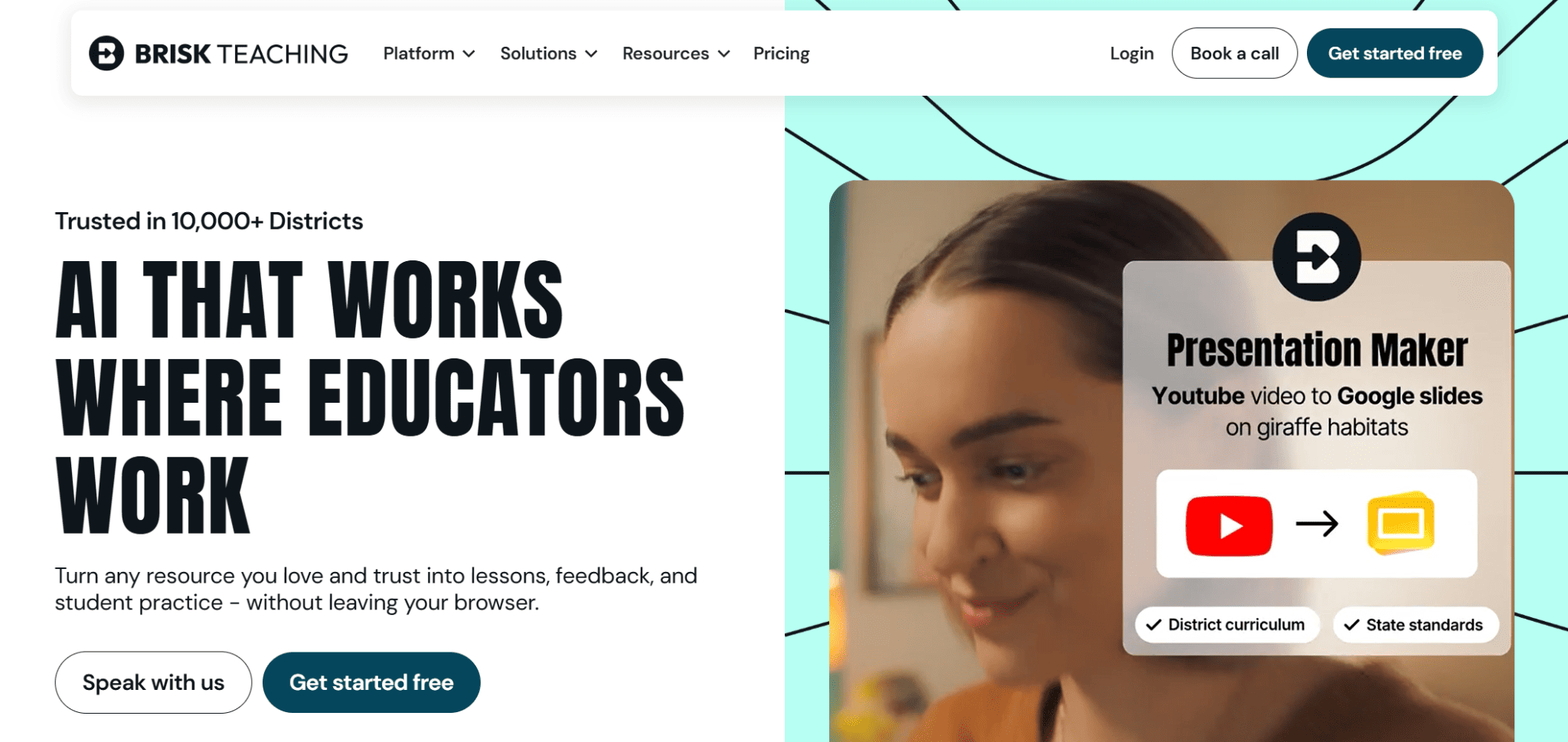
Brisk takes a different approach from the rest of the list because it works as a Chrome or Edge extension inside the tools you already use. This way, you won’t have to use a new platform from scratch.
It lets you open a newspaper article, a YouTube video, or a Google Doc and turn it into a lesson plan, a quiz, a presentation, or a version adapted to a different reading level. It also lets you simplify complex sentences to make them accessible to everyone.
In my tests, the quiz generator for YouTube videos was particularly handy: it creates the questions and the answer key directly in a Google Doc or Google Form.
Pros:
- More than 20 tools on the free plan.
- Works on Google Docs, Slides, PDFs, YouTube, and more.
- Also prepares draft feedback on student work to review before publishing it.
Cons:
- Only available for Chrome and Edge, with no mobile app.
- Some school networks may require IT department approval before installation.
Brisk Teaching pricing: free for educators; Educator Pro costs $99.99/year, and school and district plans are priced on request.
My rating: 4.7/5
3. GetSolved: The Best for Drafting and Checking Lesson Materials
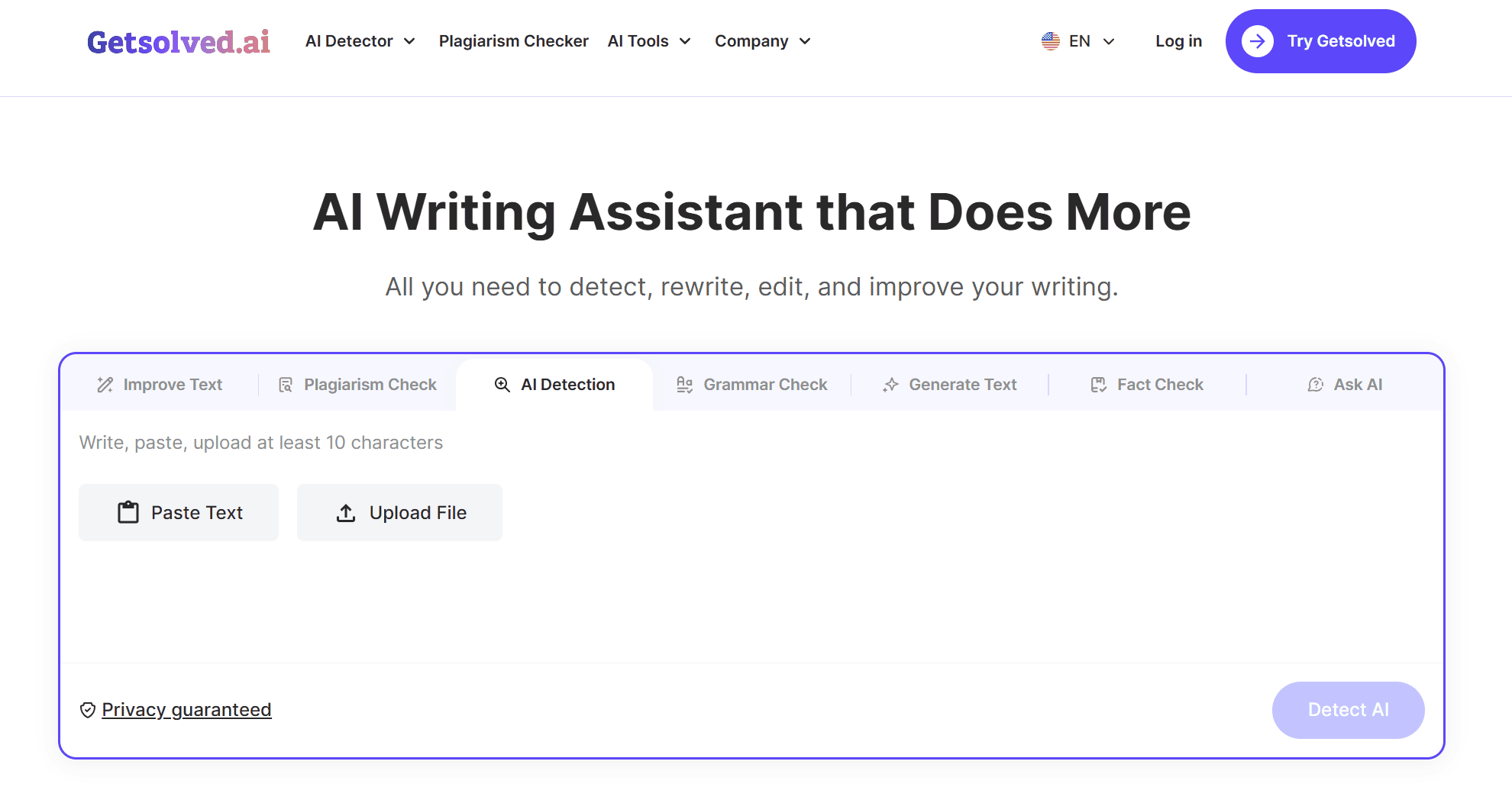
GetSolved isn’t a dedicated lesson planner like MagicSchool, but rather an AI writing assistant for teachers that lets you create a draft of a lesson plan, an assignment, or a handout.
The real strength here is that GetSolved is a complete platform, with lots of features built in. In my tests, I used it like this:
- First, I clicked on “Generate Text” and asked it to generate a short lesson plan.
- I edited the plan myself, adding my own research to it.
- I ran it through GetSolved again using the “Fact Check” feature to verify that everything was correct.
- Finally, before presenting it to students, I did a quick check with the platform’s “Grammar Check.”
In short, I managed to do all of this without ever having to switch to another site, saving a lot of time and feeling confident that the final result was high quality.
Pros:
- You can draft, edit, and fact-check lesson content in the same place
- Adjusts readability, handy for adapting texts to different ages.
- AI detector and plagiarism checker for reviewing students’ work.
Cons:
- No ready-made templates for specific lesson formats.
- No alignment to curriculum or standards.
GetSolved pricing: some functions of the AI writing assistant are free to use, and choosing a plan unlocks the full platform: 7-day access for $2 (then $39.99 every 30 days), a Monthly plan at $19.99, or an Annual plan at $95.88 ($7.99/month).
My rating: 4.5/5
Draft your next lesson with GetSolved
Expert tip: never hand out AI-generated material without reading it first. Check dates, figures and definitions in particular: they’re the details AI gets wrong most often, and the ones students tend to memorize the most.
4. ChatGPT: The Best for Flexible Planning With Custom Prompts
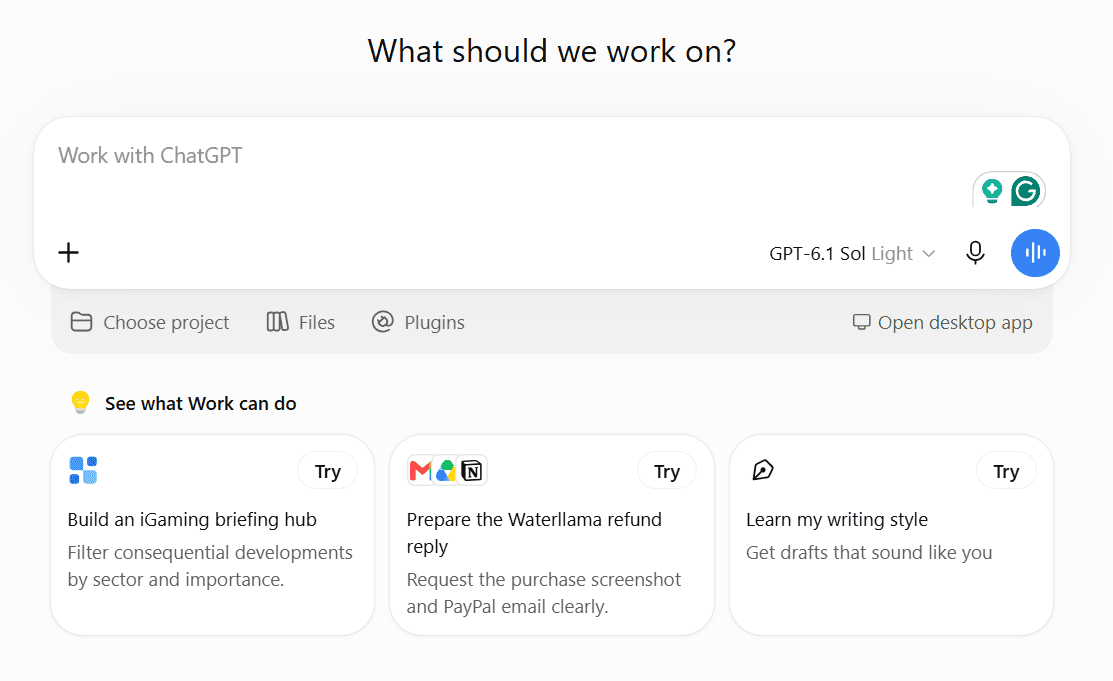
ChatGPT isn’t designed for teachers, but it’s still one of the most useful planning tools around, as long as you give it a good prompt. It’s also the tool many of the teachers I spoke with turn to when they want to ask AI for lesson ideas. Of course, the more context you include, such as grade level, standards, available time, type of activity, and assessment method, the more usable the plan you get will be.
Its real advantage, though, is that, with a custom GPT, you can upload your rubrics, curriculum maps, and past lessons just once. After that, every new plan will follow your style instead of a generic template.
Pros:
- Can plan any subject, at any level, in the format you ask for.
- Custom GPTs remember your curriculum and preferences.
- Can also create images and analyze the files you upload.
Cons:
- Needs detailed prompts to give good results.
- It isn’t designed for schools, so check your school’s AI policy before using it with student data.
ChatGPT pricing: free plan available; paid tiers (Go, Plus and Pro) add more usage, stronger models and custom GPTs.
My rating: 4.6/5
5. Diffit: The Best for Differentiating by Reading Level
If you’ve ever had to rewrite the same text three times for three groups of students, Diffit is right for you. It creates supplementary material on any topic, book, standard, or skill, and adapts it to different students, including non-native speakers, students with special educational needs, and intervention groups.
The result is a set of classroom-ready resources you can print, download as PDFs, or share, and then edit or expand however you like.
Pros:
- Designed specifically for differentiation and intervention.
- Free plan for individual teachers.
- Premium adds exporting to Google, Canva, and Microsoft, plus alignment to standards and skills.
Cons:
- With the free plan, you can only access content created in the last 90 days.
- Premium plan prices aren’t public.
Diffit pricing: free basic plan; individual teacher licenses and school plans are priced on request, and new accounts get a premium trial.
My rating: 4.4/5
6. Kuraplan: The Best for Lesson and Unit Plans Aligned to Standards
Kuraplan is a very interesting platform for American teachers. It lets you align plans to Common Core standards and also includes a library of ready-made lesson plans to start from.
One feature I didn’t expect to find useful, but did, is the weekly planner: you take a photo of your timetable, and Kuraplan builds a weekly view from it.
Pros:
- Lesson, unit, and worksheet planners on the free plan.
- Pro adds slideshows, images, and file uploads.
- Affordable school licenses.
Cons:
- The free plan has limited resource creation.
- Alignment to curricula outside the United States isn’t clearly documented on the pricing page.
Kuraplan pricing: free plan available; Pro costs $9/month with a 7-day free trial, and the Schools plan costs $99/teacher/year with a 30-day free trial.
My rating: 4.3/5
Plan your next unit with Kuraplan
7. Gemini: The Best for Teachers Who Work in Google Workspace
The same goes here as for ChatGPT. We’re talking about a general-purpose tool that nonetheless works very well for planning. In short, you can describe the lesson and then refine it through further prompts.
It also works well as an AI paragraph generator when you need a short reading passage or a sample text for an activity. One of its strengths is that, being part of the Google ecosystem, you can send a lesson plan directly to Google Docs or a list of activities and timings to Google Sheets, saving quite a bit of copying and formatting work.
Pros:
- Free with a Google account.
- Fits naturally into a Google Classroom workflow.
- Great for finding initial ideas, examples and activities.
Cons:
- No templates designed specifically for teachers.
- Like any general-purpose assistant, the quality depends on how detailed your prompt is.
Gemini pricing: free; Google AI Pro costs $19.99/month.
My rating: 4.2/5
8. Microsoft Copilot: The Best for Schools on Microsoft 365
If your school uses Microsoft 365, Copilot is the most obvious starting point. Its Teach module, launched in October 2025, brings lesson planning, differentiation, and assessment together in one place: you enter a topic and a grade level, and it creates a lesson plan aligned to the standards of over 35 countries. From there, you can adjust the reading level and difficulty, and prepare quizzes and rubrics based on your learning objectives.
Pros:
- Copilot Chat is included at no extra cost in Microsoft 365 education plans.
- Standards from over 35 countries.
- Creates content that integrates directly into Word, PowerPoint, and Forms.
Cons:
- The most advanced features require the paid Microsoft 365 Copilot add-on.
- Less useful if your school works mainly with Google tools.
Microsoft Copilot pricing: Copilot Chat is free with Microsoft 365 education plans; the full Microsoft 365 Copilot add-on costs $18/user/month.
My rating: 4.1/5
Explore Copilot for education
The Final Verdict
No AI tool will prepare your lessons for you, and none should. What they can do is give you a solid first draft in a few minutes, so you can spend your time on the part that really matters: adapting the lesson to the students in front of you.
Judging by online discussions among teachers, many end up using two tools: a general-purpose assistant for ideas and a dedicated one for materials.
Here’s a quick recap to help you choose:
- Best overall: MagicSchool, for its huge free library of teacher tools.
- Best for Google and Microsoft schools: Brisk Teaching or Gemini on Google, Copilot on Microsoft 365.
- Best for flexible planning: ChatGPT, especially with a custom GPT that contains your curriculum.
- Best for differentiation and complete units: Diffit for reading levels, Kuraplan for lesson and unit plans.
- Best for writing and checking materials: GetSolved, to write, edit, and summarize lesson materials.
If you don’t know where to start, try MagicSchool and one of the free general-purpose assistants on your next lesson, and see which one saves you more time.