
Writing is still the central aspect of content marketing. And yet, I’ve noticed that in several teams, most of the time is spent doing something else entirely. Like choosing the topic, checking keywords, breaking a longer text into posts for LinkedIn and Instagram, and so on.
The good news is that there are now many tools automating the parts of the job you may find boring and repetitive. You just need to know where to look for them.
I’ve done the research: I spent the last few months testing over 30 tools on everyday content marketing work, aware of how varied it can be: blog articles, social media content, newsletters, graphics, and much more. But I didn’t limit myself to running lots of tests on my own: I also looked at online reviews and Reddit discussions where agencies themselves talk about the tools that have made their work easier.
In the end, I chose 9 tools. They range from the general-purpose assistants we all know to specialists for SEO, editing, design, and brand control. For each one, you’ll find its main features, its price, and the category it’s designed for.
How I Chose and Tested the Tools
At first, I had planned to give every tool the same tasks, like a 1,500-word article and a week of social media posts. It didn’t take long to realize that wouldn’t work: a design tool and an SEO tool simply aren’t built for the same job.
So I changed my approach and evaluated how much each tool’s strengths could concretely help a marketing team, using criteria such as output quality, brand consistency, workflow integration, and price.
Overview of the Best AI Tools for Content Marketing
Here’s an overview of all 9 tools before going into detail. Some are among the best AI content creation tools when writing from scratch; the others specialize in a single stage, like SEO, editing, or design.
| # | Tool | Best for | Starting price |
|---|---|---|---|
| 1 | ChatGPT | Research and first drafts | Free |
| 2 | Claude | Long-form writing | Free |
| 3 | Jasper | Brand voice across campaigns | $59/seat/month (billed annually) |
| 4 | GetSolved | General content check before publishing | $2 for 7 days |
| 5 | Surfer SEO | Content optimization for search | $49/month (billed annually) |
| 6 | Semrush | SEO research and drafting | $60/month (Content Toolkit) |
| 7 | Grammarly | Editing across a team | Free |
| 8 | Copy.ai | Short-form copy and GTM workflows | $24/month (billed annually) |
| 9 | Canva | Visuals for blogs and social media | Free |
I didn’t add ratings because these tools are not direct competitors. Instead, it’s good to check which ones you’d rather use based on your specific needs.
1. ChatGPT: The Best All-Round Option for Content Marketing
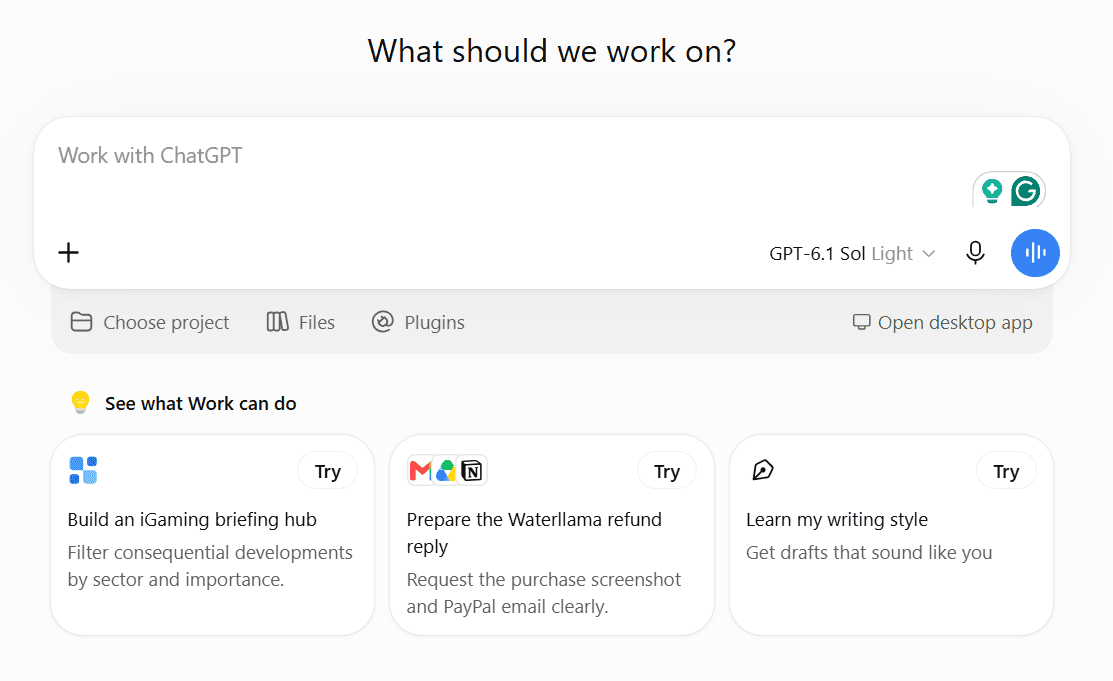
I want to start with what any marketer might think is a very obvious choice. It’s true, we all already know ChatGPT and lots of people use it in very different ways, though no one would call it an AI marketing tool, strictly speaking. Well, based on my tests, it’s the best tool for several aspects of content marketing work, and its flexibility explains why so many teams use it.
In a single conversation, you can research a topic, sketch out an article outline, test five subject lines for a newsletter, and create an image to go with it. Its strength lies in the early stages of the process: it’s excellent for ideas, structure, and alternatives. The final draft and editing, on the other hand, are better left in human hands, and it’s also advised to run a grammar checker every time you use AI to generate text.
ChatGPT Pricing: You can try it on the free plan, and the paid tiers (Go, Plus and Pro) add more usage, stronger models, and longer memory.
2. Claude: The Best for Long-Form Writing
If ChatGPT’s drafts sometimes sound too generic, Claude is a great alternative as a writing tool. Very often, depending on the prompts provided, a draft already reads as if it were written by a flesh-and-blood person
It’s suited to those who need to write longer texts, and its drafts often require fewer tone adjustments than most alternatives. For content teams, the standout feature is Projects. You add your brand guidelines, previous articles, and buyer personas just once, and Claude uses them in every conversation within that project. This way, it can also truly help with content strategy.
Claude Pricing: Claude has a free plan. Pro costs $20/month, or $17/month with annual billing, and Team plans start at $20/seat/month billed annually.
Expert tip: not every weak sentence needs to be rewritten from scratch. When a line is almost right, a free AI rewording tool can suggest a few alternatives in seconds, while you keep control over the voice.
3. Jasper: The Best for Keeping Your Brand Voice Consistent
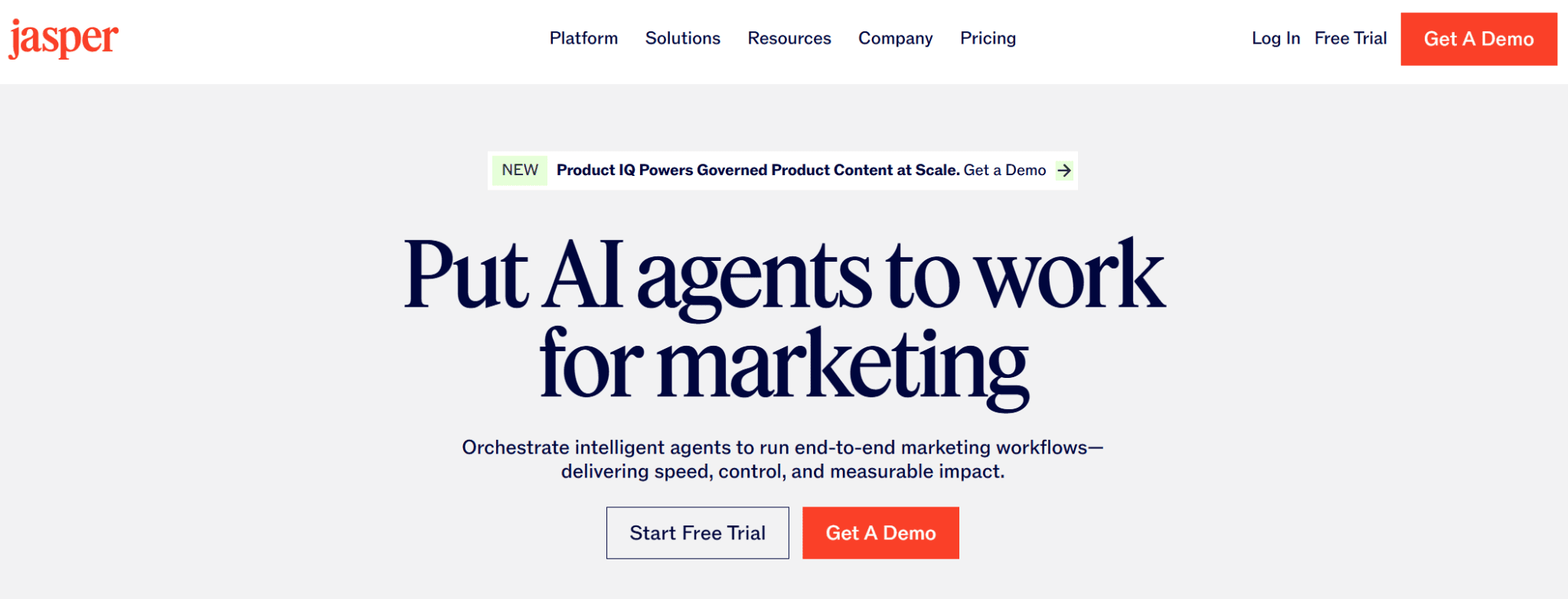
Jasper is a marketing platform, and consistency is its strong point. Once you’ve set up Brand Voices and your target audience, every piece of content follows them, from landing pages to newsletters all the way to an ad group.
It’s often listed among the best AI marketing tools, but it’s worth knowing its limits. A marketing professional working at an agency summed it up like this on Reddit: “We use Jasper for ad copy variations, works well for that specific use case. Wouldn’t use it for thought leadership or strategic content though.” My experience was the same: it’s great for volume and variations, less convincing when a piece of content needs a strong, original point of view.
Its most important features are:
- Brand Voices, Knowledge and Audiences: keep tone and information aligned across the whole team.
- Marketing agents: automate the main workflows, from campaign briefs to content repurposing.
- Remix Content: adapts a piece of content to different channels.
- Image generation and editing: creates images in line with the campaign.
Jasper Pricing: Pro costs $69/seat/month, or $59/seat/month billed annually, with a 7-day free trial.
4. GetSolved: The Best for Checking Content Before You Publish
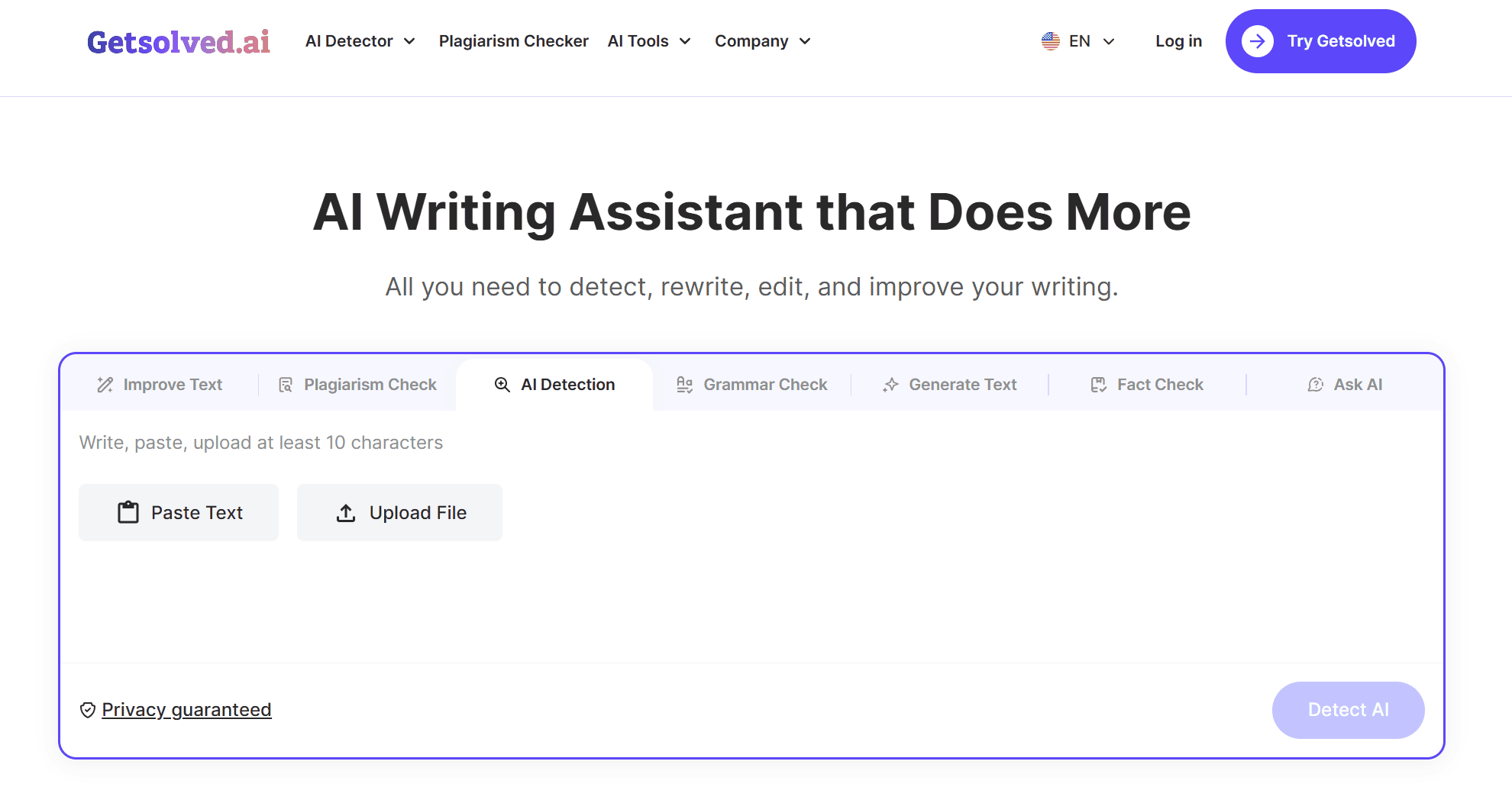
GetSolved doesn’t replace the previous tools, but rather complements them. We’re talking about an AI writing assistant with lots of features: grammar and plagiarism checks, fact-checking, content generation, and much more. To sum that up: content optimization.
This makes it a perfect ally during the review stage. Once the draft exists, it gives you everything you need to revise it before publishing, all in one place, without having to jump from one tool to another.
Based on my tests, the two most useful GetSolved tools for content marketing are the AI detector and the grammar checker. The first points out sentences that come across as artificial or overly formal, while the latter fixes grammar, punctuation, and spelling with a single click.
GetSolved Pricing: Some features of its AI writing assistant are free to use, and choosing a plan unlocks everything the platform can do: 7-day access for $2, a Monthly plan at $19.99, or an Annual plan at $95.88 ($7.99/month).
Run your next draft through GetSolved
5. Surfer SEO: The Best for Optimizing Content for Search
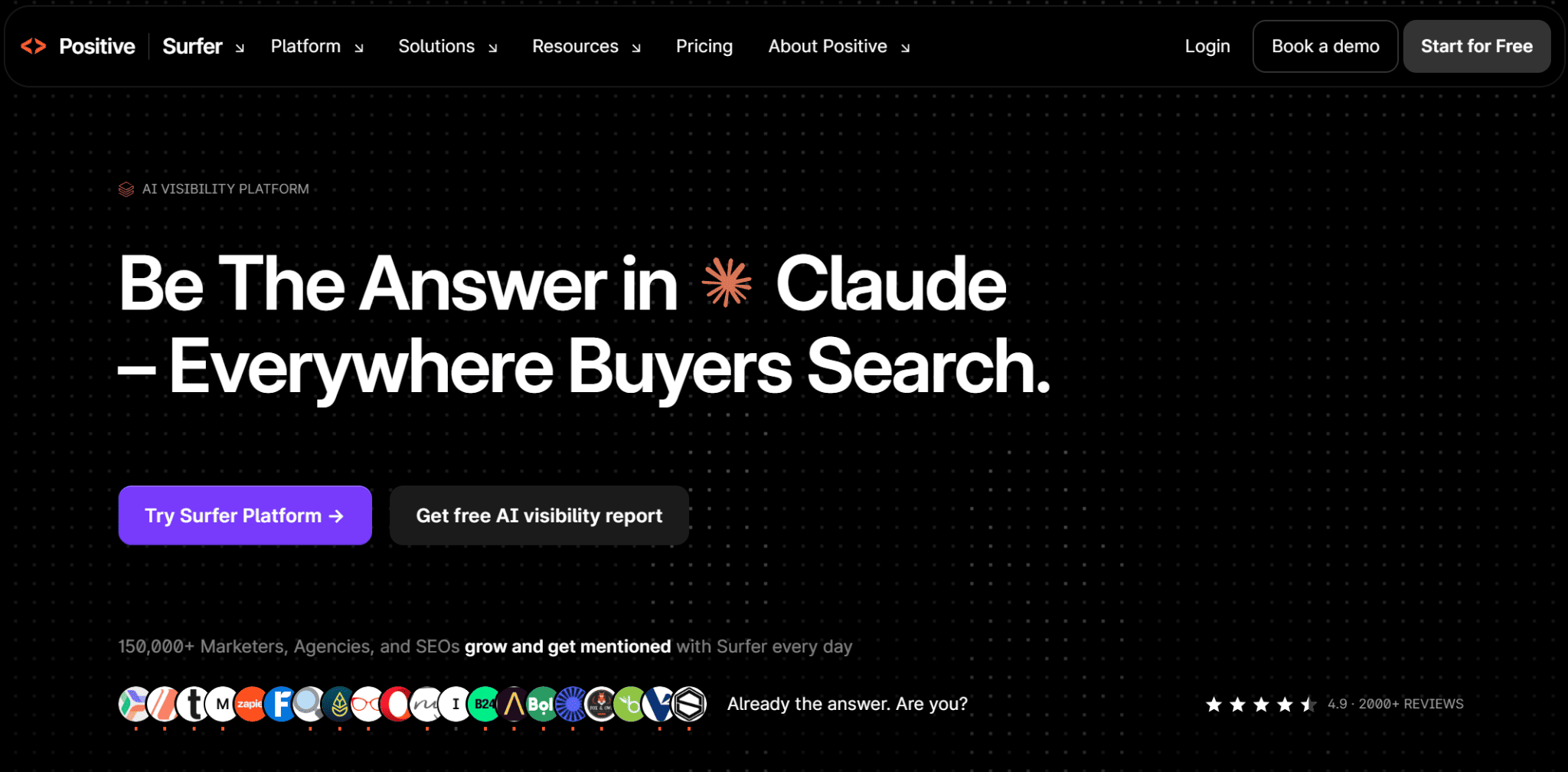
Surfer SEO meets a different kind of need compared to the platforms I’ve already discussed. In fact, it’s designed for teams that need their content to rank on Google and appear in Google AI answers.
Its Content Editor compares your draft with the pages already ranking for your keyword and shows you what’s missing as you write, from subtopics to the ideal length. The Content Score tells you how close you are to the goal, so you know when an article is ready.
There’s also a built-in assistant, amusingly named Surfy, for writing and optimizing within the editor.
Surfer SEO Pricing: Plans start at $49/month billed annually, and paying yearly saves up to 17% compared with monthly billing.
Start optimizing with Surfer SEO
6. Semrush: The Best for SEO Research and Drafting
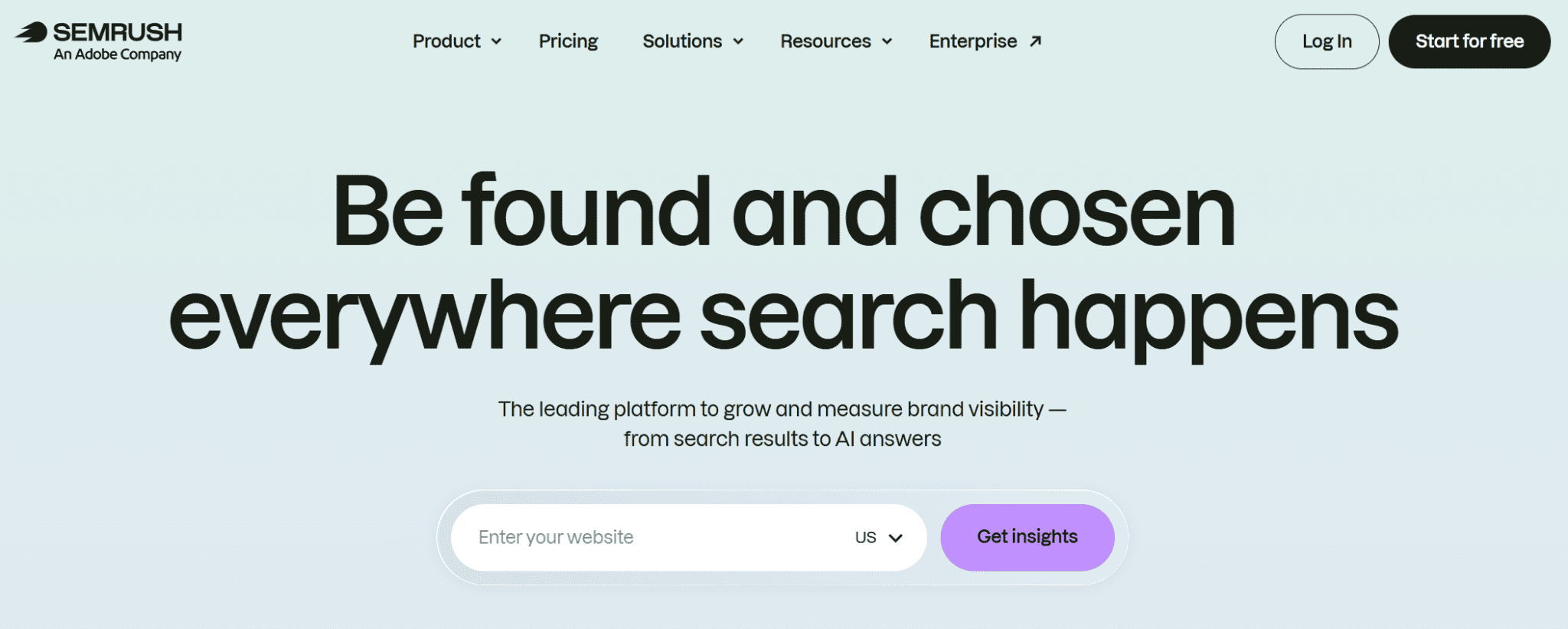
Let’s stay in the SEO world with Semrush. If your team already uses this platform, its Content Toolkit is a natural addition. It lets you start from real search data, then write and optimize content with AI without ever having to leave the platform.
I recommend it to teams that publish often and want every article to be tied to a clear keyword strategy. However, to see how your brand appears in AI search, you’ll need the AI Visibility Toolkit, sold separately, and that’s precisely its main drawback.
Semrush Pricing: The Content Toolkit starts at $60/month.
Discover Semrush’s Content Toolkit
Expert tip: a high SEO score doesn’t guarantee an easy read. Before publishing, run the final draft through a readability checker: every sentence readers have to read twice costs you their attention, no matter how optimized it is.
7. Grammarly: The Best for Editing Across a Team
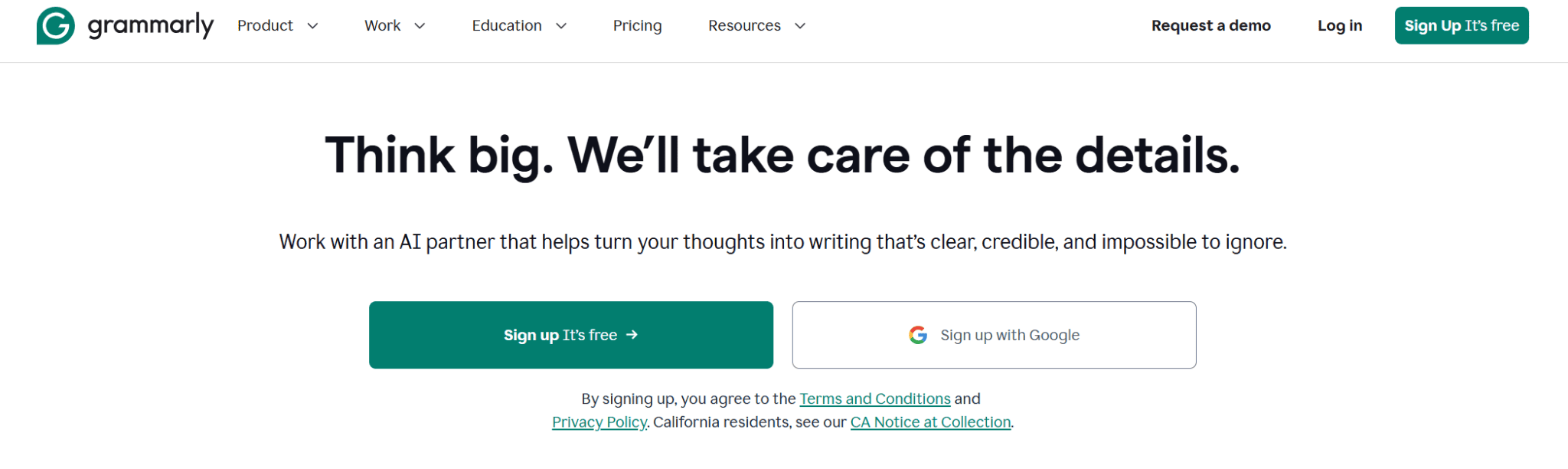
Grammarly corrects text as you write, inside the apps your writers already use. For content teams, it’s the paid plan that makes it truly useful: with a shared style guide and brand tones, an article written by a junior writer and one written by your head of content end up sounding like they come from the same company.
Here’s what this platform offers:
- Real-time corrections: spelling and grammar checks on the free plan.
- Tone adjustment and full-sentence rewriting: included in the Pro plan.
- Style guide and brand tones: one of each on the Pro plan, unlimited on the Enterprise plan.
Grammarly Pricing: The free plan comes with 100 AI prompts a month, and Pro costs $12/month.
8. Copy.ai: The Best for Short-Form Copy and Workflows
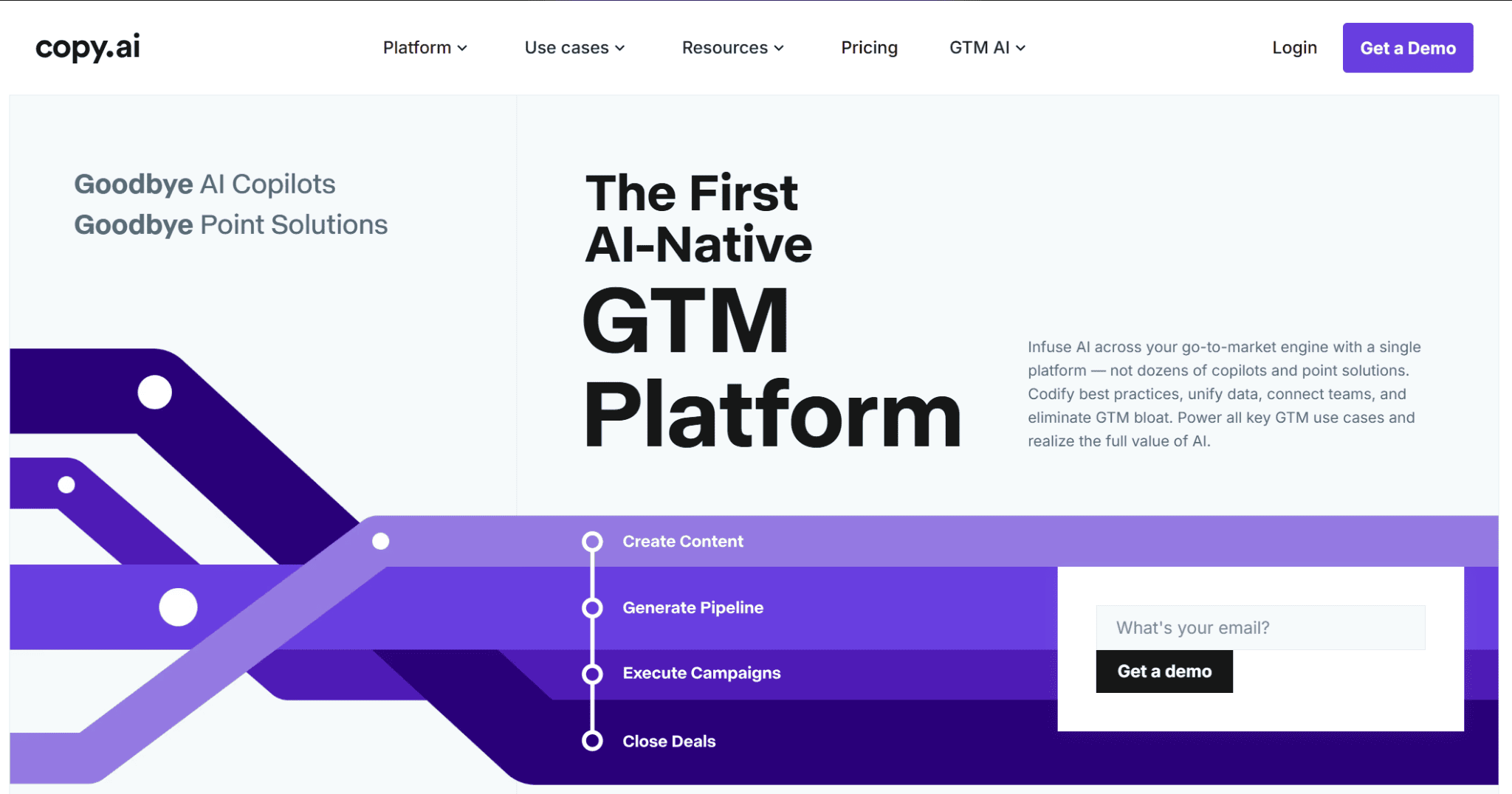
Copy.ai started out as a copywriting tool and then became a platform for go-to-market workflows. Its chat works like a quick AI paragraph generator: you describe the product, the audience, and the goal, and you get several editable versions of an introduction, a product description, or an ad.
Larger teams will be more interested in Workflows, which connect several AI steps into a single process, like turning a keyword into a complete SEO article, so that it’s always carried out the same way. Even the base plan includes unlimited words in the chat and up to 5 seats, enough for a small team to share from the start.
Copy.ai Pricing: The Chat plan costs $29/month, or $24/month billed annually. Workflows start with the Growth plan at $1,000/month.
9. Canva: The Best for Visuals
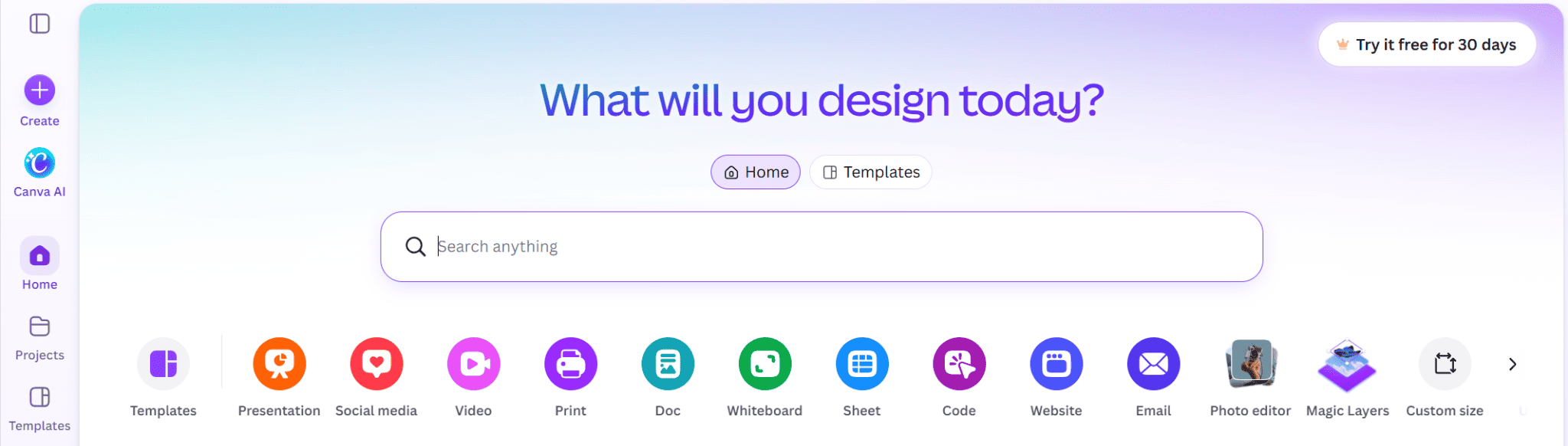
I couldn’t leave out a tool focused on images in this list, considering how central an element that is in content marketing. Canva is the most popular one, but also the best and easiest to use.
Its AI features help you create and edit images faster, and Brand Kits put logos, colors, and fonts at the fingertips of the whole team. You also have access to a huge library of templates for social posts, blog headers, ads, and presentations, so you rarely start from a blank page.
Canva Pricing: Canva is free to start. The free plan includes 20 AI uses, while the Pro plan ($144/year) offers ten times as many and up to 5 Brand Kits.
Create your first design in Canva
The Final Verdict: Tools That Complement Each Other
If you’ve read this far, you’ve probably noticed that these nine tools don’t really compete with each other. A design app, AI tools for writing, an SEO platform, and a grammar checker clearly solve different problems. Asking which one is “the best” might not be totally on point in this case.
In my experience, the setups that work combine a few tools, each handling one stage of the job, so here’s a quick recap to help you build yours:
- Best for research and drafting: ChatGPT, or Claude for long-form pieces.
- Best for brand consistency: Jasper.
- Best for checking content before you publish: GetSolved, with Grammarly for editing as a team.
- Best for SEO: Surfer SEO to optimize what you write, Semrush to plan it around keyword data.
- Best for short copy: Copy.ai.
- Best for visuals: Canva.
If you’re starting from zero, pick one tool from the top of the list for drafting, and make an optimization tool like GetSolved your last step before anything goes live. Add the specialists only when you hit the problem they solve.