
You used an AI program to improve your writing flow and realized you spent more time editing the output than necessary. AI is getting more powerful and widespread, but the challenge is finding a piece of software that creates accurate creative text with minimal need for editing.
Over the last few weeks, I tested a dozen AI tools that can be used across different stages of writing. I ranked them based on use, looking at efficiency for text, image, and voice generation, and I evaluated the price to see if it’s worth the features. You can see the results in this article to help you identify the options that suit your workflow.
Key Takeaways
- Getsolved is the best AI tool because it combines writing, paraphrasing, rewriting, and fact-checking in one solution.
- ChatGPT, Claude, and Perplexity are effective for research and brainstorming.
- Positive Surfer is a decent option if the goal is Search Engine Optimization (SEO).
- Jasper and Copy.ai are some of the most effective options to use for marketing content and workflows.
- Canva, CapCut, and ElevenLabs helped solve my visual, video, and voice content needs, but some more complex tasks needed Firefly or Midjourney.
How I Tested the AI Tools
On the 9th of September, I reviewed and ranked the 12 AI content creation pieces of software based on factors like output quality, reliability, ease of use, and versatility. This let me find suitable free AI writing tools for your toolkit.
For every comparison to remain consistent, I used the same content types and determined where their capabilities overlapped.
I looked at the following:
- Hallucination rate
- UX and page speed
- Integration and versatility
- Value for the money
I reviewed the resulting text based on its factual accuracy, variety, and ability to follow instructions. The highest-rated programs are those that offer a complete flow for content creators.
Content Creation Tools at a Glance
Each AI tool comes with different benefits, based on its key features and available plans. Here’s what the most popular programs offer:
| Tool | Best For | Key Feature | Starting Price | Free Tier Availability |
|---|---|---|---|---|
| Getsolved | Everyday content writing | Writing, editing, fact-checking | $2/first week
$19.99/month |
Free Plan |
| Positive Surfer | Real-time SEO-driven text | Keyword-based content optimization | $49/month | Free Trial |
| Jasper.ai | Enterprise and brand copywriting | On-brand AI content creation | $69/month | Free Trial |
| Canva | Visual and social design | AI design and templates | $18/month | Free Plan |
| ChatGPT | Brainstorming and ideation | Multimodal AI assistance | $8/month | Free Plan |
| Claude | Long-form drafting | Deep reasoning | $20/month | Free Plan |
| ElevenLabs | AI voices | Ultra-realistic voice-overs and cloning | $6/month | Free Plan |
| Copy.ai | Short-form ad copy and automated workflows | Automated marketing workflow | $29/month | Free Plan |
| Perplexity | Academic and fact-based research | Source-backed research | $20/month | Free Plan |
| Adobe Firefly | Commercially safe and royalty-free image generation | Image, video, and audio generation | $9.99/month | Free Plan |
| Midjourney | Photorealistic image rendering | Image generation from text prompts | $10/month | Limited trial on Niji Journey App |
| CapCut | Mobile-friendly social media editing | Smart templates and auto-captions | $19.99/month | Free Plan |
Note that feature availability and tiers depend on the chosen plan. Some AI tools offer a limited number of content generations during the free trial. Others limit the number of AI features.
Best AI Tools for Content Creation
I reviewed popular AI content generators based on their features and benefits to see which ones were more efficient. The following ones made the top of the list:
1. Getsolved – Best for Everyday Content Workflow
Star Rating; 4.8/5
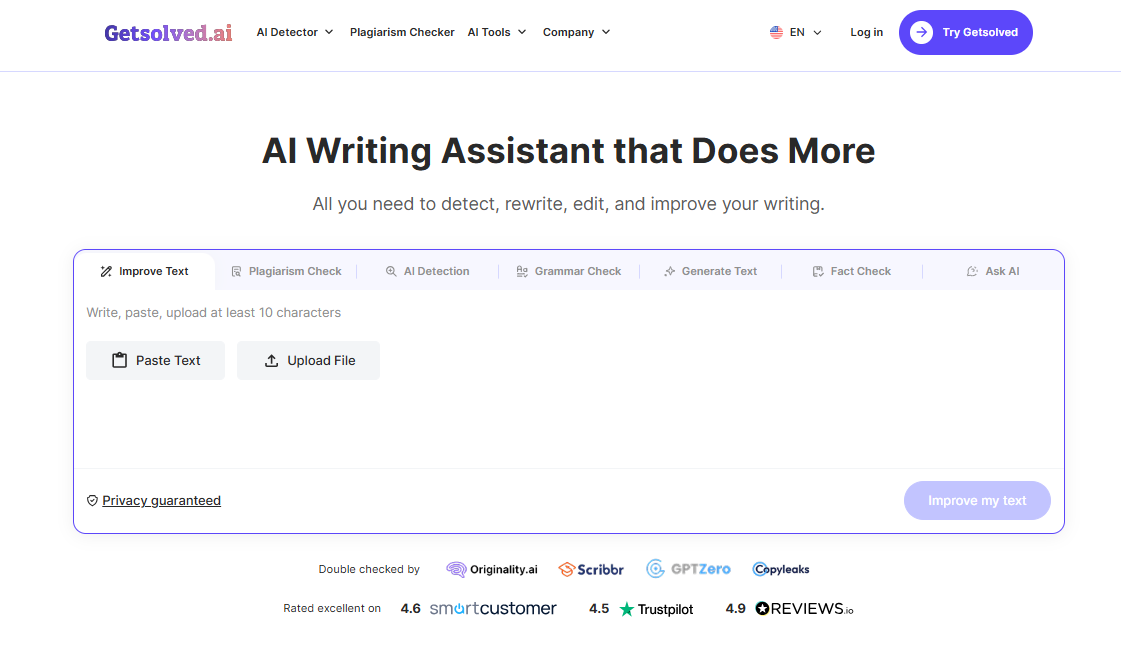
Getsolved is my first choice when I must handle different AI tasks without having to change platforms. Most of my frustrations with AI content generators revolved around inaccurate claims, thin arguments, and robotic phrasing, but this tool combines various drafting modules to fix these issues.
Source: https://getsolved.ai/
If you’re interested in the Getsolved AI tool, here’s what you can get:
- Real-time data verification to fact-check claims before publishing
- Instant source and citation lookup so the text is evidence-based
- AI humanizer to improve text quality and readability
- Instant grammar and spelling mistake detection
- Instant detection of AI-sounding text
- Modular writing assistance for outlines, paragraphs, and full-length articles
Getsolved offers a free plan for its users, but premium features can be tested with the $2 starting plan. After 7 days, it auto-renews to the $39.99 monthly plan.
Here are some highlights of the premium plan:
- Addresses hallucinations in the drafting stage
- Combines multiple AI tools under one interface
- Clean UI that promotes fast execution
Verdict: If you’re working with text-based content and you need better writing, editing, and quality control, Getsolved has proved helpful. It is one of the best AI humanizers out there.
2. Positive Surfer – Best for SEO Content Optimization
Star Rating: 4.8/5
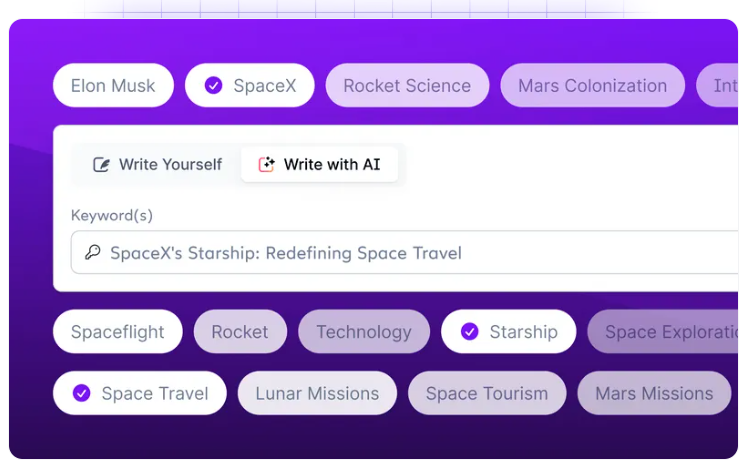
I’ve been using tools like Surfer SEO for quite a while to optimize my content, but their Positive Surfer AI tool has been a great help for search engine and social content. I find it to be one of the top AI programs for SEO-optimized blogs because it combines traditional content optimization and AI-assisted content workflows under one umbrella.
Source: https://surferseo.com/ai/
This is what you can enjoy by using it in your writing process:
- Content optimization and structuring
- Keyword research and content editing
- Brand voice customization
- Competitive gap analysis
- Auto-insertion of images and links
At $49, the “Discovery” plan (when billed annually) is great for getting your content strategy started. If you want more features and integrations, the $182 Pro plan, billed annually, is more complex.
With consistent use of Positive Surfer, you can enjoy some of the following advantages:
- Less SEO guesswork
- Scales the content for larger teams and speeds up production
- Boosts traffic performance
Verdict: Positive Surfer is the right tool to use if your content operation strategy relies on organic search. It’s one of our picks for the best AI writing tools if you want to increase your search engine position.
3. Jasper.ai – Best for Marketing Teams
Star Rating: 4.7/5
Jasper is an AI program made to help marketing teams improve their workflow. Tools like ChatGPT offer general-purpose AI features. Jasper was trained to address marketing issues. It helps with establishing a brand voice, marketing tasks, audience customization, and campaign content.
Source: https://www.jasper.ai/
Here’s what Jasper AI has to offer:
- Jasper IQ that stores your brand voice, style guidelines, and audience profiles
- Canvas workspace that allows for collaboration between content team members on documents
- More than 50 pre-made templates for social media creation, blog posts, and more
- Jasper chat that helps with brainstorming ideas and researching topics
- AI art generator that creates images based on prompts
At $69 per month as a standalone plan (or $59 with yearly billing), Jasper is at least double the price of the average AI content generation tool. It does come with a 7-day free trial that lets you test it.
Some of the highlights that people appreciate about Jasper are:
- Marketing-focused AI agents are capable of executing specific tasks
- Brand voice retention and collaborative tools that keep things consistent across marketing teams
- The no-code app builder that lets teams customize workflows without needing IT support
Verdict: If you are producing marketing content at scale and want to maintain a consistent brand voice, Jasper might serve you. Corporations with marketing teams in multiple locations can benefit from this program.
4. Canva – Best for Visual Content
Star Rating: 4.7/5
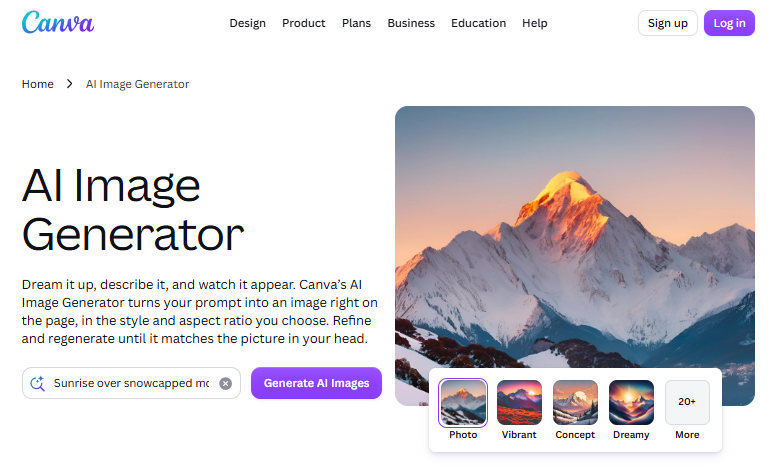
Canva is one of the top tools for social media content that I’d recommend if you need attractive visuals without hiring a designer. It offers a large template library that lets you turn a blog idea into a social graphic, infographic, and even video. There are hundreds of templates to use, saving time and offering variety.
Source: https://www.canva.com/ai-image-generator/
Some of the features that you get with Canva are:
- “Magic Write” feature to generate copy, blog posts, and summaries
- Photo and video generator
- Style matching for brand cohesiveness
- Canva Code to build widgets from a text prompt
The free version offer millions of templates and more than a thousand design types. The monthly $18 Pro plan offers more AI allowance.
Below are the core benefits of using Canva for AI output:
- Total creative control over the generated text boxes
- User-friendly and a suitable choice for beginners
- Automates layouts and speeds up content writing
Verdict: Canva could be your go-to if you’re looking for visual content ideas for your social media platforms. The AI effectively turns written content into a visual asset.
5. ChatGPT – Best for Idea Generation and Brainstorming
Star Rating: 4.6/5
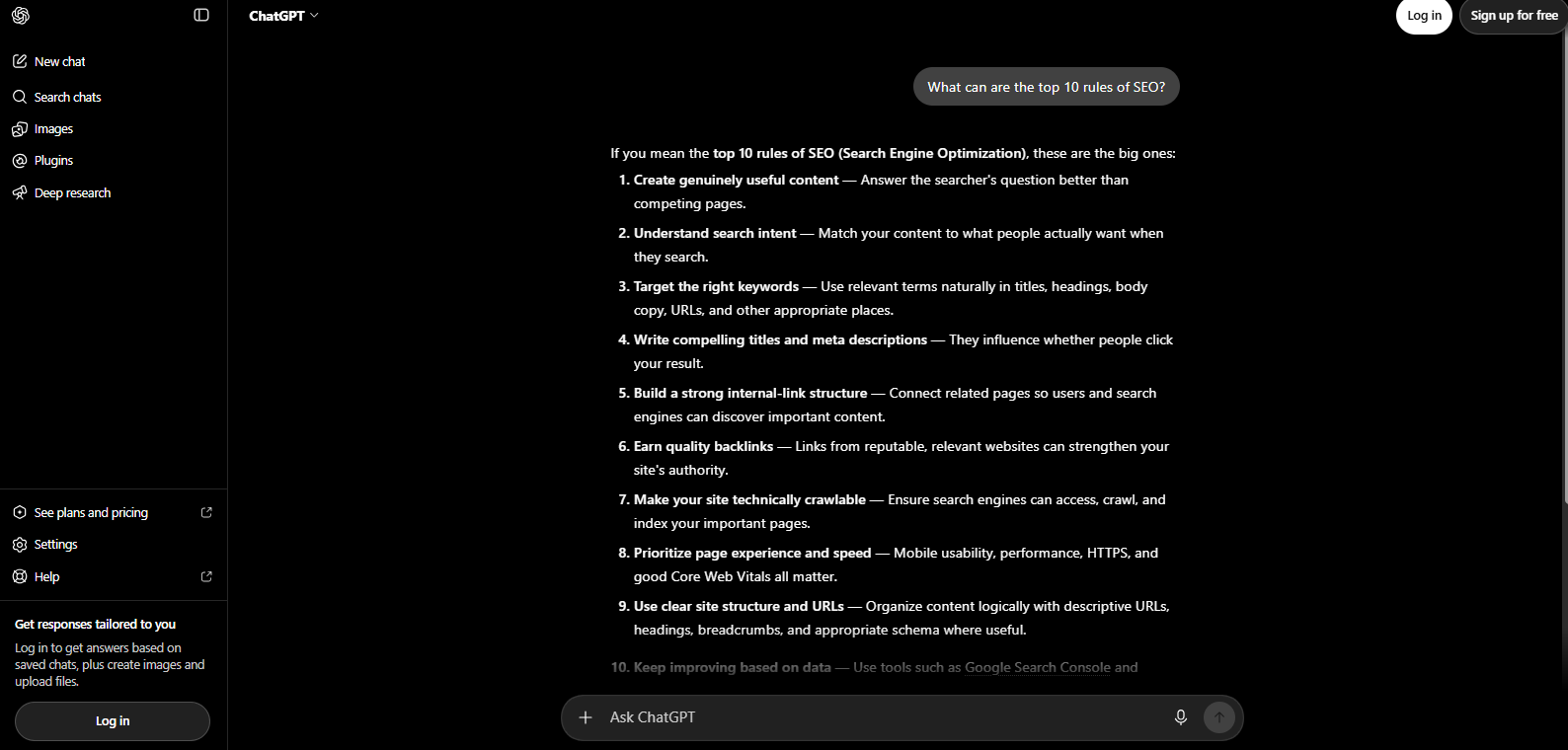
ChatGPT is the AI tool I go for when I have a general idea in mind, but I don’t know how to put everything together. The chat lets me brainstorm ideas with it via conversational generation, offering tools like text generation, AI image rendering, and more. Many Reddit threads recommend that agencies use ChatGPT for drafts and outlines, giving you a starting point.
Source: https://chatgpt.com/
Some of the key features offered by ChatGPT include:
- Uploading, browsing, and searching files for rewriting and summarizing
- Web search for real-time news and information
- Visualizing and other functions of an AI image generator
- Data analysis based on uploaded files and research
- Chat interface that allows real-time editing of specific sections
ChatGPT comes with an inclusive free plan, which limits daily “freemium” tools. If you want the full experience, you can try the Go, Plus, and Pro plans, which are $8, $20, and $100 per month, respectively.
Some highlights of the platform are:
- High versatility across text, image, basic code, and data analysis
- Extensive custom prompt ecosystem
- Content repurposing skills
- Customized GPTs for different audiences
Verdict: If you are looking for a multi-purpose solution or want a broad AI program to help your brainstorming, ChatGPT is a good place to start.
6. Claude – Best for Long-Form Content Pieces
Star Rating: 4.6/5
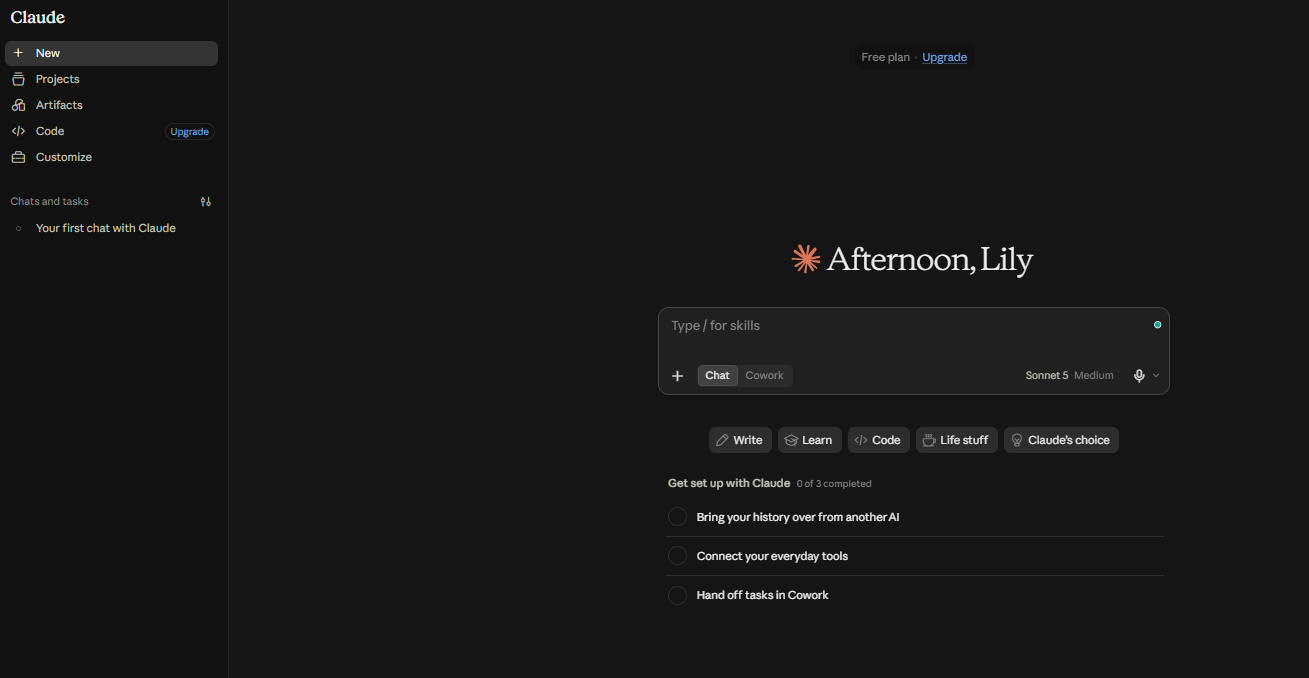
If I’m in a situation where I need substantial context for my texts, I choose Claude. It’s one of the top tools for content writing in 2026 because it maintains a consistent voice and performs deep research. I use it for long documents, detailed briefs, and projects where I need to stay consistent.
Source: https://claude.ai/new
Some of Claude’s main features are:
- Large context capacity of up to 1 million tokens
- Self-contained workspace with custom instructions and reference files
- Pre-programmed safety guidelines for logical and reliable reasoning
- Real-time web search to retrieve up-to-date information
- Long-form drafting, rewriting, and brainstorming
Claude has a free plan, but it’s limited when you compare it with other AI tools such as ChatGPT. The Pro Plan costs $20 per month, which is cost-effective considering its reliability. If you go for the annual plan, you can get it for $17.
Below are several highlights that people seem to enjoy with this content generation tool:
- Human-sounding output that makes it one of the most effective AI tools for creative story writing
- It synthesizes large documents with higher accuracy
- Efficient at handling complex tone and style instructions
Verdict: If you regularly have to produce long reports, articles, or scripts, Claude might be a valuable tool in your arsenal.
7. ElevenLabs – Best for AI-Generated Voices
Star Rating: 4.5/5
If I deal with written content that needs to be turned into spoken audio, then ElevenLabs is my top choice for that. I use it for narration, voiceovers, podcasts, dubbing, and other audio projects on YouTube, Spotify, and social media.
Source: https://elevenlabs.io/
Below are the key features of this AI program:
- Text-to-speech (TTS) conversion
- Voice library marketplace
- Voice cloning and changer
- Sound effects and music generation
The free plan comes with 10,000 monthly credits, which fits hobbyists and startups. If you need commercial licensing and instant voice cloning, then the $6 Starter plan may be the more suitable choice.
The core benefits you can enjoy from the features are:
- Advanced realism and nuance for voice quality
- Cross-language consistency
- Time and cost reduction for voice recording
Verdict: If your content writing process involves audio content (e.g., eBooks or social media videos), ElevenLabs offers realistic narration. The voice quality is high, and the tone is consistent across multiple videos.
8. Copy.ai – Best for Go-to-Market Workflows
Star Rating: 4.4/5
Copy.ai started with a copywriting focus, but now it has shifted to repeatable workflows. It’s one of the top programs for media content creation in 2026 because it helps with GTM, marketing tasks, team collaboration, and uses multiple AI models.
Source: https://www.copy.ai/
Several key features that make it effective as an AI assistant for everyday writing tasks include:
- Analysis of writing style to assess brand voice
- Real-time prompting workspace for fast generative AI text
- Centralized repository for important company info and value proposition
- 90+ specialized creation tools and pre-built prompts for outlines, product descriptions, and more.
Copy.AI has free services that you can use without a deadline, but it comes with limitations. If you want more team features, higher limits, or seats, then the paid $29 plan offers more coverage.
Here are several highlights you can enjoy if you get the full plan:
- Reduction of manual administrative content tasks
- Effective multi-step pipeline using a single trigger
- Bulk processing for eCommerce descriptions that saves time and resources
Verdict: I recommend Copy.ai when workflow automation is your priority, especially for service pages.
9. Perplexity – Best for Research Projects
Star Rating: 4.4/5
Perplexity is one of the AI tools I use when I need to perform deep analysis for a topic. It effectively combines conversational AI with citations and web search, making it easier to find sources for content research. I still verify important claims manually, but Perplexity points me in the right direction.
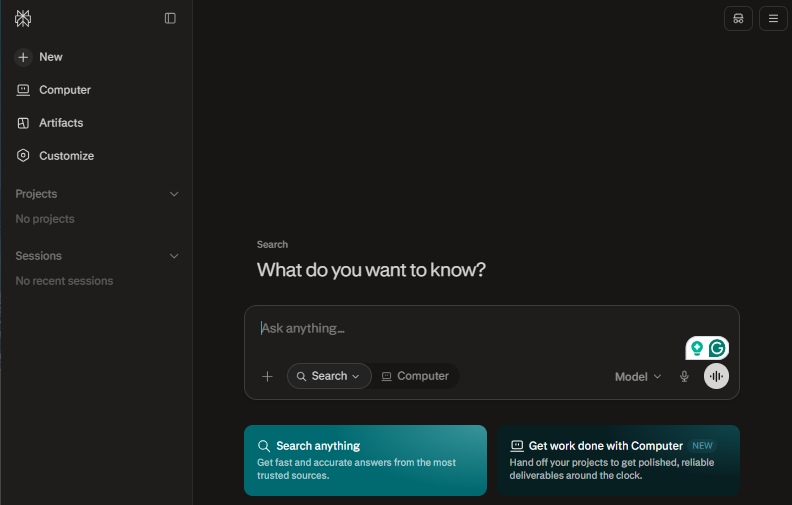
Source: https://www.perplexity.ai/
The key features of this standalone AI tool are as follows:
- Real-time web search of recent data
- Clickable cited sources
- Deep research mode for complex reports
- Filter searches and focus mode
- Collections and spaces
You get free tools if you choose to go for the unpaid plan, but the $20 Pro plan offers more features and deeper research. Both require you to sign up.
Upon signing up, you can enjoy the benefits below:
- Reduced time when looking for statistics and sources
- Explicit citations help you understand and support your claims
- Clean and ad-free research environment
Verdict: Perplexity is a good AI content creation program if you’re writing fact-heavy articles. I usually use it as a digital research assistant.
10. Adobe Firefly – Best for AI-Assisted Creative Projects
Star Rating: 4.4/5
Adobe Firefly launched as an image generator, but its utility has expanded over the years. Now, it’s an AI platform that supports complex generative workflows, covering everything from images to videos and audio.
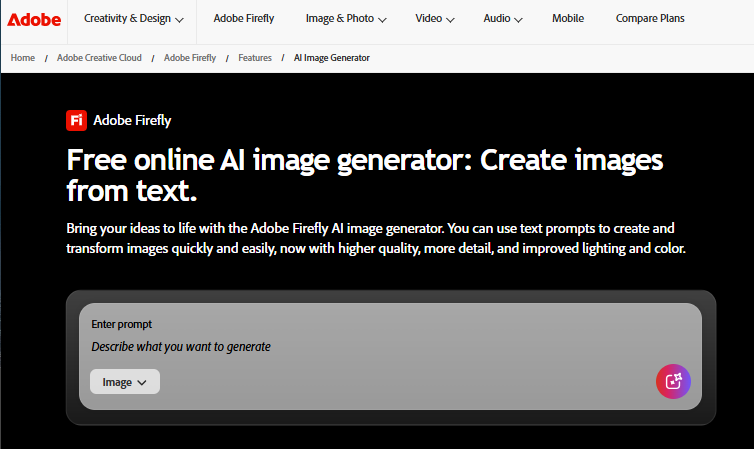
Source: https://www.adobe.com/products/firefly/features/text-to-image.html
Below are some key features of this design tool:
- Text-to-image generation from descriptive prompts
- Generative fill and expansion
- Audio and soundtrack generation
- Vector-to-texture creation
The free tier is effective for blog content, but it comes with daily limitations. The paid tiers offer thousands of generative credits, with Standard and Pro costing $9.99 and $19.99, respectively.
Once you activate them, you can enjoy the benefits below:
- Turns text into images within seconds
- The generated images and videos are production-quality
- Designers get more control to edit the panels
Verdict: I’d recommend the Adobe tool if you’re already using the company’s products. This way, you can integrate them into an existing workflow.
11. Midjourney – Best for High-Quality AI Imagery
Star Rating: 4.4/5
Midjourney is a top option I’d go for if you need editorial imagery, high-end covers, and custom conceptual artwork. It’s capable of rendering lighting, textures, and complex prompts with a level of detail that standard template tools simply cannot match.
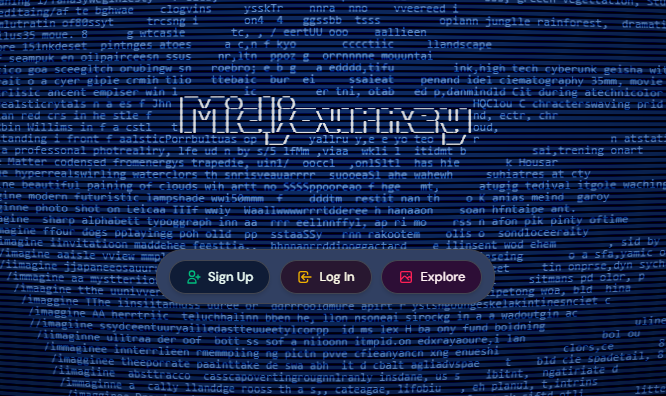
Source: https://www.midjourney.com/home
Some features to note are:
- Draft modes that generate sets of 24 images in 3-5 seconds with the advanced plans
- Natural Language Understanding systems that can generate a correct output without rigid code
- Flexible modes (Fast, Relax, Turbo, Draft) that balance rendering speed with credit usage.
There are four distinct plans ranging from $10 to $120, but you can get a 20% discount if you choose the annual subscription. This helps if you have to use the tool consistently.
In the long term, you may enjoy the following core benefits:
- Fast AI output that benefits high-volume companies
- Hyper-personalized content based on company aesthetics
- Fewer generic, stock-looking visuals
Verdict: I recommend Midjourney if your priority is creative control and visual quality. This way, you can get quality without buying a complete content suite.
12. CapCut – Best for Social Media Video Content
Star Rating: 4.3/5
If you focus on marketing on social media platforms such as TikTok, Instagram, and YouTube, you should take a look at CapCut. This tool supports social media management because it enables fast video creation. Reddit discussions recommend CapCut for social media and video creation, noting its efficiency for trimming and adding subtitles.
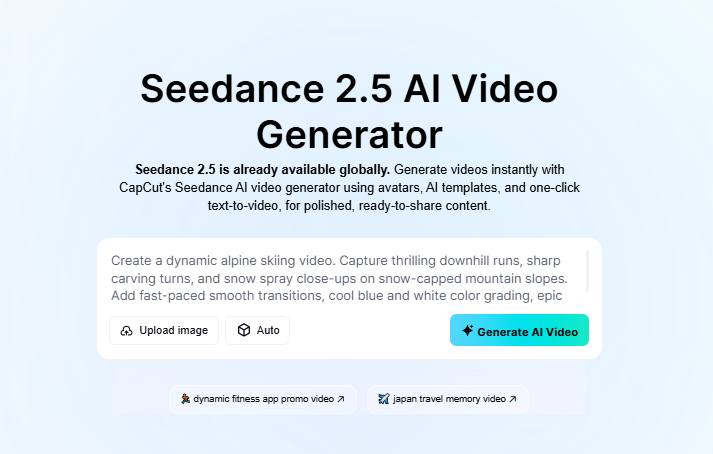
Source: https://www.capcut.com/tools/ai-video-generator
This tool offers:
- Layering of multiple tracks and audio files
- Trimming and splitting video content by the frame
- Auto-captions to make the videos accessible
- Automatic background removal
Prices for CapCut start at $19.99, but they may vary by region. The Pro plan adjusts its prices based on device, promotions, and taxes, so each person may see a different cost.
Those who get the full plan enjoy the following advantages:
- User-friendly interface that lets beginners start editing immediately
- Cloud collaboration that enables team members to work together even from remote locations
- Automatic features that cut down production time
Verdict: CapCut is one of the top AI tools for social media content. Its large library of assets and high editing speed make it an asset if you don’t have tech and video design skills.
Final Thoughts
The best AI for content creation is not the one that offers the longest feature list. It’s the one that suits your needs. After comparing these 12 AI content tools, Getsolved stood out as the best for content creation and optimization. Programs like ChatGPT and Perplexity are helpful as research assistants, whereas Canva, CapCut, and ElevenLabs can assist with non-text formats.
FAQ
Will using AI tools for content creation hurt my SEO ranking?
Using AI tools for content creation should not harm your SEO if you optimize the text correctly. Google cares more about content quality, so it will rank if the text is found valuable. If you combine the right AI with human oversight, your content should perform.
How can I prevent AI-generated content from sounding generic and robotic?
AI can easily generate a paragraph from a prompt if you give it specific information. You can edit the output yourself to give it a more personal touch.
Are free Artificial Intelligence tools effective enough for professional content creation?
This depends on the task and the work volume. Most free tiers offer enough credits for hobbyists, but higher content volumes need advanced plans.