Many students open ChatGPT the night before an exam, paste in a lecture, and hope for the best. You’re not alone: the Lumina Foundation-Gallup 2026 study found that 57% of U.S. college students use AI in their coursework at least weekly. About one in five students use it daily.
The harder part is choosing the right AI tool. Dozens of apps claim to be the best ones for students, yet most do one job well and the rest badly.
This list covers 12 AI study tools for students in 2026, from flashcards and AI summaries to an AI tutor and research helpers. I shortlisted more than 10 tools, checked each one against its own website, and grouped them by what they help students do. Every pick says who it suits, so you can find the best artificial intelligence tool for your own student needs in a minute.
✅ Quick Summary
- Best for summaries of PDFs and lecture notes: GetSolved AI.
- Best for studying from your own sources: NotebookLM, which is free with a Google account.
- Best for spaced repetition: Anki and RemNote.
- Best AI tutor: Khanmigo and StudyFetch.
- Best free picks: Knowt, NotebookLM and Anki.
What Are AI Study Tools?
AI study tools are apps that use generative artificial intelligence to turn your own material into study aids: AI summaries of a PDF, flashcards, practice tests, a study guide maker, or an AI tutor that answers questions.
The best ones are tools that help you practice recall, not tools that only rewrite your notes. Examples include NotebookLM for cited answers, Anki for spaced repetition, and Otter.ai for lecture transcripts.
How I Chose These AI Study Tools
I judged each study app on 5 points:
- What you can upload (PDF, slides, audio).
- What it produces (flashcards, practice tests, a study guide).
- Whether answers point back to your sources.
- How far the free plan goes.
- How steep the learning curve is.
Prices and limits come from each vendor’s own pages. They change often, so check before you pay. Where I haven’t run a tool myself, I say so.
AI Study Tools Compared
| Tool | Best for | Free option |
|---|---|---|
| GetSolved AI | PDF and lecture note summaries | Free core summarizing. |
| Quizlet | Ready-made study sets | Free tier for 7 days. |
| NotebookLM | Cited answers from your files | Free with a Google account. |
| Knowt | Free flashcards | 3-day free tier. |
| Anki | Spaced repetition | Free on desktop and Android. |
| Anara | Academic research | Free plan. |
| RemNote | Notes into flashcards | Free plan. |
| StudyFetch | AI tutor chat | Free tier. |
| Turbo AI | Lecture recordings | Free tier. |
| Otter.ai | Lecture transcription | Free plan, limited. |
| Notion AI | Organizing study materials | Free plan. |
| Khanmigo | Guided tutoring | Low-cost plan. |
| Wolfram Alpha | Math and science | Free basic version. |
| ChatGPT | General questions | Free tier. |
The 12 Best AI Study Tools for Students
1. GetSolved AI Summarizer: Best for PDF and Lecture Note Summaries
GetSolved is the tool I reach for when a reading list gets out of hand.
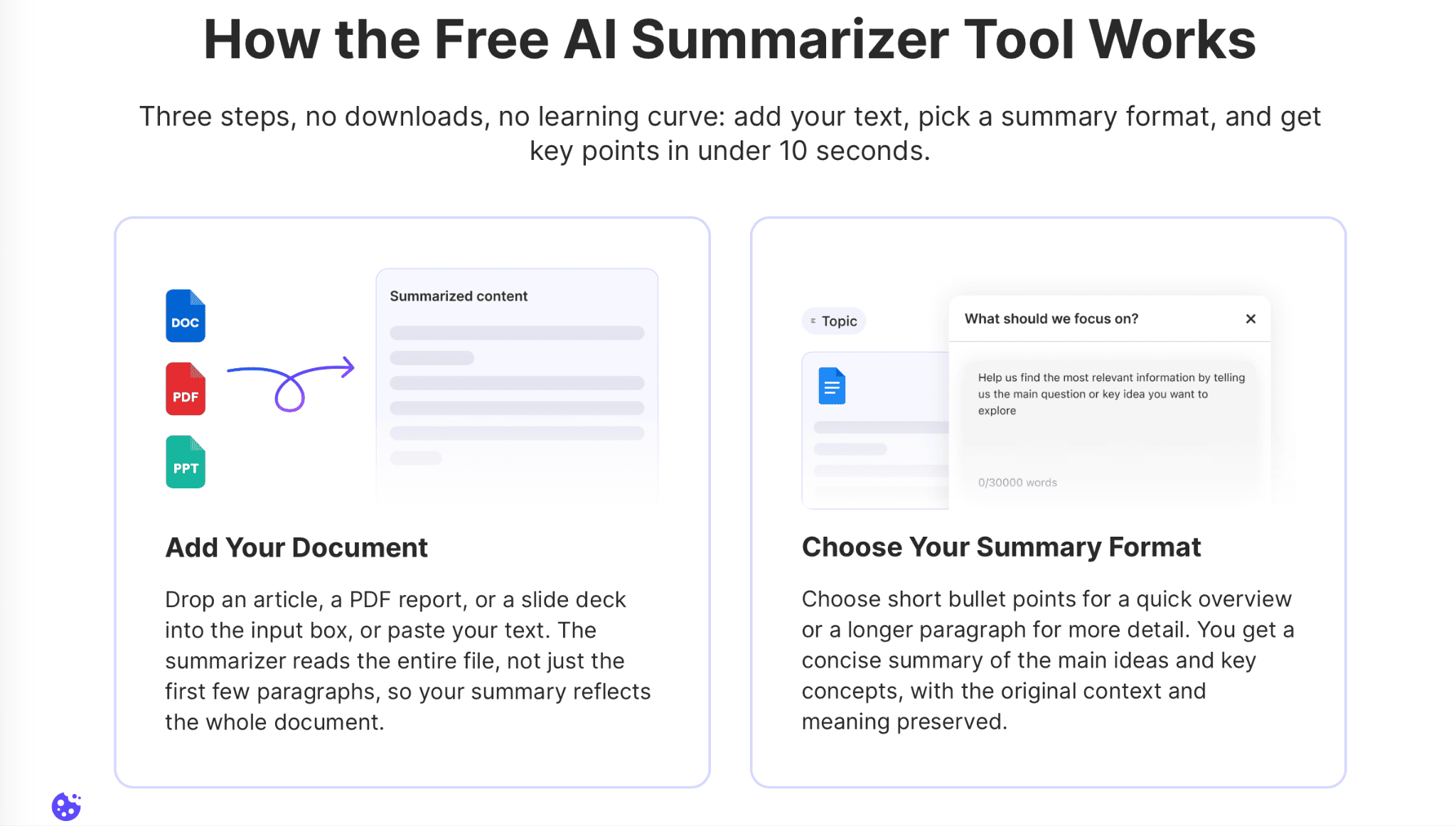
- You upload a PDF, Word document, or TXT file (up to 25 MB), select bullet points or a paragraph, and get the main ideas without the filler!
According to the tool page, it reads the entire file rather than just the first few paragraphs, and files up to 10,000 words are summarized in one go. That matters for a 40-page lecture PDF, where many quick summarizers lose the later sections.
It’s built for AI summaries, not flashcards, so it slots in before your other tools. The bullet version works as structured notes you can paste straight into your study guide. Choose the short format when you only need to know whether a reading matters, and the longer paragraph when you need the argument. It’s also a quick way to summarize study notes the night before an exam.
🎯 Key features:
- Upload PDF, DOC, DOCX, or TXT files (up to 25 MB).
- Short bullets or a longer paragraph, with control over summary length.
- Download as a PDF or Word document in 20+ languages.
- Works in the browser, with no installation.
👍 Pros:
- Fast route from a long reading to usable notes,
- Keeps the whole document in view.
- Doesn’t need a separate app to export.
👎 Cons:
- No built-in flashcards or quizzes, so pair it with Knowt or Anki.
- Summaries still need a skim against the source before you rely on them.
2. Quizlet: Best for Ready-Made Study Sets
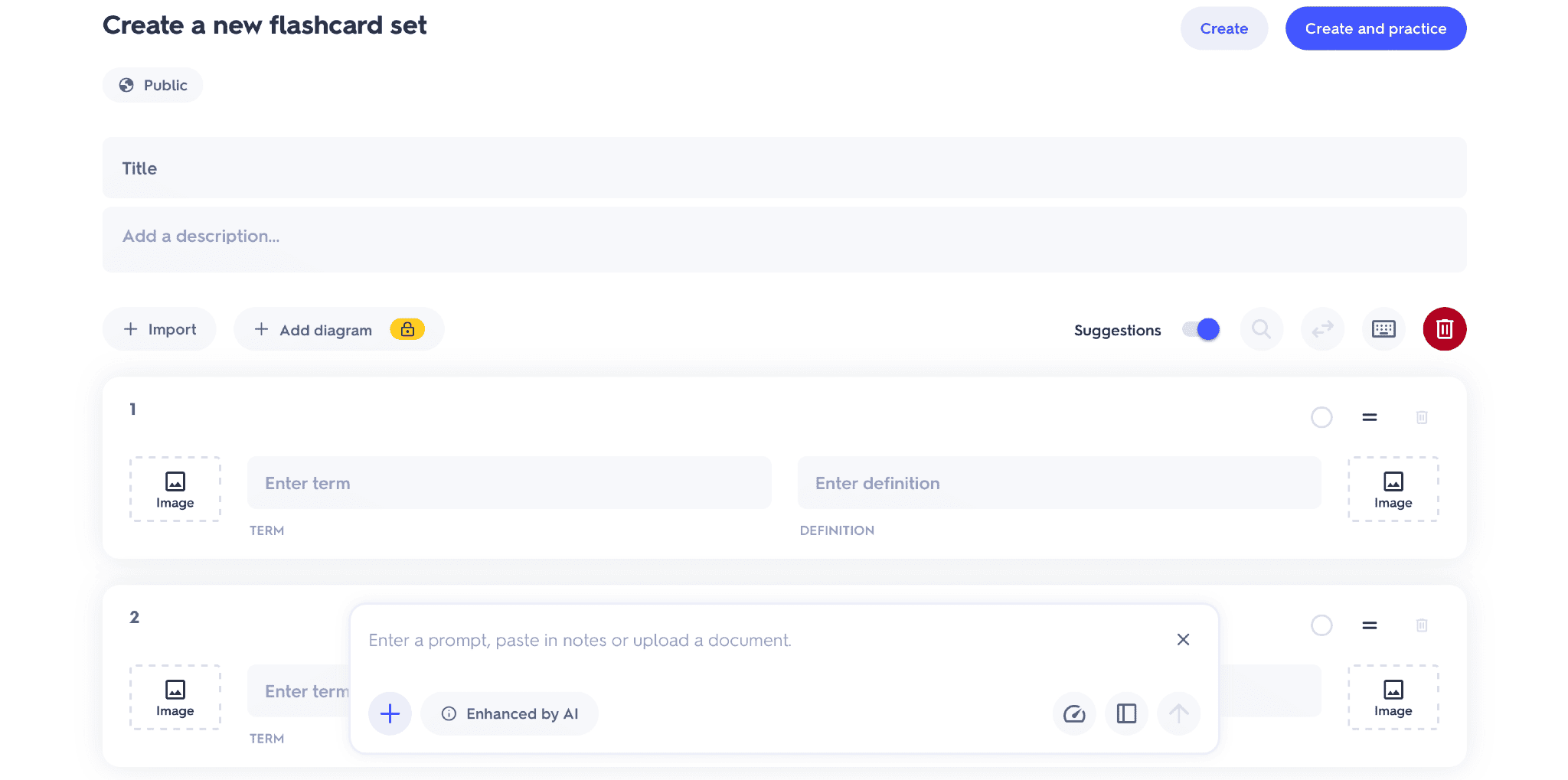
Quizlet is still the most familiar study app for many students. Its AI can turn notes or an uploaded PDF into flashcards and practice tests, and its huge library means a classmate may already have built your deck. The free tier limits the AI features, so read the current plan limits before you count on them.
🎯 Key features:
- AI flashcards from notes and PDFs.
- Practice tests and study modes.
- Large library of shared sets.
👍 Pros:
- Huge library of shared study sets.
- AI flashcards and practice tests from notes or a PDF.
- Familiar study modes.
👎 Cons:
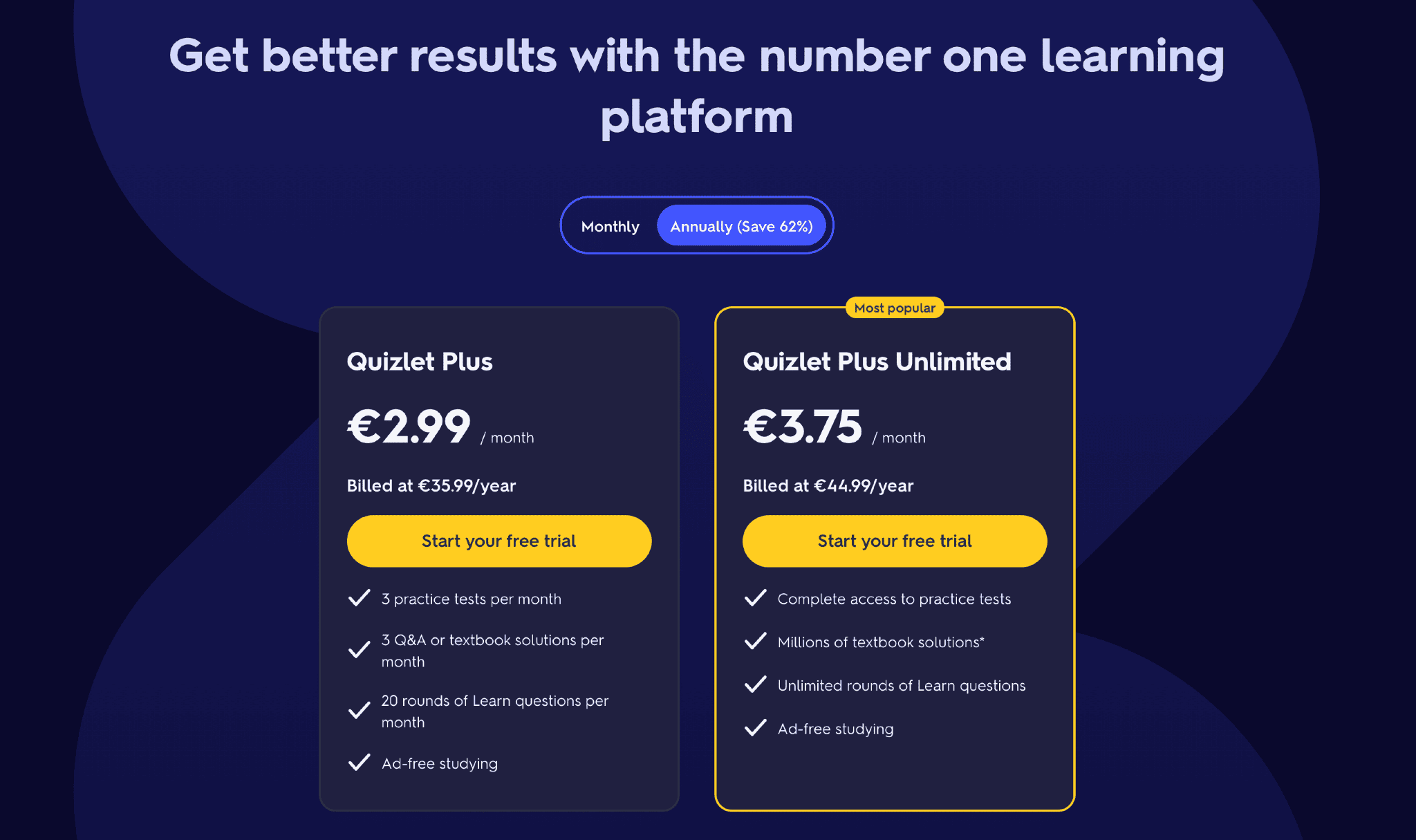
- The free tier is only 7 days.
- Shared decks may not align with what your professor emphasizes.
3. NotebookLM: Best for Studying From Your Own Sources
NotebookLM is Google’s AI research assistant: you add sources, and it answers using only those sources, with citations back to the passages. That makes it one of the tools that cite, which matters when you have to trust what you study from.
It’s free with a Google account, with higher limits on paid Google AI plans.
📌 Expert tip: even though this tool is reliable because it provides citations directly from the paper, run the quotations through a verified citation checker. This way, you will be sure your citation was not invented by AI.
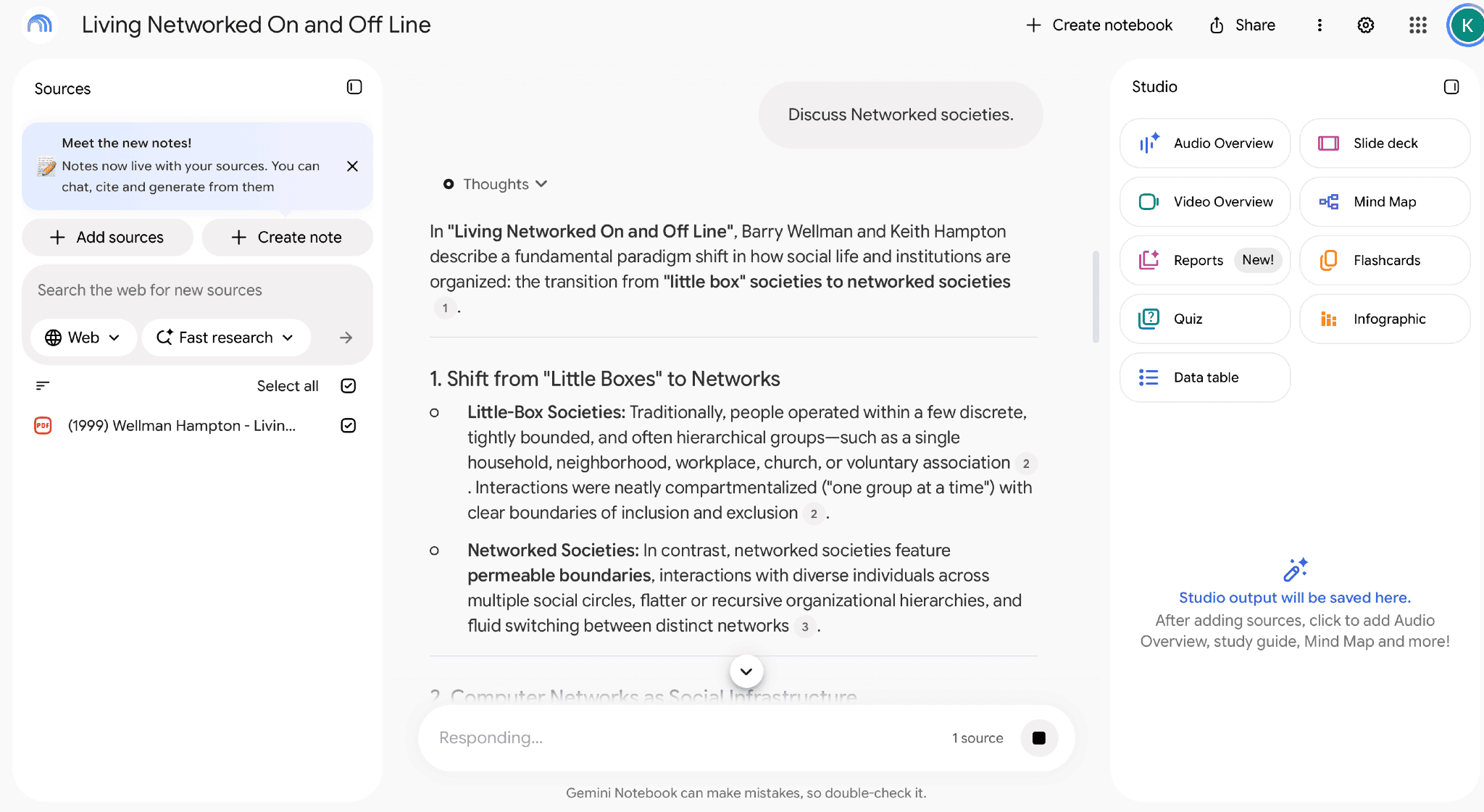
🎯 Key features:
- Upload PDFs, docs, links, and YouTube videos.
- Cited answers from your materials.
- Study guide, quizzes, flashcards, and audio overviews.
👍 Pros:
- Cited answers drawn only from your own sources.
- Free with a Google account.
- Flashcards, quizzes, study guides, and audio overviews from one upload.
👎 Cons:
- It can’t answer beyond what you’ve uploaded.
- Higher source limits require a paid Google AI plan.
4. Knowt: Best Flashcards App
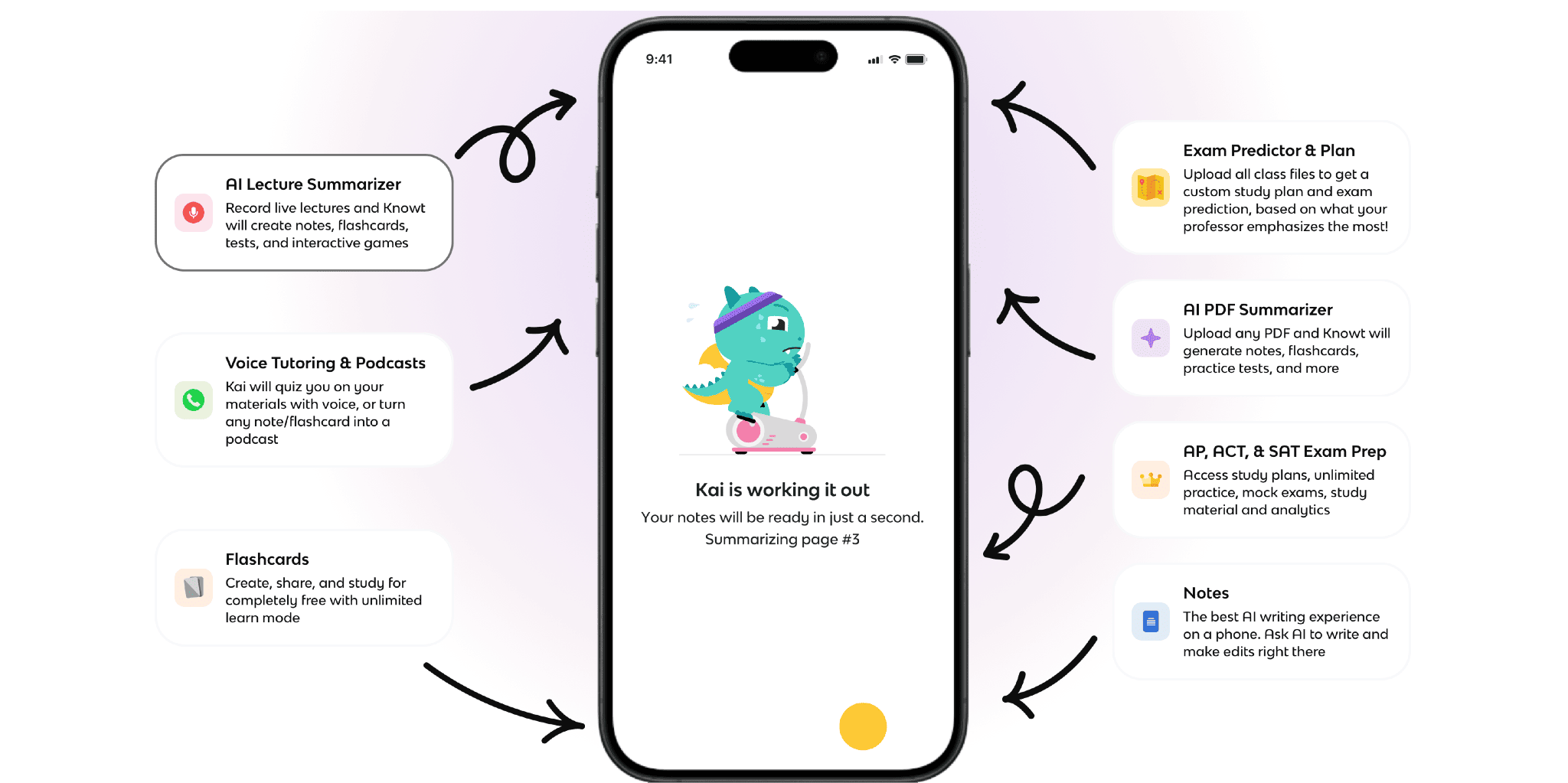
Knowt is my pick for the best free AI flashcard maker. Upload notes or a PDF, and it builds a deck, adds spaced repetition and practice tests, and imports existing Quizlet sets.
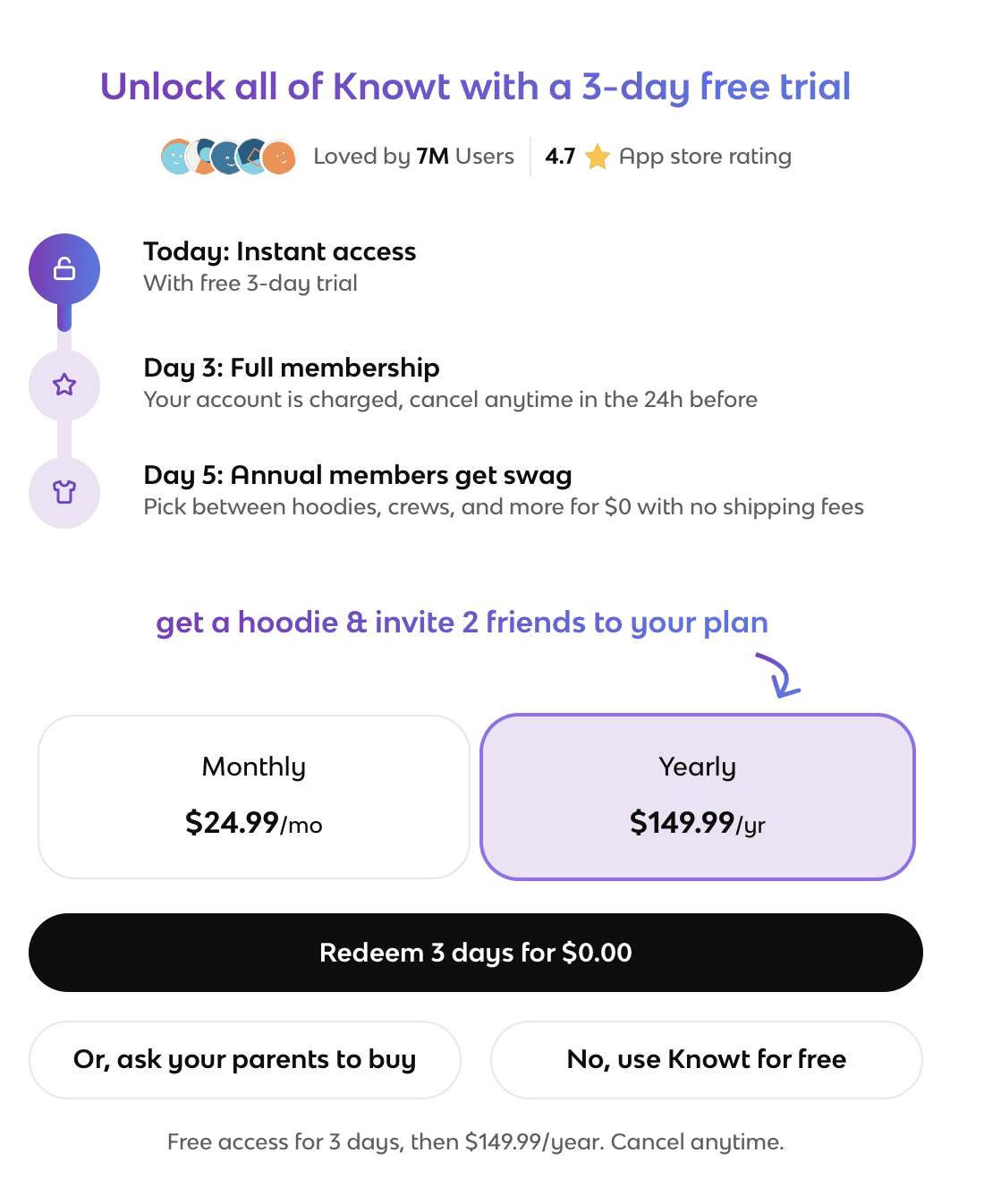
The only disadvantage is that the free tier is only 3 days, and then the tool is pretty pricey, with a monthly subscription starting at $24.99/mo.
🎯 Key features:
- AI flashcards from uploads.
- Spaced repetition and practice tests.
- Quizlet import.
👍 Pros:
- Imports existing Quizlet sets.
- Includes spaced repetition.
👎 Cons:
- AI-made cards need a quick edit.
- Less control over review scheduling than Anki.
- Costly.
5. Anki: Best for Effective Study Through Spaced Repetition
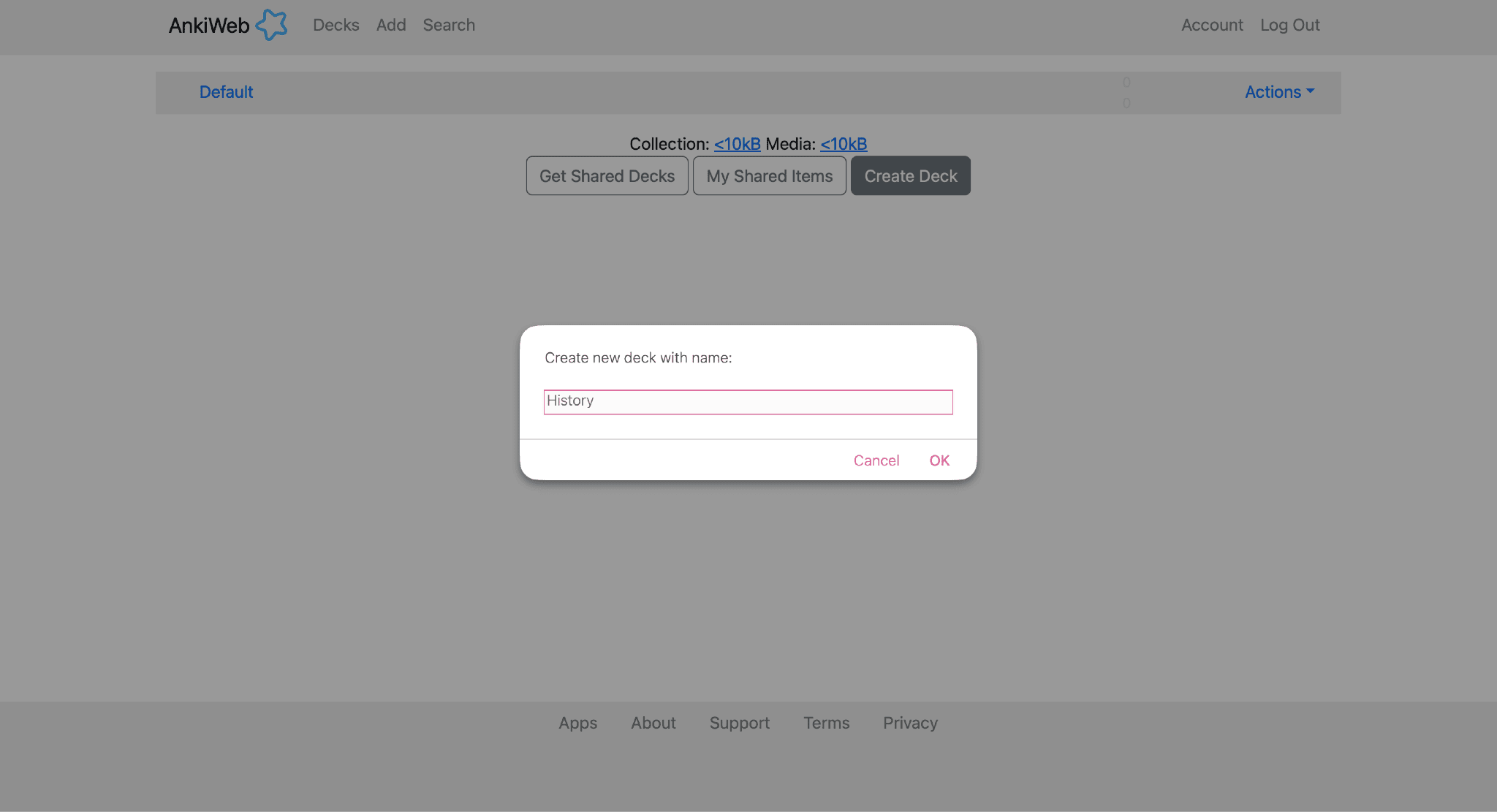
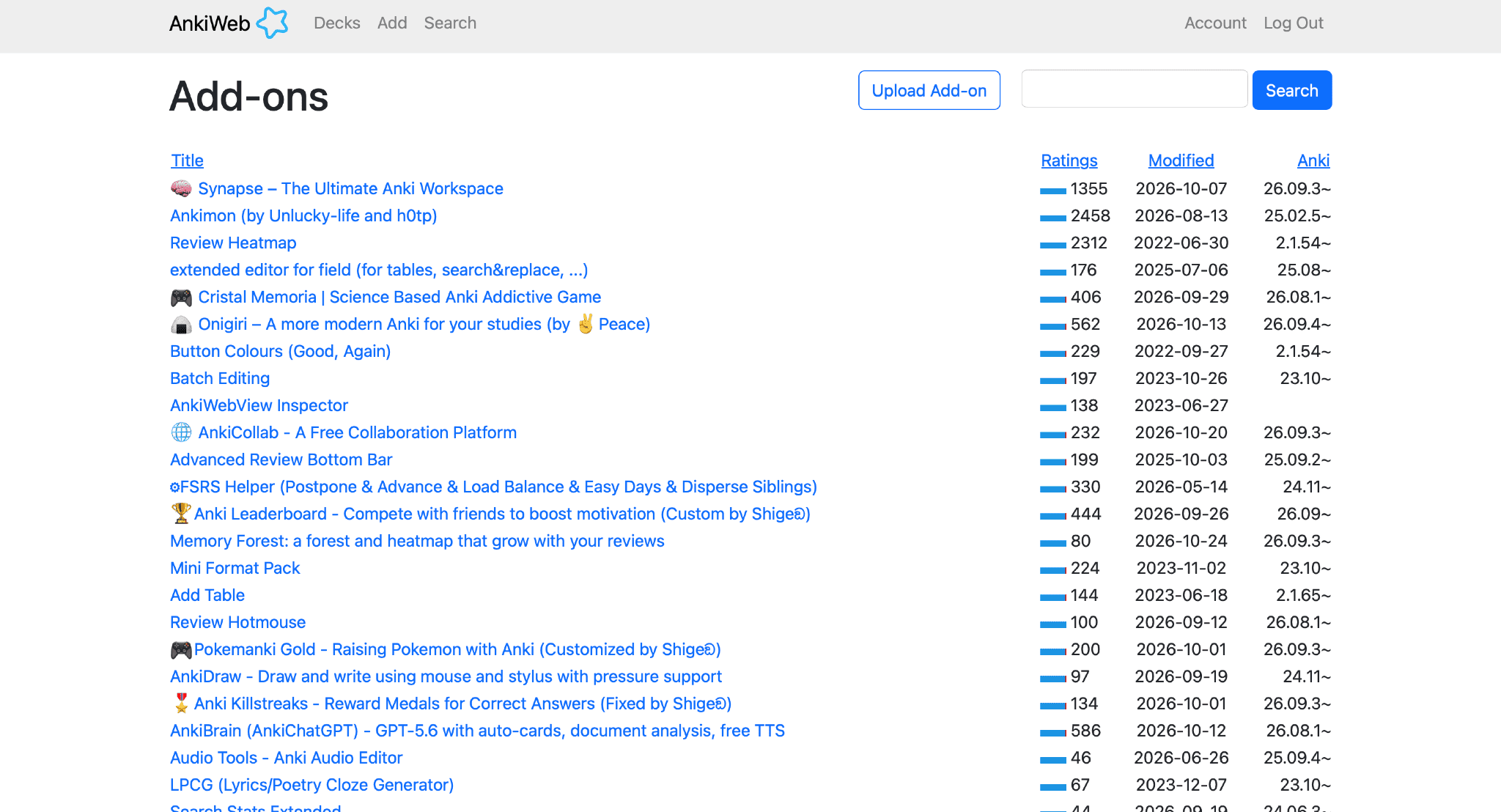
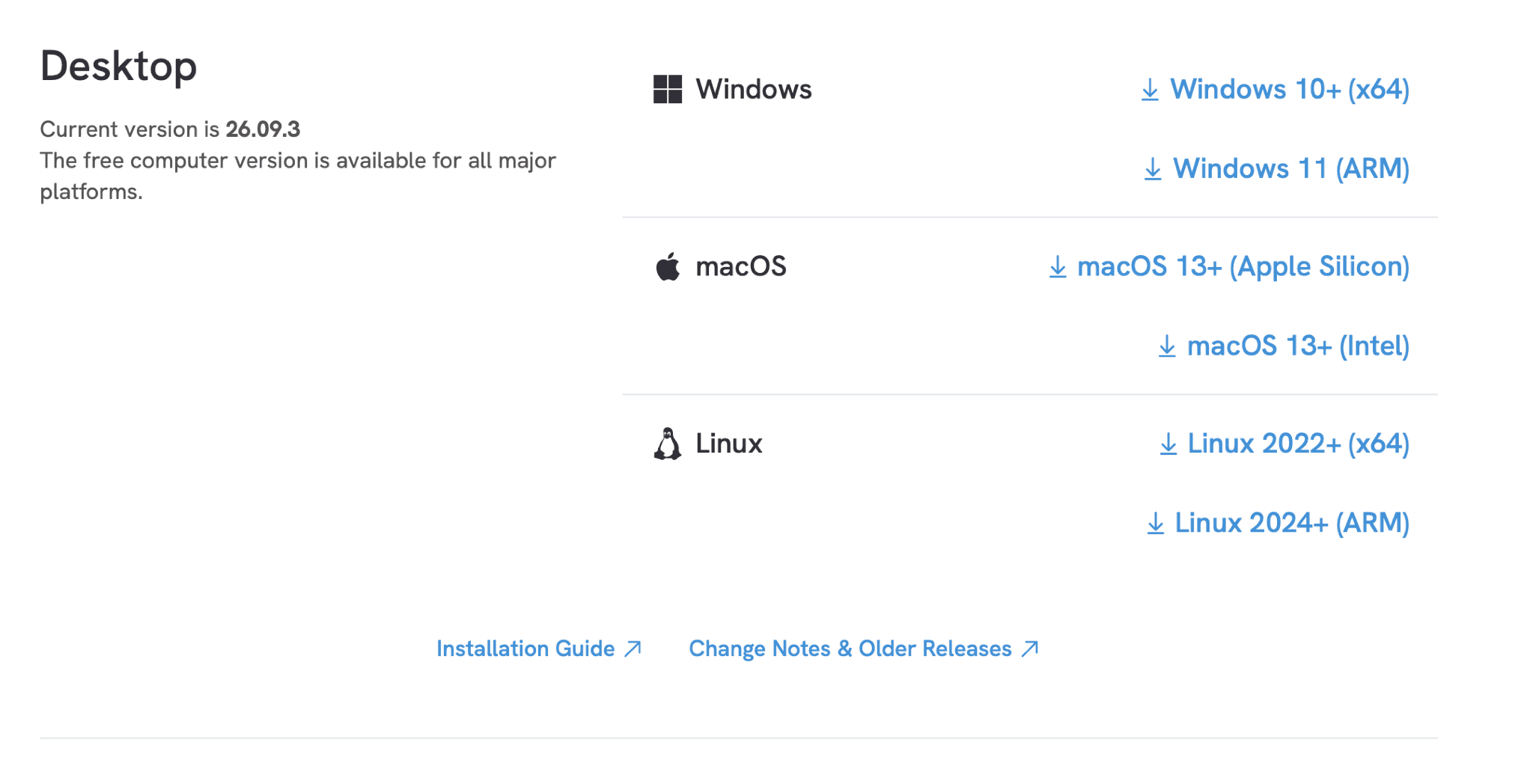
Anki is the old-school classic: open source, no built-in AI, and the most configurable scheduler on this list, including the optional FSRS algorithm. You make cards yourself or import decks, so pair it with an AI flashcard tool. It enforces what research backs: a major review of learning techniques rated practice testing and distributed practice as high-utility.
🎯 Key features:
- Spaced repetition with optional FSRS.
- Free on desktop and Android; paid on iOS.
- Add-ons for customization.
👍 Pros:
- Free on desktop and Android.
- Most configurable scheduler, with optional FSRS.
- Open source, with add-ons.
- A lot of add-ons.
👎 Cons:
- No built-in AI card generation.
- Steep learning curve and a dated interface; the iOS app is paid.
6. Anara: Best for AI Research and Academic Papers
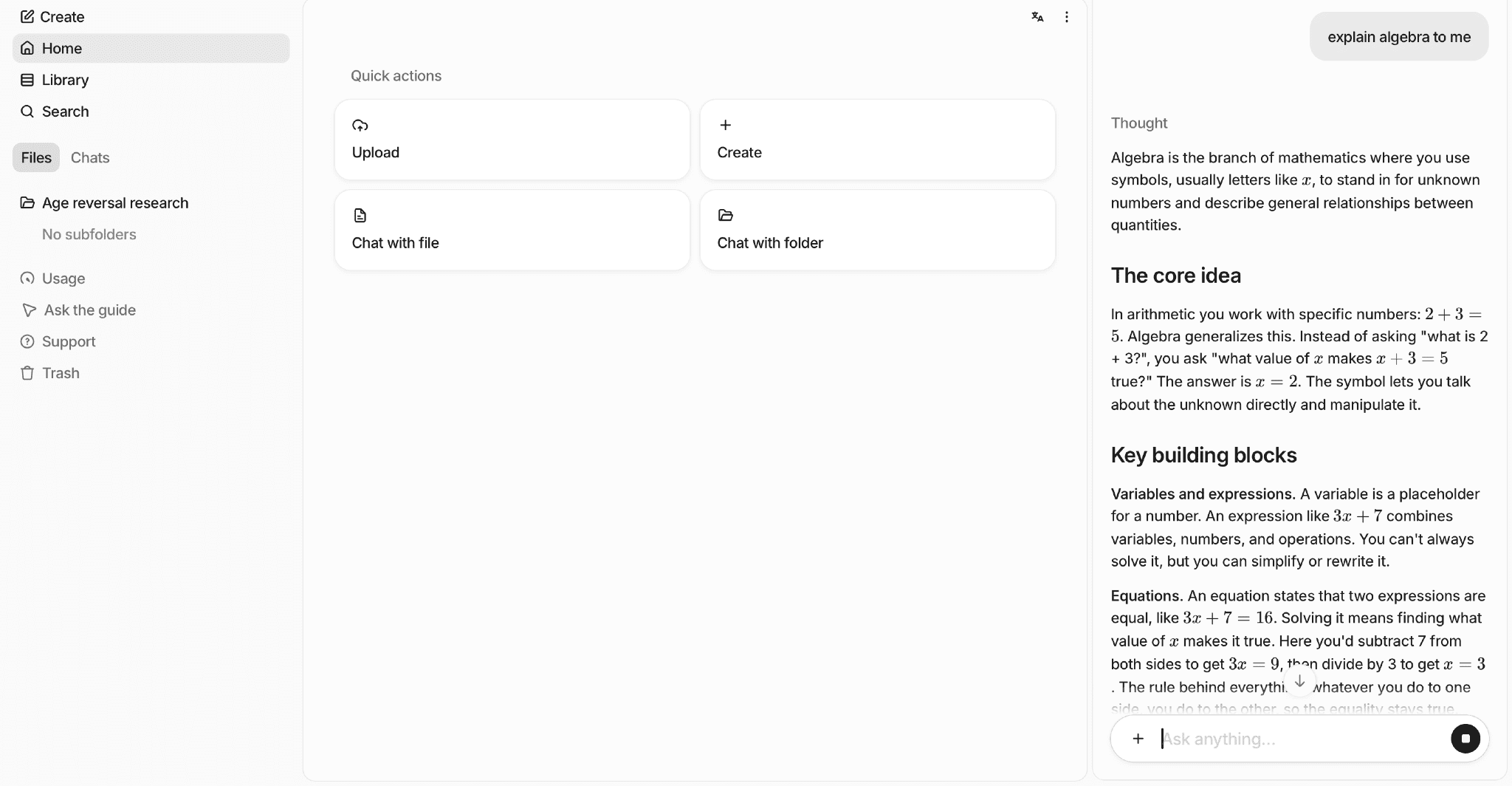
Anara is built for AI research: you gather papers and notes in one library, ask questions, and get answers tied to your sources. It suits university students and research teams. If you mostly need to find academic sources for an essay, a dedicated finder is faster than a full research workspace, but Anara wins once you’re reading dozens of papers.
🎯 Key features:
- Library for papers and notes.
- Cited answers.
- Flashcards from your material.
👍 Pros:
- Answers tied to your own sources.
- Keeps papers and notes in one library.
- Build flashcards from your material.
- AI that answers any questions.
👎 Cons:
- Heavier use may require a paid plan.
7. RemNote: Best for Notes That Become Flashcards
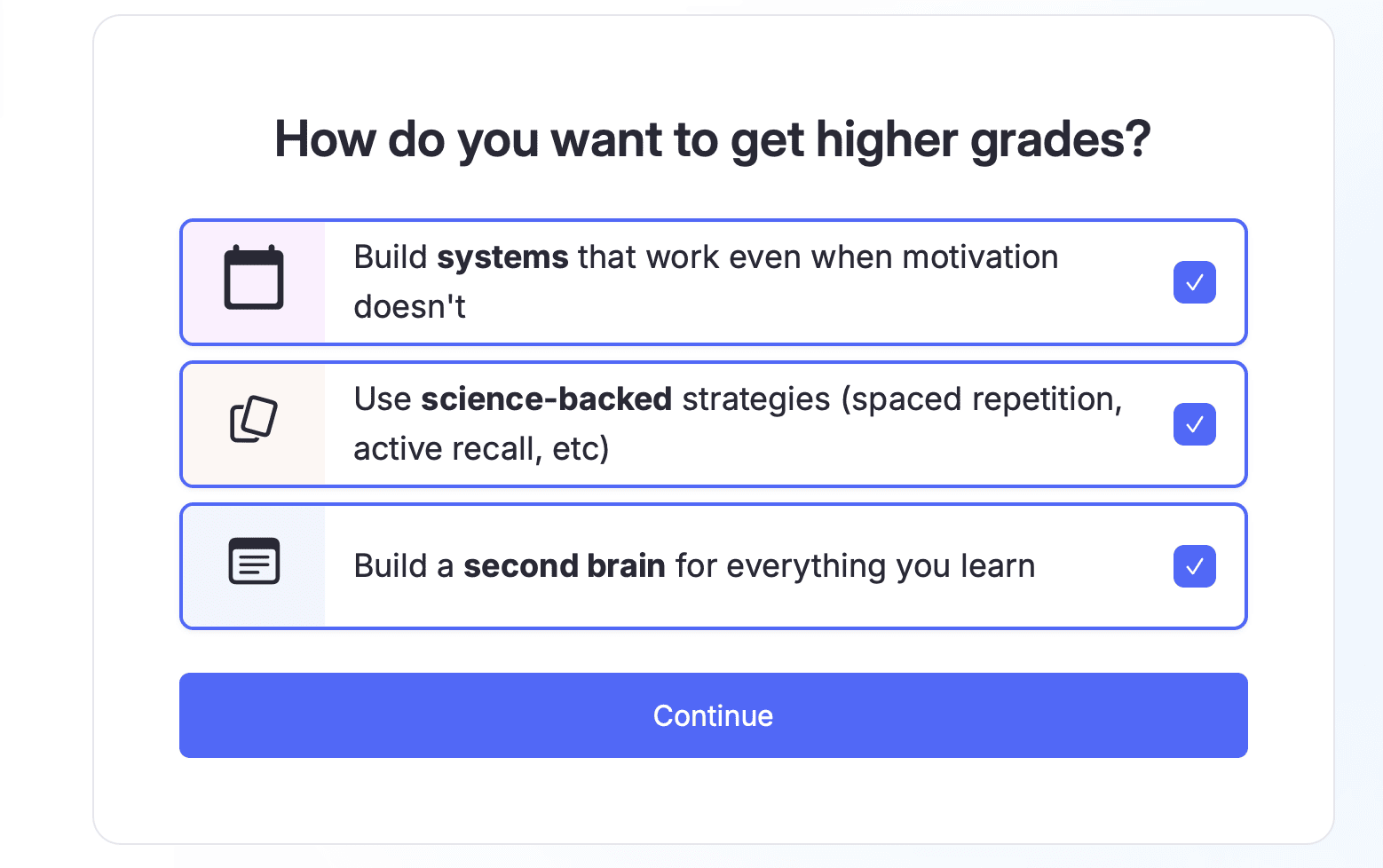
RemNote merges note-taking with spaced repetition. Type notes in its format to create flashcards, or upload a PDF and let the AI suggest cards. It also builds an exam scheduler around your test date. RemNote itself lists a steep learning curve as its main drawback, so give it a weekend before judging it.
🎯 Key features:
- Notes-to-flashcards workflow.
- Exam scheduler and progress stats.
- PDF annotation.
👍 Pros:
- Notes turn into flashcards as you write.
- The exam scheduler builds a plan around your test date.
- Useful free plan.
👎 Cons:
- Steep learning curve, which RemNote itself admits.
- You have to learn its note format first.
8. StudyFetch: Best AI Tutor for Lecture Uploads
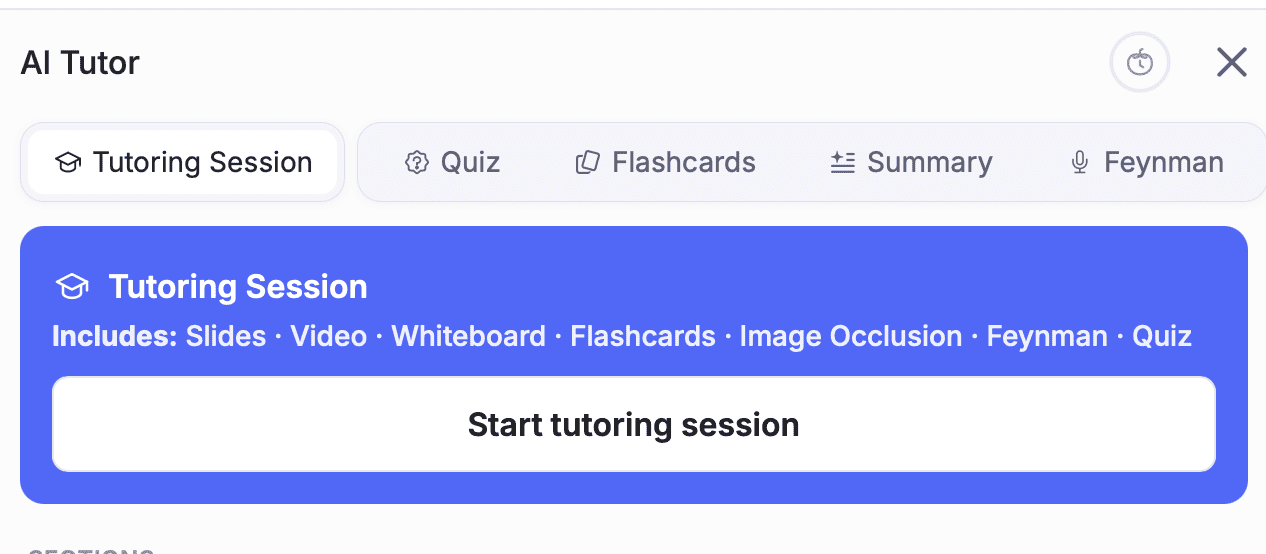
StudyFetch pairs AI flashcards and quizzes with an AI tutor chat that answers questions about your uploaded study materials. It handles PDFs, slides, and lecture recordings, which suits students who learn by asking questions rather than rereading. The free tier is limited, so test it on one chapter first.
🎯 Key features:
- AI tutor chat.
- Flashcards and quizzes.
- Lecture and slide uploads.
👍 Pros:
- AI tutor chat answers questions about your materials.
- Takes PDFs, slides, and lecture recordings.
- Flashcards and quizzes in the same place.
👎 Cons:
- Limited free tier.
- Tutor answers still need to be checked against your textbook.
9. Turbo AI: Best for Lecture Recordings
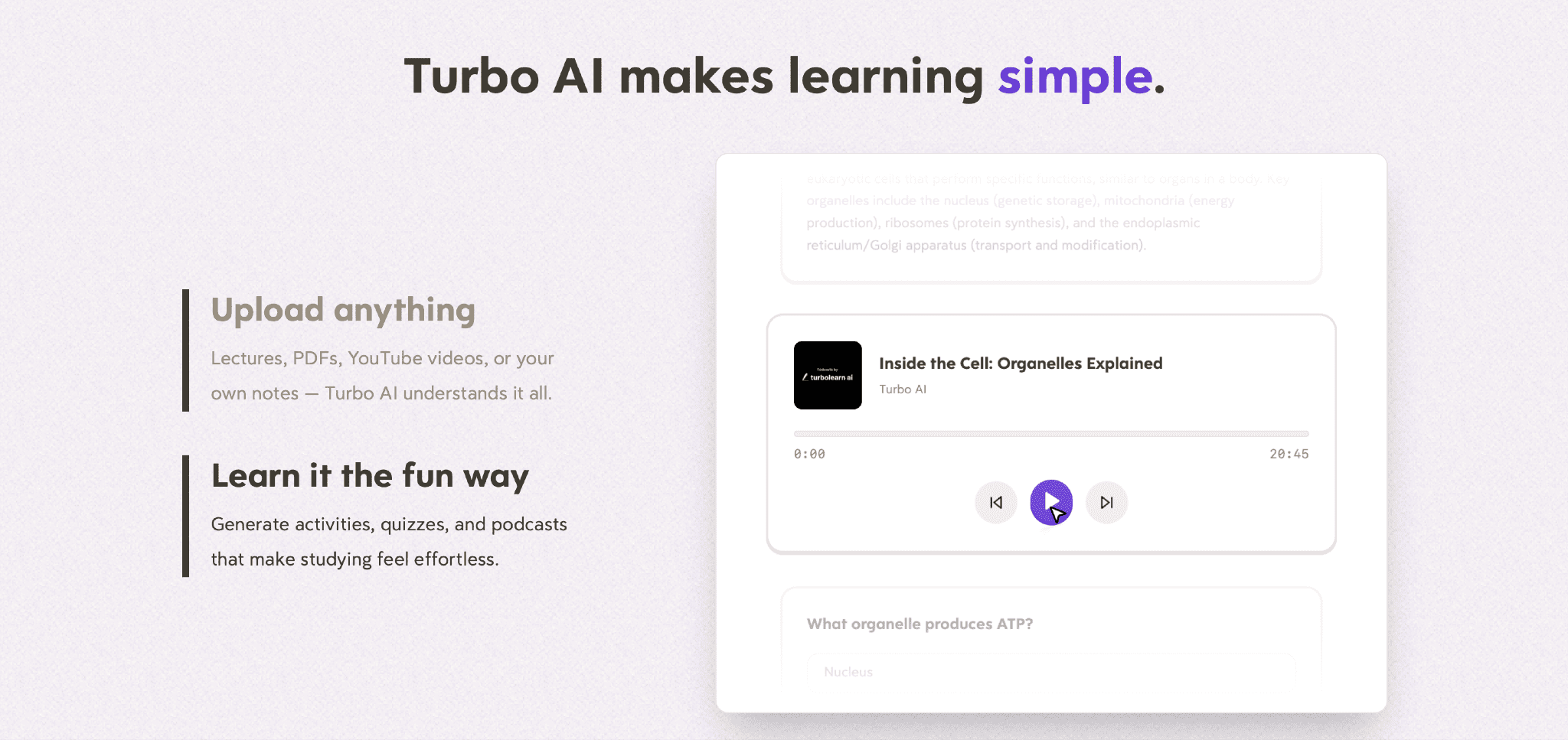
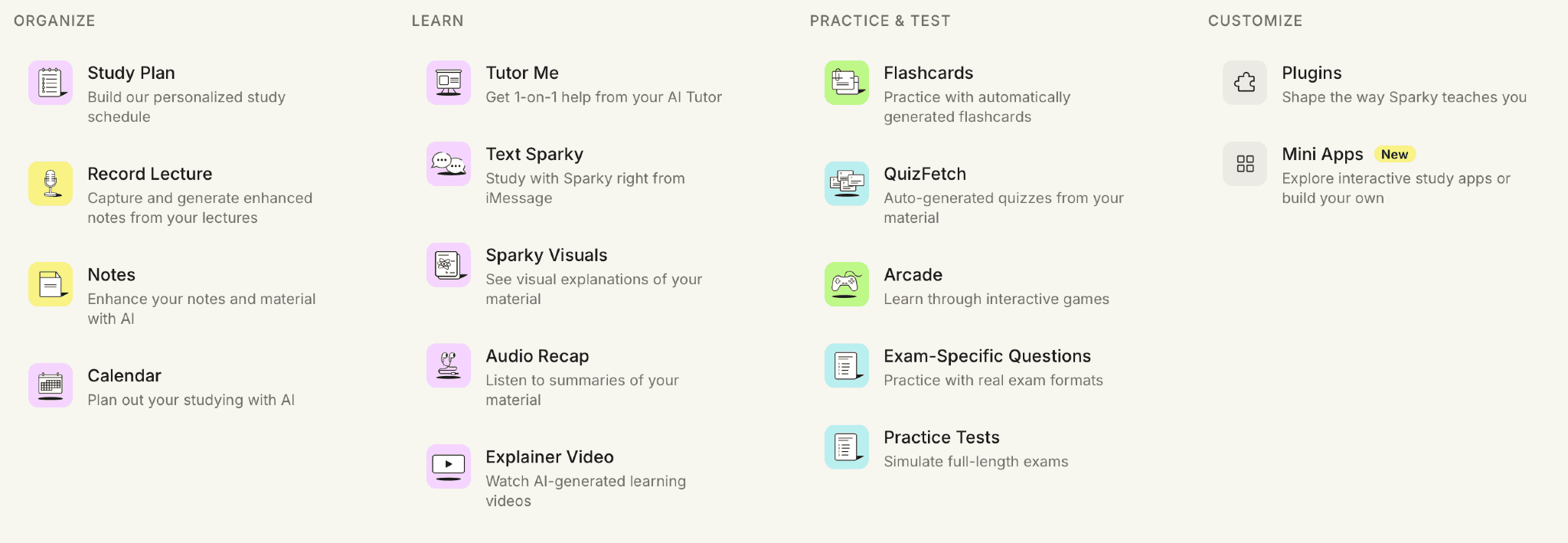
Turbo AI turns recorded lectures, YouTube videos and documents into notes, flashcards and quizzes, with an AI chat for quick questions. It’s a stripped-down study app for students who prefer recording to typing. Check the current free tier before you rely on it all semester.
🎯 Key features:
- Lecture, video, and document uploads.
- Notes, flashcards, and quizzes.
- Built-in AI chat.
👍 Pros:
- Handles lecture recordings, YouTube videos, and documents.
- Notes, flashcards, and quizzes in one tool.
- Simple, fast interface.
👎 Cons:
- Free limits on uploads and recording time.
- Less control over review scheduling than Anki or RemNote.
📌 Expert tip: If a textbook paragraph still reads like fog after summarizing, paste it into a sentence simplifier, then write one flashcard from the simpler version.
10. Otter.ai: Best Transcription Tool for Lectures
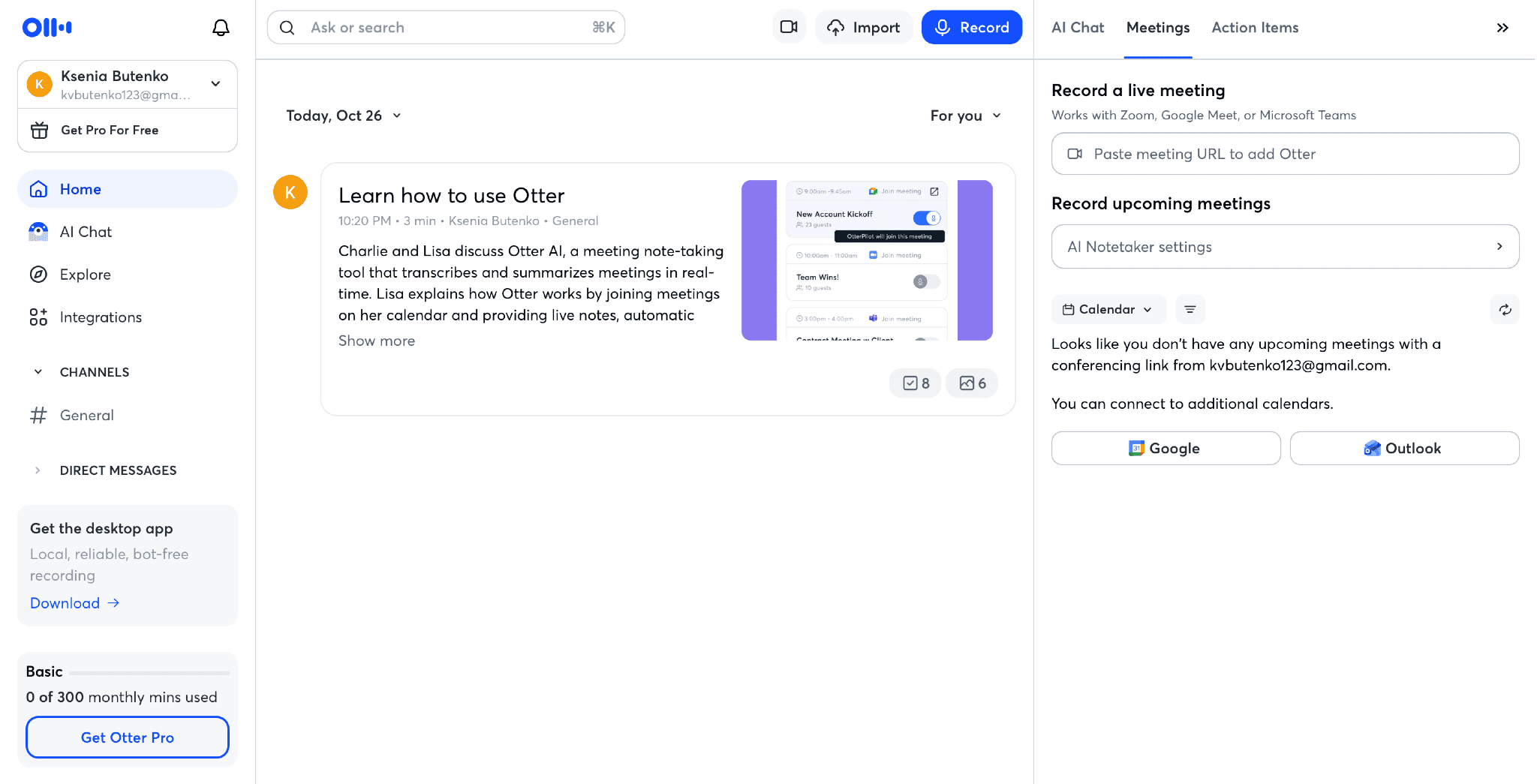
Otter is a transcription tool: it records and transcribes in real time, then adds summaries and action items. It doesn’t make flashcards, so feed the transcript into one of the tools above. Accuracy can slip in noisy rooms or with heavy accents, and the free plan has strict limits.
🎯 Key features:
- Real-time speech-to-text.
- Summaries and searchable transcripts.
- Zoom and Google Meet support.
👍 Pros:
- Real-time transcription.
- Summaries and action items.
- Works with Zoom and Google Meet.
👎 Cons:
- No flashcards, so you need a second tool.
- Accuracy can slip with heavy accents or noisy rooms; the free plan is tightly limited.
11. Notion AI: Best for Your Study Stack
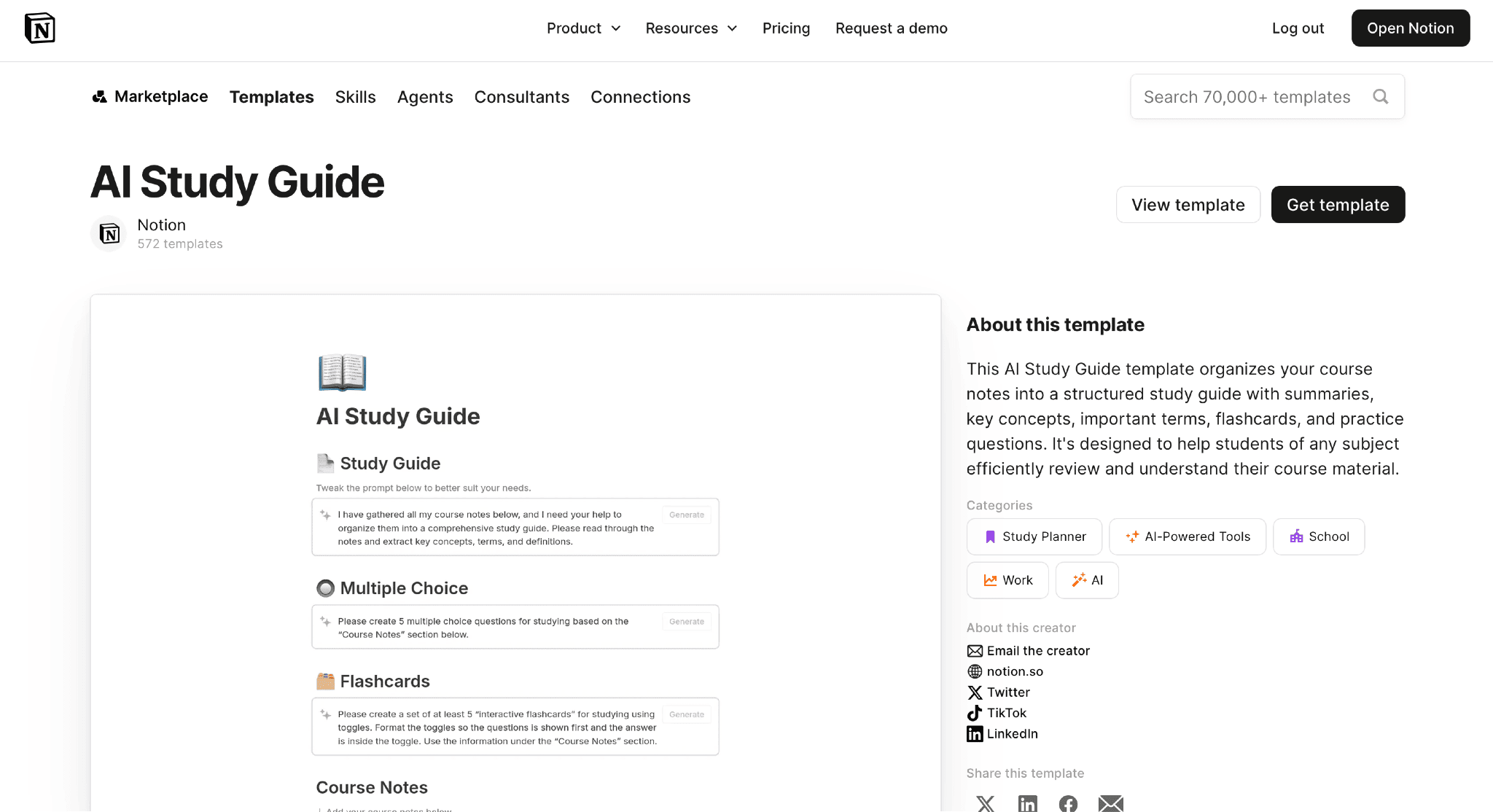
Notion is where many students already keep schedules and lecture notes. Its built-in AI can build and fill databases, such as a study tracker, from a plain-language prompt. It’s not a flashcard engine, but rather the hub of your study stack. A free plan exists, but check which AI features it includes.
🎯 Key features:
- AI database builder.
- Study trackers and notes in one place.
- Collaboration for group projects.
👍 Pros:
- Notes, trackers, and schedules in one workspace.
- AI builds and fills databases from a prompt.
- Good for group projects.
👎 Cons:
- Not a flashcard tool.
- Many options can slow setup; some AI features may require a paid plan.
12. Khanmigo: Best AI Tutor for Fundamentals
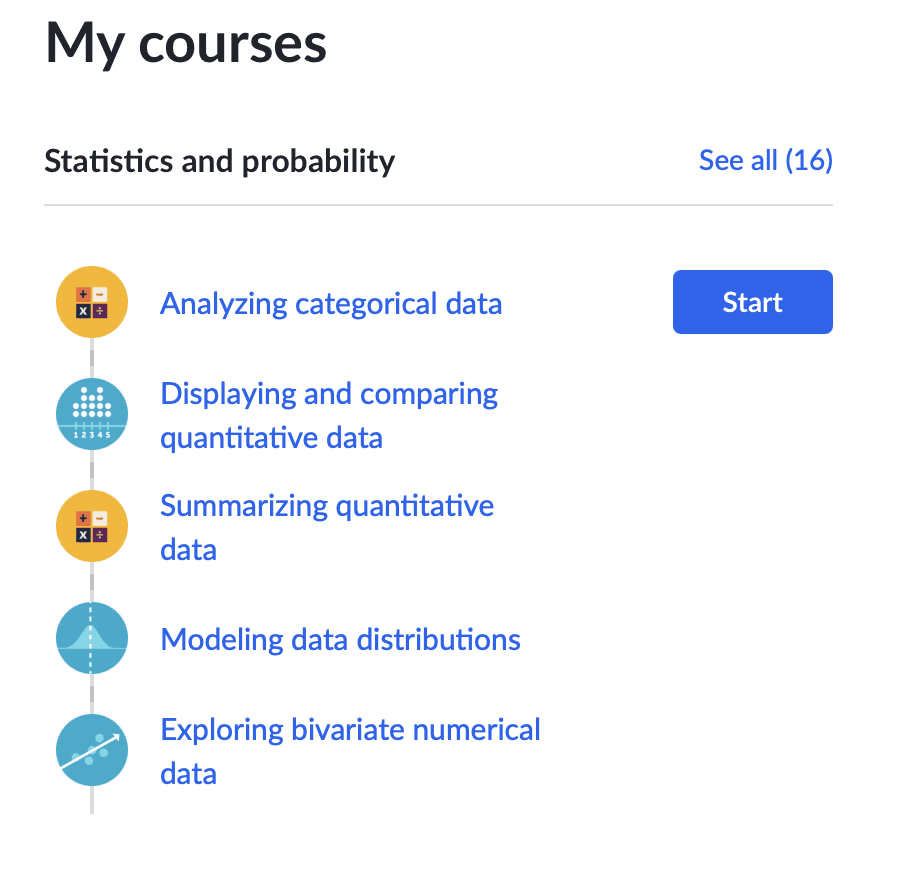
Khanmigo is Khan Academy’s AI tutor. Instead of handing over answers, it asks guiding questions, which is why I rate it for building fundamentals. It can feel basic for advanced university courses, though. When you only need a quick explanation, you can ask AI a question directly instead of opening a full tutoring session.
🎯 Key features:
- Socratic-style AI tutor.
- Practice quizzes.
- Writing feedback.
- Create full lessons for specific topics.
👍 Pros:
- Guides you with questions instead of giving answers.
- Built for learning, with practice quizzes.
- Low-cost subscription.
- Free tier.
👎 Cons:
- Can feel basic for advanced university courses, and it can still make mistakes.
Best AI Study Tools by Use Case
- Exam week: GetSolved for summaries, then Knowt or Quizlet for flashcards.
- Long-term retention: Anki or RemNote.
- Research and papers: NotebookLM or Anara.
- AI tutor: Khanmigo or StudyFetch.
- Best free: Knowt, NotebookLM and Anki.
- After the notes are done: pair your study stack with an AI assistant for writing to turn notes into drafts.
Final Verdict
Choosing the right tool depends on how you study. For most college students, I’d build a small study stack instead of hunting for one winner:
- a summarizer for reading;
- NotebookLM for cited answers;
- Anki or Knowt for flashcards.
That covers the effective study strategies research supports, and it keeps your study time on practice, not on setup.
⭐ My overall top pick for most students is the GetSolved AI summarizer for reading, with flashcards as the next best option.
Whichever tools you choose, test them on one real chapter before exam season, check each plan’s free limits again, and keep only what gets you to practice faster. A tool that saves you setup time is worth more than any feature list!
FAQ
What is the best AI study tool for students? There’s no single winner. For summaries, I’d start with GetSolved; for cited answers from your own files, NotebookLM; for flashcards, Knowt or Anki.
What is the best free AI study tool? Knowt, NotebookLM, and Anki all offer a usable free plan. Free limits change, so check each pricing page.
Can I use AI for studying without breaking school rules? Policies differ. Gallup reports that about half of students say their schools discourage or prohibit AI, so read your course policy first.
How many AI study tools do I need? Two or three. One for reading, one for flashcards and practice tests, and optionally an AI tutor.