
AI tools for summarizing texts and documents of all kinds are becoming increasingly popular thanks to their usefulness and ease of use. This also means there’s a huge number of these products available online in 2026, from specialized tools to feature-rich platforms. Check any of the major AI tools for content creation, and you’ll most likely find a built-in tool for summarizing PDFs or other documents.
With that in mind, I started wondering which platforms were actually the best. There’s plenty of quantity, but what about quality? To find out, I read online reviews and long discussions on Reddit. Then I tried every product that seemed to be the most highly rated and ended up selecting the 9 I consider the best.
In this article, I provide a list of the best options with their strengths and weaknesses. I’ve also added useful details on pricing, specific features and other tools built into these platforms.
What Is an AI Summarizer?
Simply put, an AI summarizer uses artificial intelligence to read long content and condense it into its key points, either as a short paragraph or a bulleted list.
The best of these tools preserve the original meaning while cutting everything you don’t need. They can summarize:
- Documents and PDFs
- Articles and web pages
- Notes and videos
As you’ll see, some tools specialize in only certain formats, like PDFs or videos, while others are more versatile and can handle almost any type of content.
The 9 Best AI Summarizers Compared
Before going into detail on each tool, you can compare them side by side in this table. I’ve noted the type of content each one handles best, so you can jump straight to the tools that fit what you need to summarize.
| # | Tool | Best for | Standout feature | Starting price | My rating |
|---|---|---|---|---|---|
| 1 | GetSolved AI Summarizer | Documents and PDFs | Bullet or paragraph summaries of PDFs, Word files and slides | $2 for 7 days | 4.9/5 |
| 2 | QuillBot | Articles and short texts | Paragraph, bullet and custom summary modes | Free (up to 600 words) | 4.8/5 |
| 3 | Recall | Building a knowledge base | Saves and links summaries of articles, videos and PDFs | Free (10 summaries/month) | 4.8/5 |
| 4 | Scholarcy | Academic papers | Summary flashcards with extracted references | Free (up to 10 summaries) | 4.6/5 |
| 5 | NoteGPT | Study notes and YouTube | Video summaries, notes and flashcards in one place | $9/month (billed annually) | 4.4/5 |
| 6 | Wordtune | Long reports and business documents | Summaries plus rewriting in your browser | Free (3 summaries/month) | 4.3/5 |
| 7 | Jasper | Marketing and content teams | Turns summaries into on-brand content | $59/seat/month (billed annually) | 4.2/5 |
| 8 | TLDR This | Web articles and news | One-click summaries with author, date and reading time | Free (5 PDF uploads/day) | 4.2/5 |
| 9 | Gemini | Custom summaries via prompts | Full control over what the summary includes | Free | 4.0/5 |
As you can see, most of these tools have a free plan, so you can test them on your own material before paying.
1. GetSolved AI Summarizer: The Best AI for Summarizing Overall
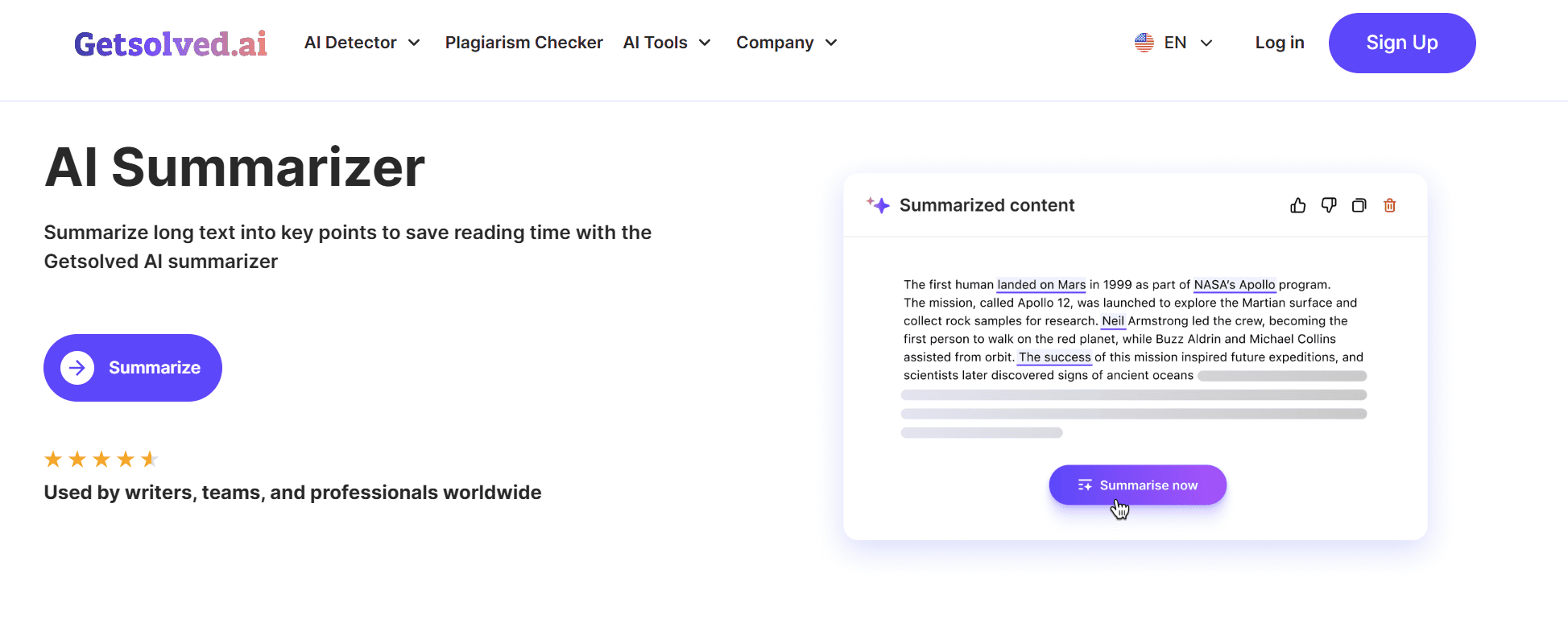
Let’s start with GetSolved, the tool I’d recommend to most people, especially if what you need to summarize are documents. It works as a true document summarizer: you upload a PDF, a Word file, a plain text file, or even a slide deck, and in a few seconds you get its key points, keeping the original meaning intact.
You choose whether you want short bullet points for a quick overview or a longer paragraph with more detail, and you can adjust the length, from a few lines for news or meeting notes to a fuller summary for reports and manuals.
What sets it apart from the rest of the list is that the summarizer is just one part of a bigger platform. Once you have your summary, you can turn it into something new with the AI writing assistant, rephrase it with the paraphraser, or polish it with the grammar checker, all without switching tools.
Pros
- Cheap 7-day access to try every feature
- No hard word limit for typical use
- Uploaded files are processed securely and kept confidential
- Fact checker, plagiarism checker and AI detector on the same platform
Cons
- Doesn’t summarize YouTube videos or web links directly
- Very long files can take a little longer to process
- The 7-day access renews at full monthly price unless you cancel
Pricing: 7-day access for $2.00, Monthly plan at $19.99/month, or Annual plan at $95.88/year ($7.99/month). VAT included, and you can cancel anytime.
Rating: 4.9/5.
2. QuillBot: The Best for Articles and Short Texts
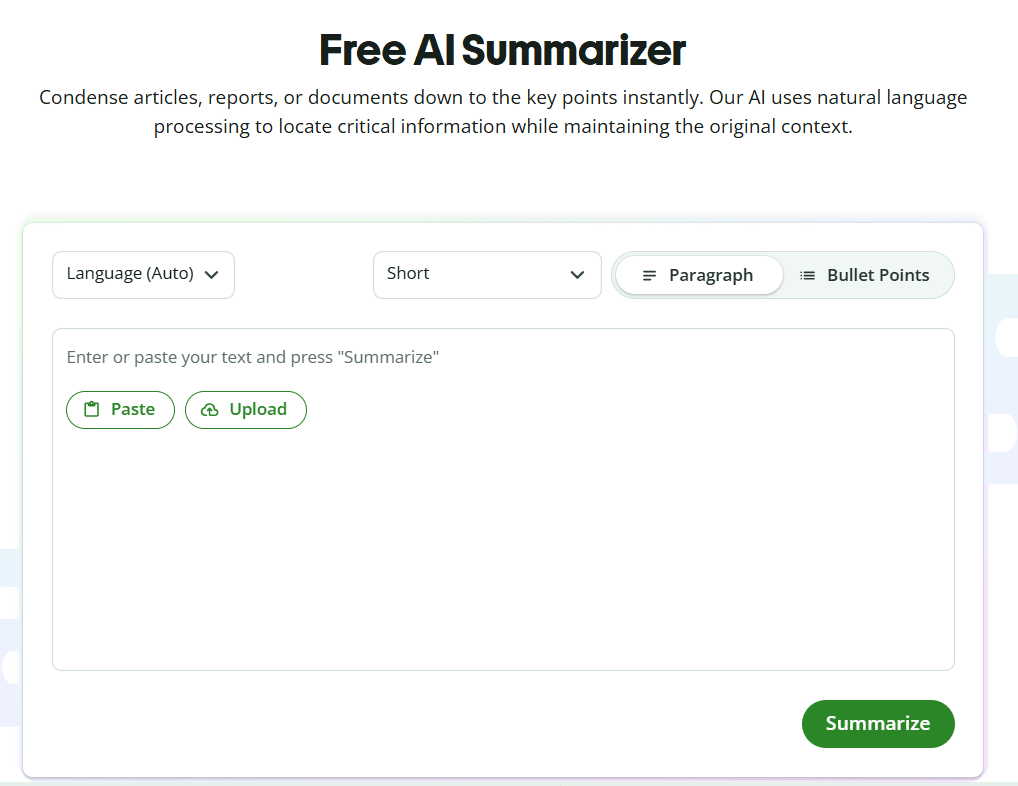
QuillBot is probably the name you’ve heard most often, and for good reason: it’s quick, simple and free for short texts. You paste text or upload a document, pick between a paragraph, bullet points, or (on Premium) a custom summary based on your own instructions, and adjust the length with a slider.
Since QuillBot was born as a paraphrasing tool, it also works as a sentence shortener when you only need to tighten a single line instead of summarizing a whole text. A Reddit user in r/NoteTaking who tested about 30 summarizers summed it up well: QuillBot is “simple to use and the best part is it’s free… but it’s not the best for longer form content.” That matches my experience: it’s my go-to for articles, not for 50-page reports.
Pros
- Unlimited free summaries per day
- Browser extensions for Chrome, Edge and Safari
- Add-in for Microsoft Word
- Paraphraser and grammar checker included
Cons
- Free version stops at 600 words per concise summary
- Custom summaries are Premium only
Pricing: free to start; you can go Premium for $8.33 per month (billed annually) to use all the features QuillBot offers, including custom summaries, unlimited paraphrasing modes, advanced grammar suggestions and full access to its AI Detector.
Rating: 4,8/5.
3. Recall: The Best for Building a Knowledge Base From Your Summaries
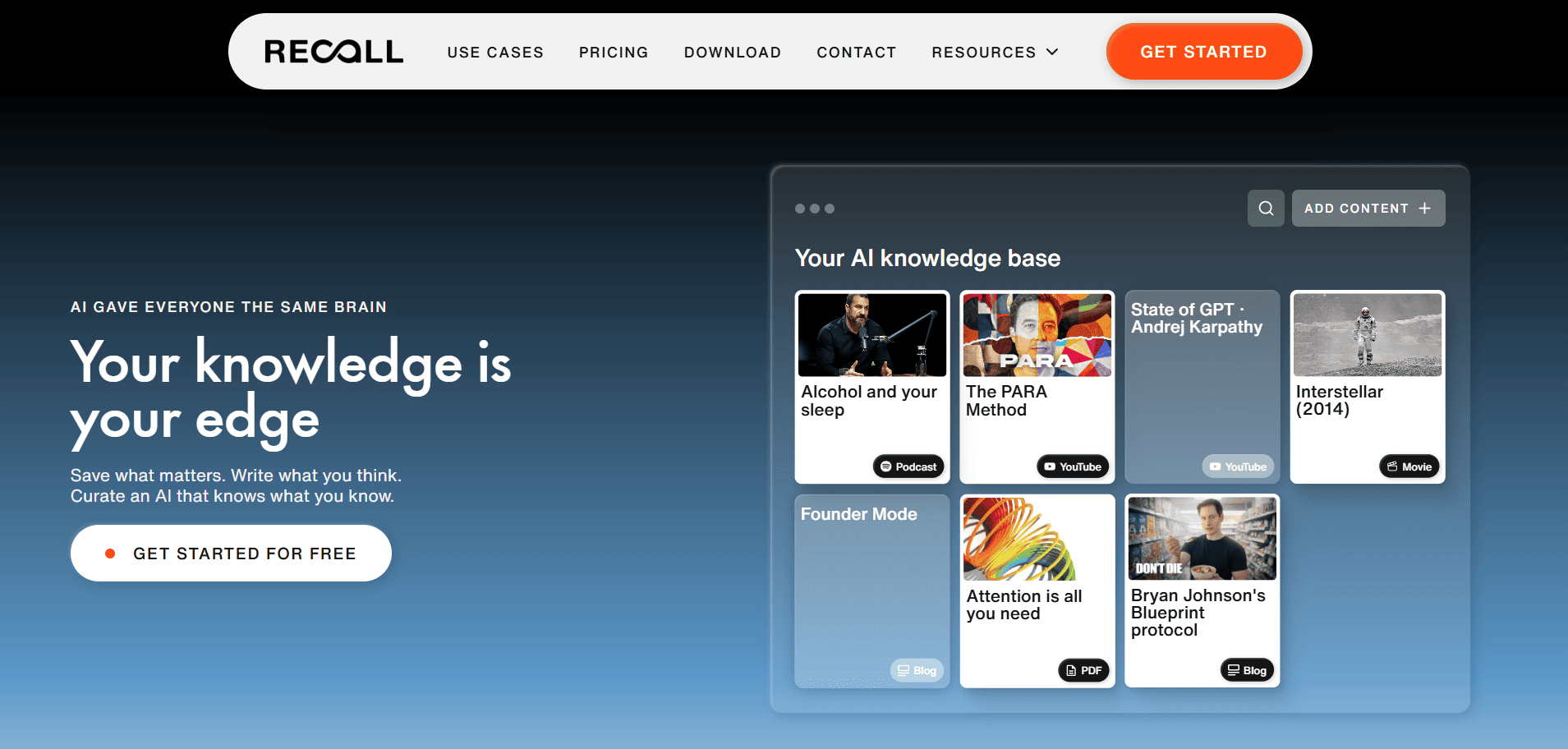
Recall is a great choice for those who don’t just need a quick summary, but also want to be able to find it again later and have a database of ready-made summaries at hand. It summarizes articles, YouTube videos up to 10 hours long, podcasts and PDFs up to 300 pages, then saves everything in a personal knowledge base that automatically tags your content and links related ideas together.
In my tests, it was one of the most consistent tools across different formats: the summaries of news, blog posts, and videos were all equally solid. It’s the most complete option on this list for those who read and watch a lot of content and want to keep it organized.
Pros
- Chat with your saved knowledge, the web, or both
- Extensions for Chrome, Firefox, Edge and Safari
- Apps for web, iOS and Android
- Resurfaces related saved content while you browse
Cons
- Only 10 AI summaries a month on the free plan
- Takes some time to organize if you only need quick one-off summaries
Pricing: free; the Plus plan costs $12 a month, or $10 a month billed annually.
Rating: 4.8/5.
4. Scholarcy: The Best for Academic Papers

If you’re a student or a researcher, Scholarcy is the tool built for you. Instead of a generic summary, it breaks a paper down section by section, from methodology to results, and turns the key points into flashcards you can review later. It also extracts the references, tables and figures, so you don’t have to dig through the PDF to find them.
It’s not the right choice for news articles or business documents, but when you have twenty papers to get through before a deadline, it saves you hours.
Pros
- Imports a range of file formats
- Highlights key phrases automatically
- One-click bibliographies and literature matrices on paid plans
- 7-day free trial on paid plans
Cons
- Free plan is limited to 10 summaries
- Built for academic papers, less useful for other content
Pricing: free; the Monthly plan costs $9.99/month, with a 1-week free trial.
Rating: 4.6/5.
5. NoteGPT: The Best for Study Notes and YouTube Videos
NoteGPT is another tool that can be very useful for students, but not only for them. In general, it’s the one I would suggest to those who need to use audiovisual content for learning purposes.
You can paste a YouTube link or upload a recording, and the tool turns it into a summary and notes that you can keep. The great thing is that it also works very well with long videos, like lectures, tutorials, and webinars. It also lets you summarize PDFs.
Pros
- Unlimited YouTube videos with subtitles on the higher plans
- AI chat to ask questions about your content
- Processes several videos at once
Cons
- No free plan
- Premium AI models are capped on the Pro plan
Price: the Pro plan costs $9 a month billed annually ($108 a year); higher plans start at $19.92 a month.
Rating: 4.4/5.
6. Wordtune: The Best for Long Reports and Business Documents
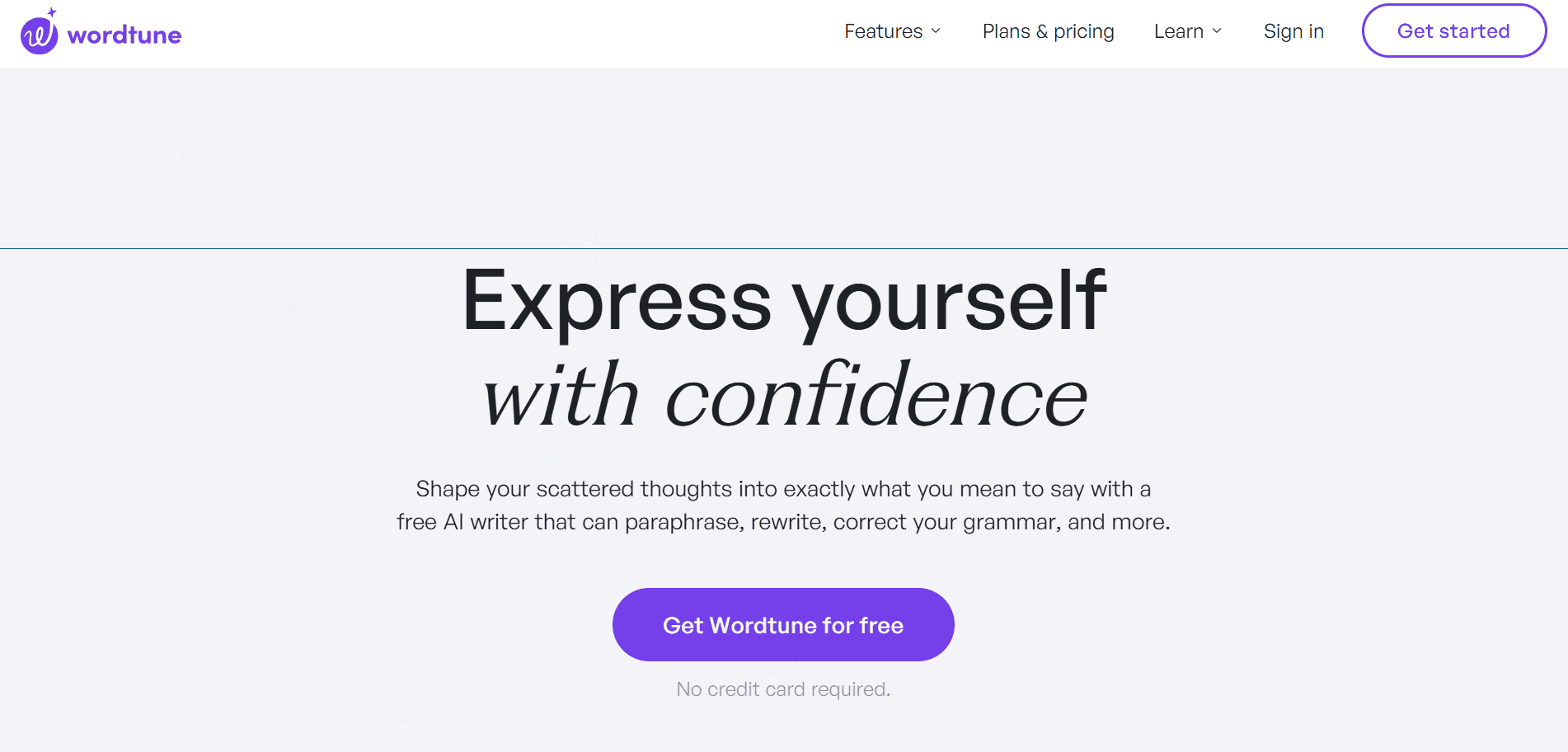
Wordtune is a product with a very polished interface, designed to help young professionals. I used it to summarize texts and videos, but since it’s also a writing tool, it lets you rewrite and refine your writing without leaving your browser or switching tools.
In my opinion, this makes it perfect for those who work every day with long reports, emails and business documents and need to turn them into something shorter and clearer.
Pros
- Unlimited grammar and spelling checks, even for free
- Affordable paid plans
- 3-day free trial on paid plans
Cons
- Only 3 summaries a month on the free plan
- Free plan limited to 10 rewrites a day
Price: free; the Advanced plan costs $6.99 a month, billed annually.
Rating: 4.3/5.
7. Jasper: Best for Turning Summaries Into Marketing Content
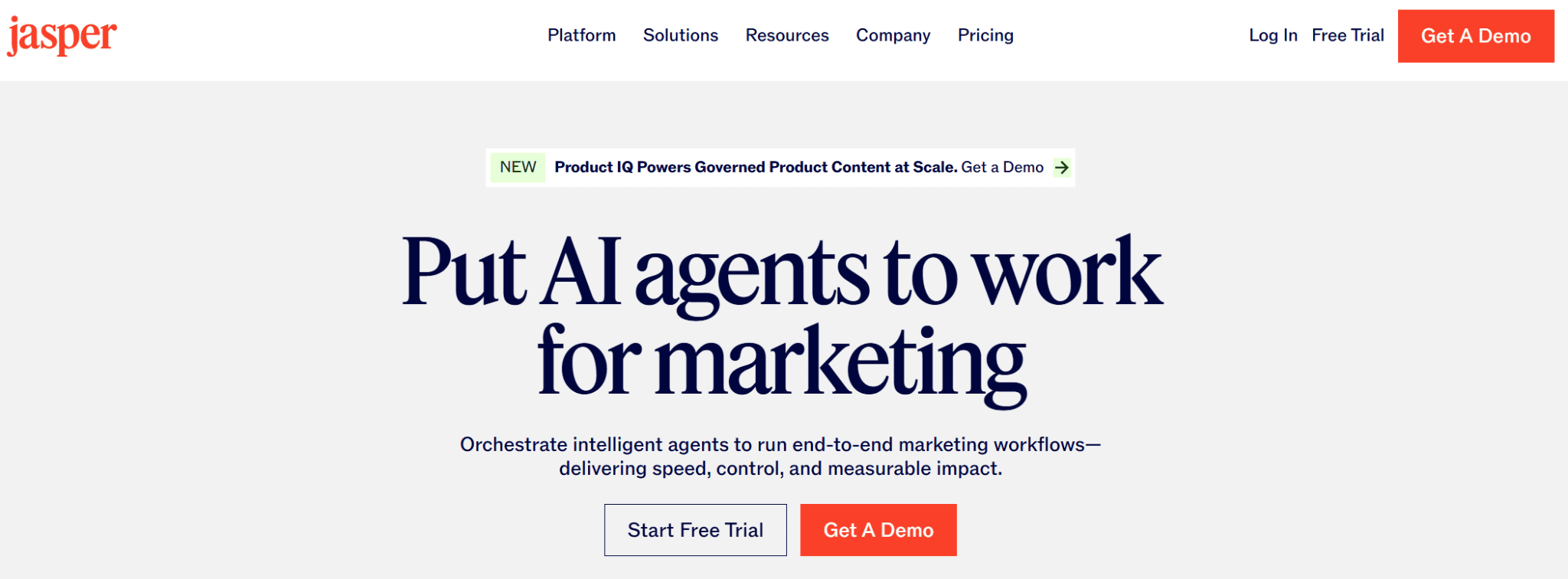
Jasper is a content platform for marketing teams, and summarizing isn’t really its main job. There’s no dedicated AI text summarizer: you paste a report, a transcript or an article into the chat or editor and ask for the key points, or use the rewrite tool to cut a long passage down. What it does well is the step after that. Once you have the main ideas, Jasper can turn them into a blog post, a newsletter, or a set of social posts written in your brand’s voice.
That makes it a good fit if your team summarizes sources mainly to publish something new. If you only want to get through your reading faster, the cheaper tools above will serve you better.
Pros
- Brand Voices keep the tone consistent across content
- Remix Content adapts one text for different channels
- Built-in image generation and editing
- Browser extension for use inside other tools
Cons
- Most expensive tool on this list
- No free plan, only a 7-day trial
- No dedicated summarization feature
Pricing: Pro costs $69/seat/month, or $59/seat/month billed annually.
Rating: 4.2/5.
8. TLDR This: The Best for Web Articles and News
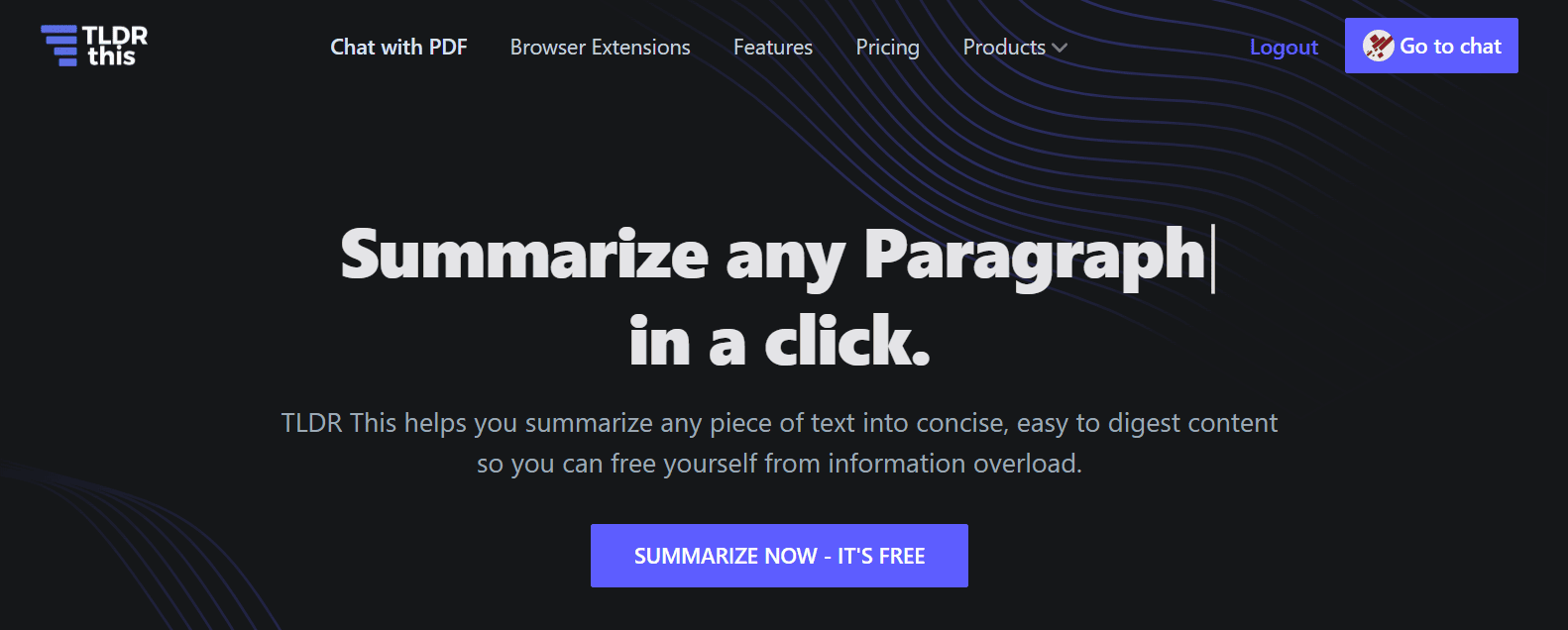
TLDR This is a very interesting tool that lives up to the name its developers chose, the acronym for “Too long; didn’t read.” In practice, by activating the tool’s extension in your browser, you can open an article and get its summary right away. Besides the key points, it also extracts the author, the publication date and an estimated reading time, which is handy when you need to go through a lot of news at once.
Its simple interface is the main reason to use it, but it isn’t perfect: in my experience it works great with regular news sites and blogs, and it’s less reliable on pages with unusual layouts, where the extension sometimes fails to detect the article.
Pros
- Free plan includes 5 PDF uploads a day and the Chrome extension
- Chat with any PDF, link or text
- Pro adds unlimited PDF uploads and chat with YouTube videos
Cons
- Free plan is capped at 20 messages a day
- 10 MB upload limit per PDF on the free plan
Pricing: free; the Pro plan costs $9.99 a month.
Rating: 4.2/5.
9. Gemini: The Best for Custom Summaries via Prompts

I chose Gemini to close the list because it isn’t a dedicated summarizer, but it’s the most flexible option here. Instead of choosing from preset modes, you tell Google’s AI assistant exactly what you want: “summarize this in five bullets for a beginner,” “focus only on the numbers,” or “what does this paragraph actually mean?” When a summary isn’t clear, you can ask AI for explanations right in the same chat.
There’s a catch, though: with long texts, general assistants can drift. As Reddit user u/mibtp mentioned, Gemini can “change the story and add elements that are not there. This happens with documents over 20 pages.” For long documents, always double-check the result against the original.
Pros
- Free with a Google account
- Handles almost any kind of content you paste or upload
- Can explain, translate and rewrite the summary too
Cons
- You have to write your own prompt every time
- Can add details that aren’t in long documents
- Most powerful model reserved for paid plans
Pricing: free; Google AI Pro costs $19.99/month.
Rating: 4.0/5.
Which Summarizer Tool Is Right for You? My Picks by Content Type
Before wrapping up, here’s a quick recap of the best AI summarizing tool depending on what you need it for:
- For documents and PDFs: GetSolved is the ideal document summarizer because it handles PDFs, Word files and slides, and lets you choose between bullets and paragraphs.
- For articles and web pages: QuillBot for short texts you paste in, TLDR This for one-click summaries while you browse.
- For notes and videos: NoteGPT turns YouTube lectures into notes and flashcards, while Recall saves everything in a knowledge base you can search later.
- For research papers: Scholarcy, with section-by-section summaries and extracted references.
- For business reports: Wordtune, to summarize and then rewrite in the same place.
- For content creation: Jasper, if your summaries end up becoming blog posts or social updates.
- For full control: Gemini, when you want to decide exactly what the summary should focus on.
The Final Verdict
There’s no single summarizer that’s perfect for every kind of content, but there is a clear starting point. If you want one tool that handles documents and PDFs well and gives you a full writing platform around it, my top pick is GetSolved. If most of what you read is online, QuillBot and Recall are the strongest alternatives.
Whatever you choose, test it on something you already know well, and always check the summary against the original when the stakes are high.